One calendar for Google Calendar, Outlook, Zoho Calendar and CalDAV
Time, kept in one place.
Every calendar you use in one week, next to the mail and files that go with it.
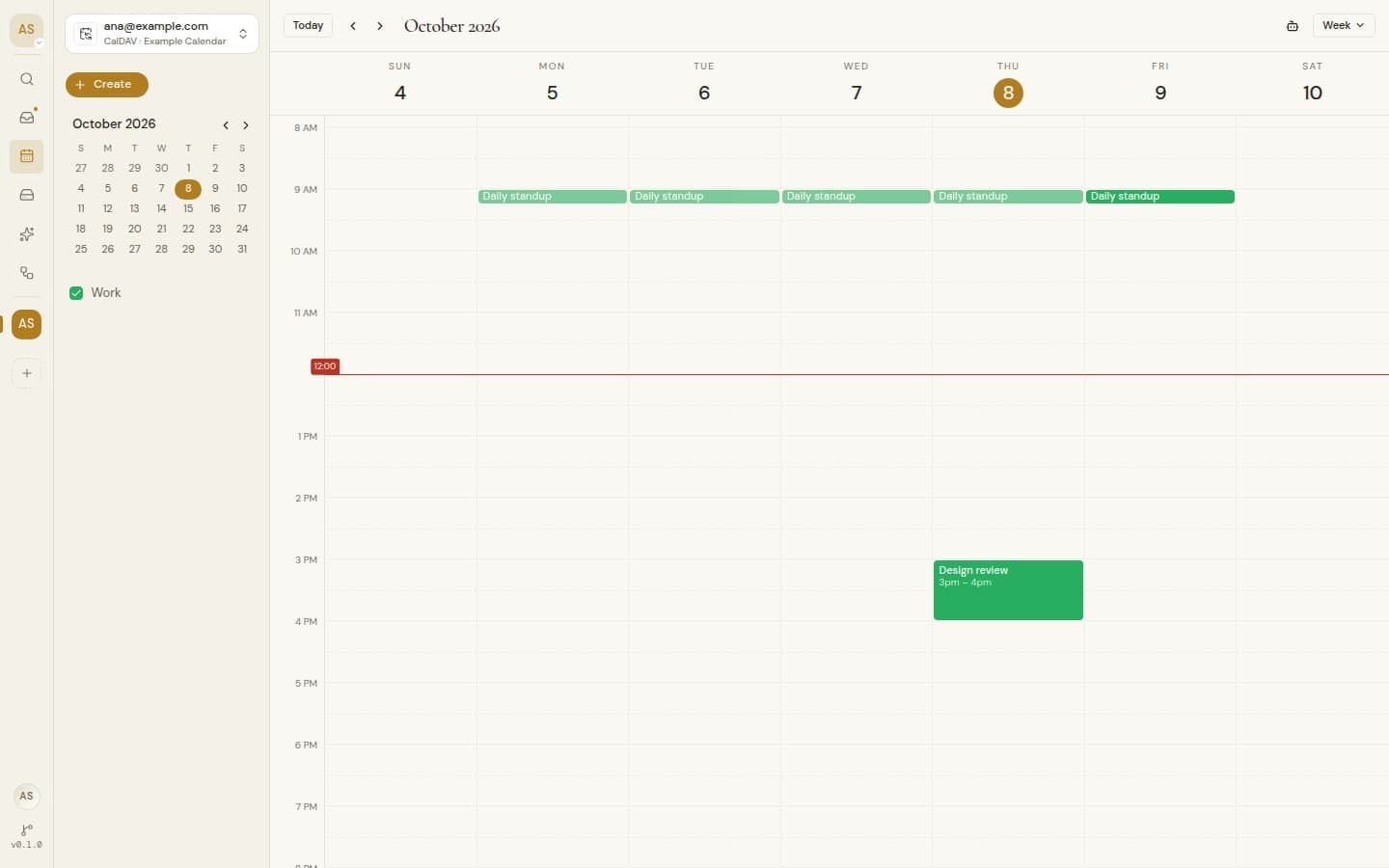
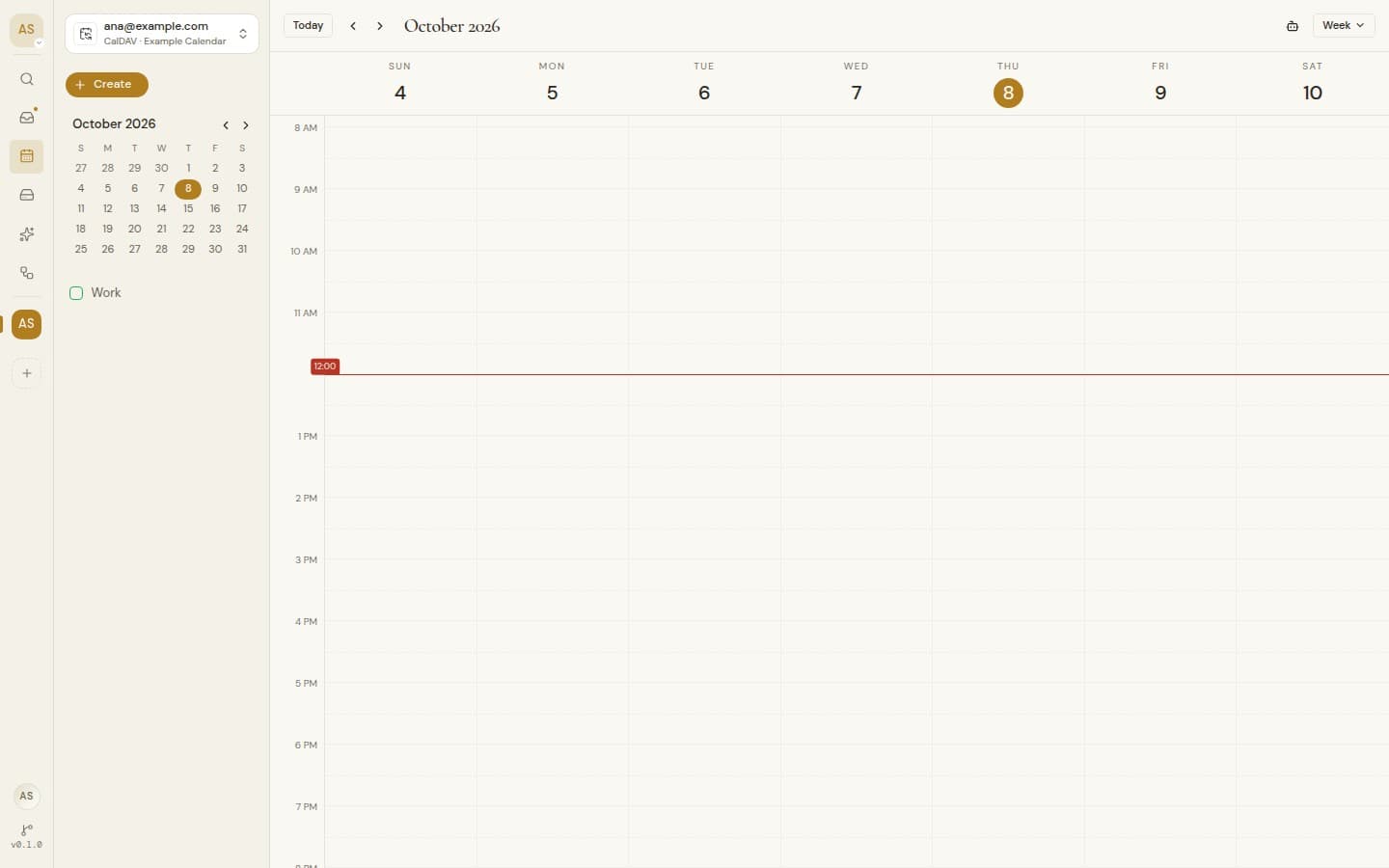
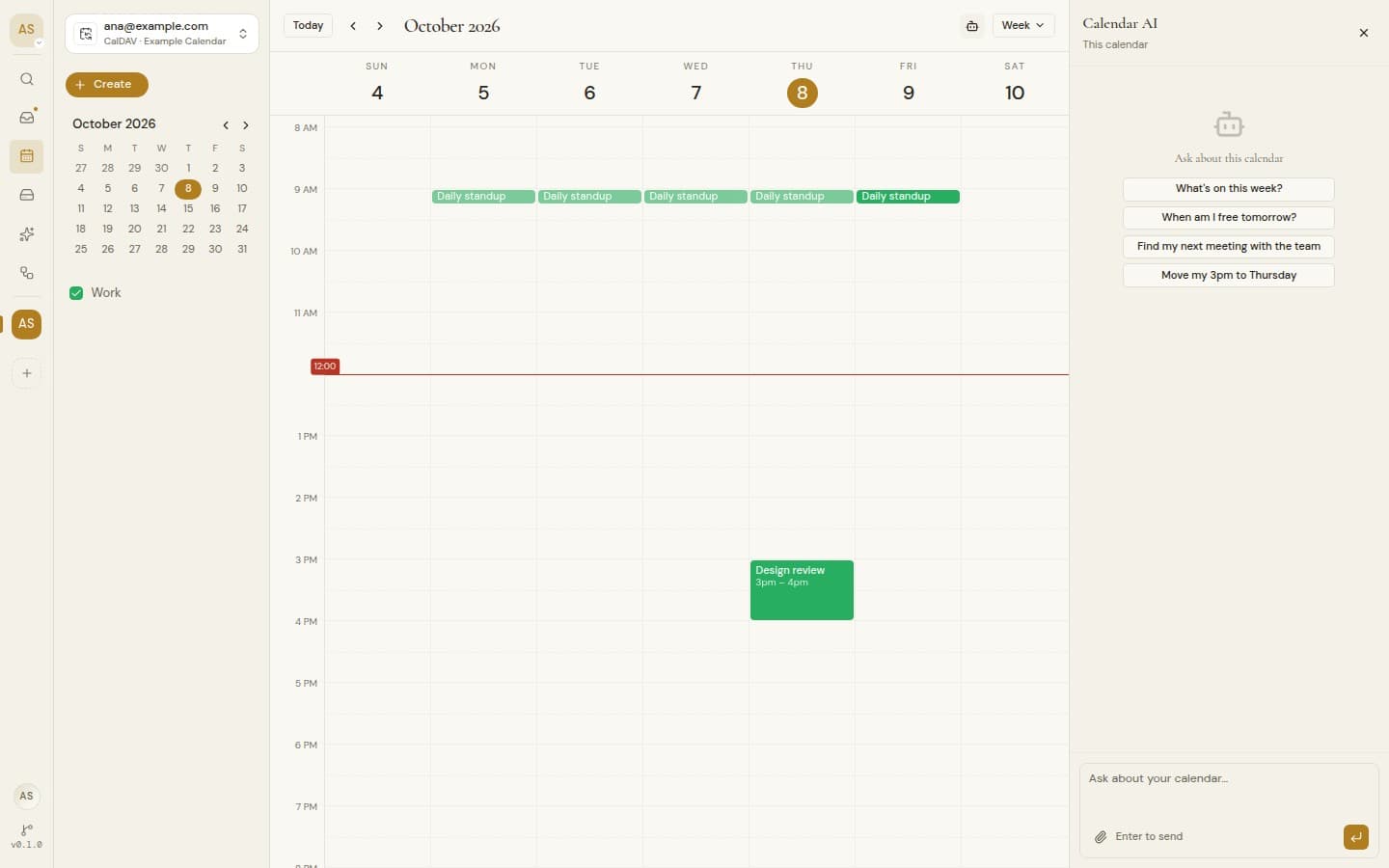
Every calendar, one week.
Google Calendar, Outlook, Zoho Calendar and any CalDAV server, side by side in the same view.
Google Calendar, Outlook, Zoho Calendar, CalDAV
The free hour, found.
Ask for 45 minutes with Priya next week. The agent reads every calendar and proposes a slot that works for both.
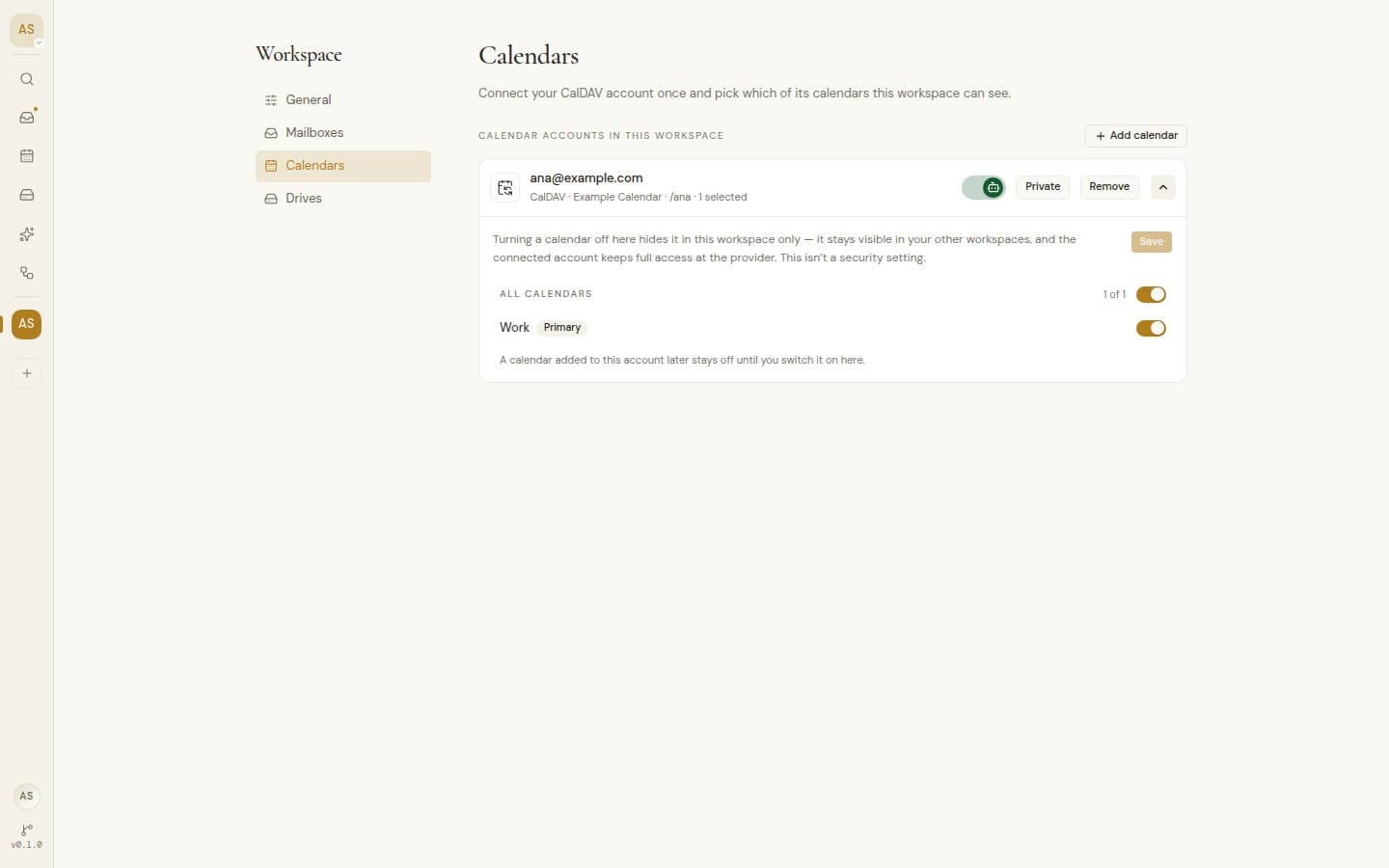
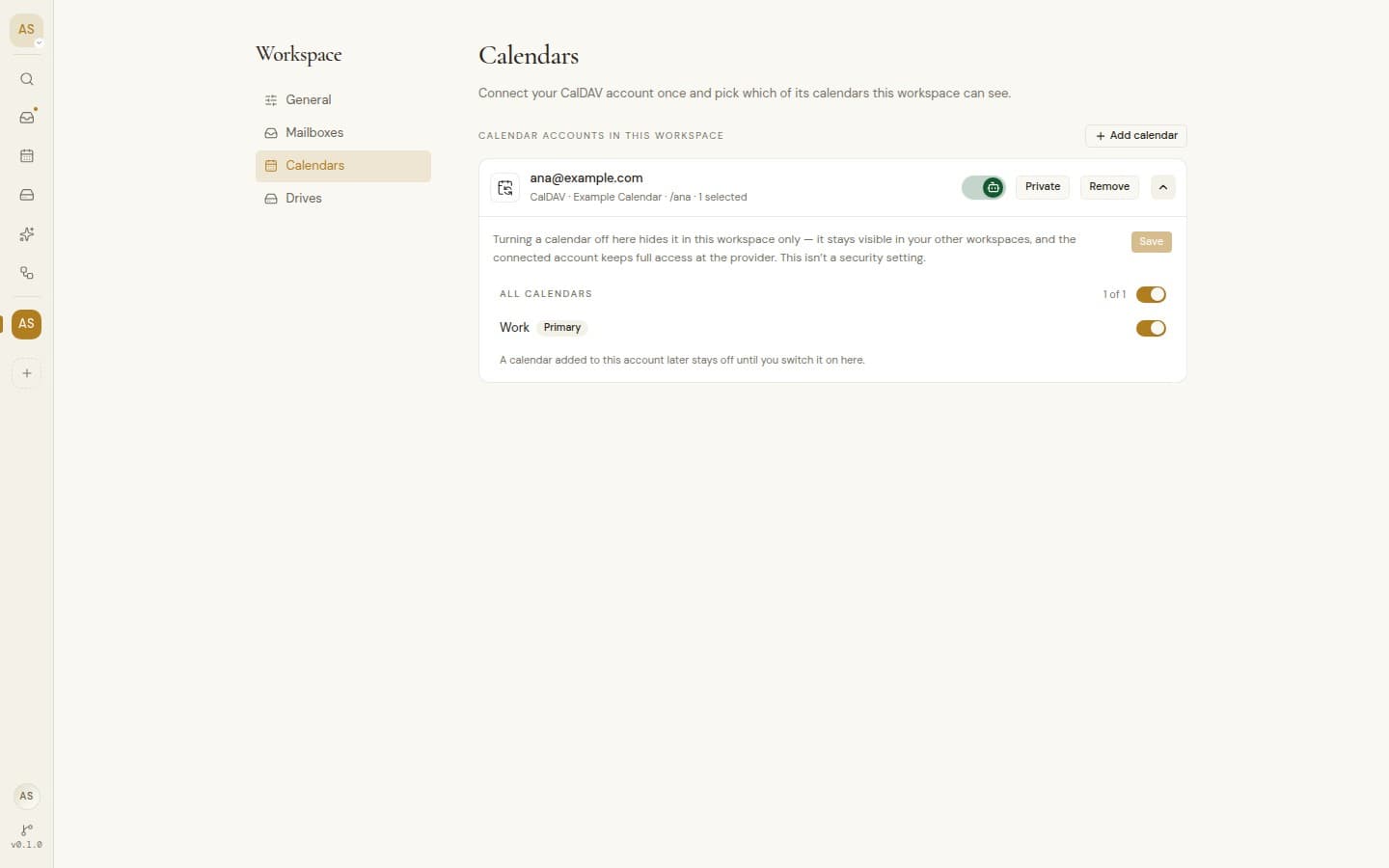
Each workspace sees what you choose.
Pick which calendars a workspace can see. Hidden ones stay out of its views, its agent and its MCP tools.
Every calendar, one week.
Google Calendar, Outlook, Zoho Calendar and CalDAV side by side, with real editing and an agent that finds the free hour.
Google, Outlook, Zoho and CalDAV
Google, Outlook, Zoho and CalDAV
Google, Outlook and Zoho calendars come with the account you connect. CalDAV servers are added by the instance owner.
All calendars together
Every account in one view, or switch to just one.
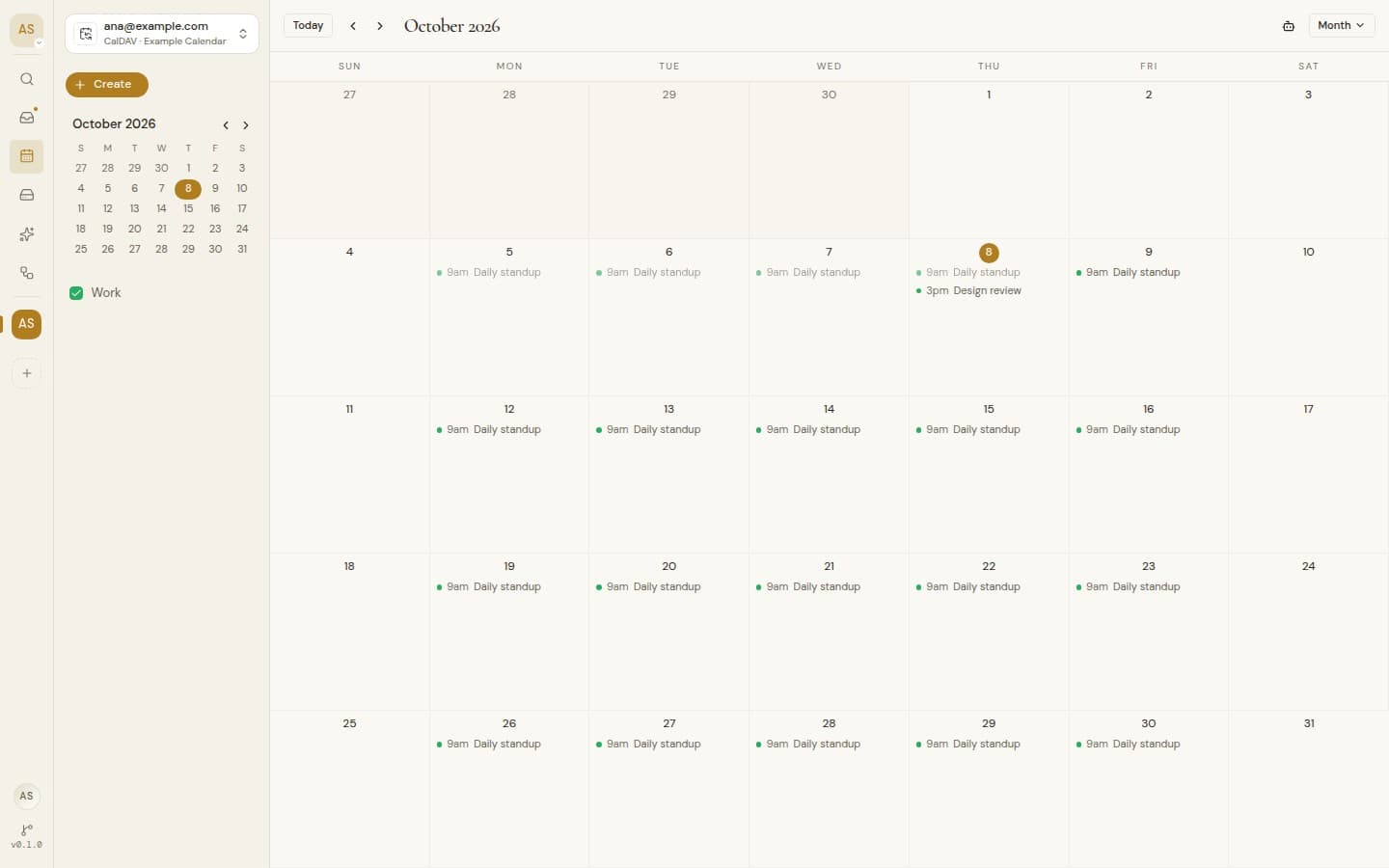
Day to year
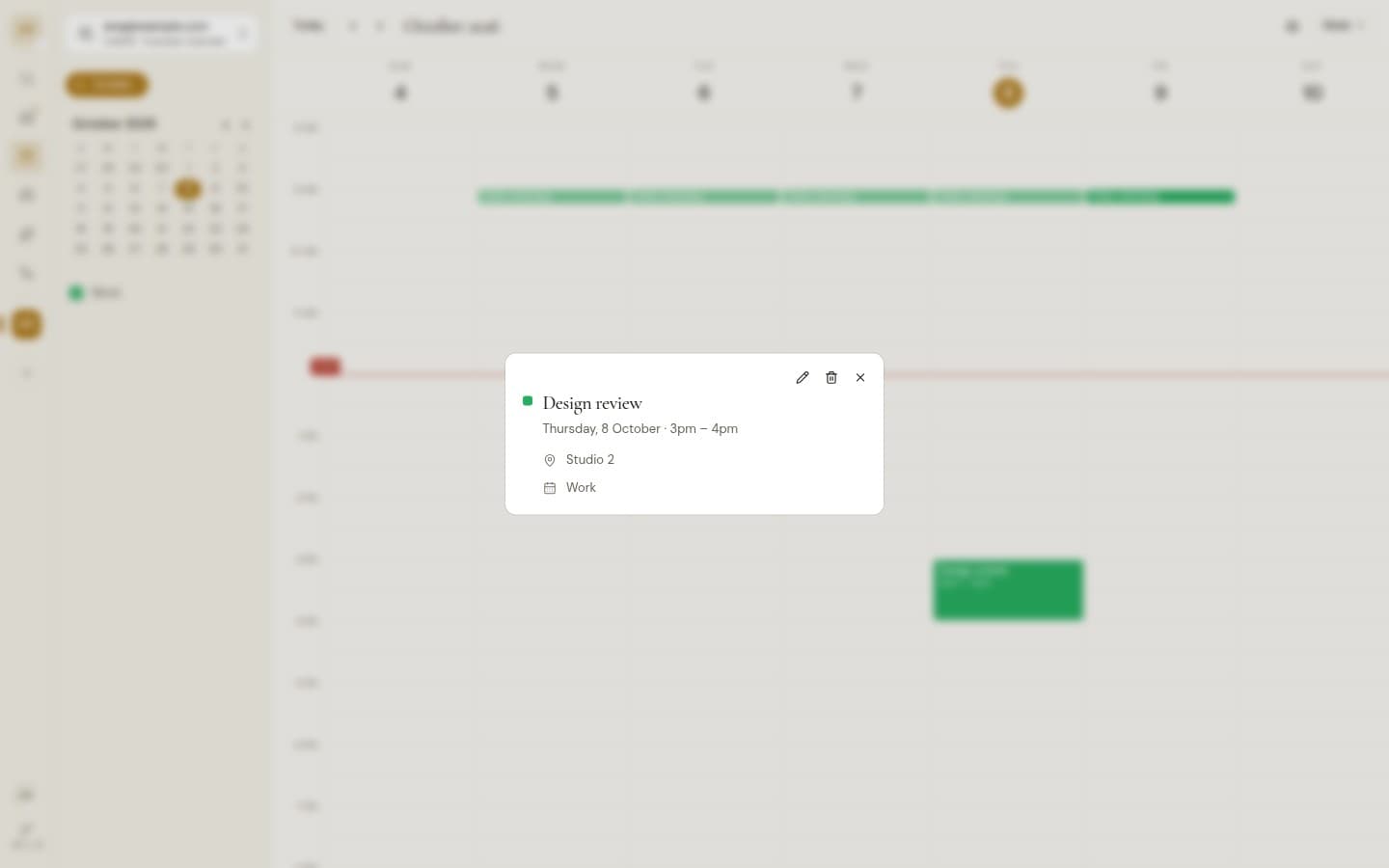
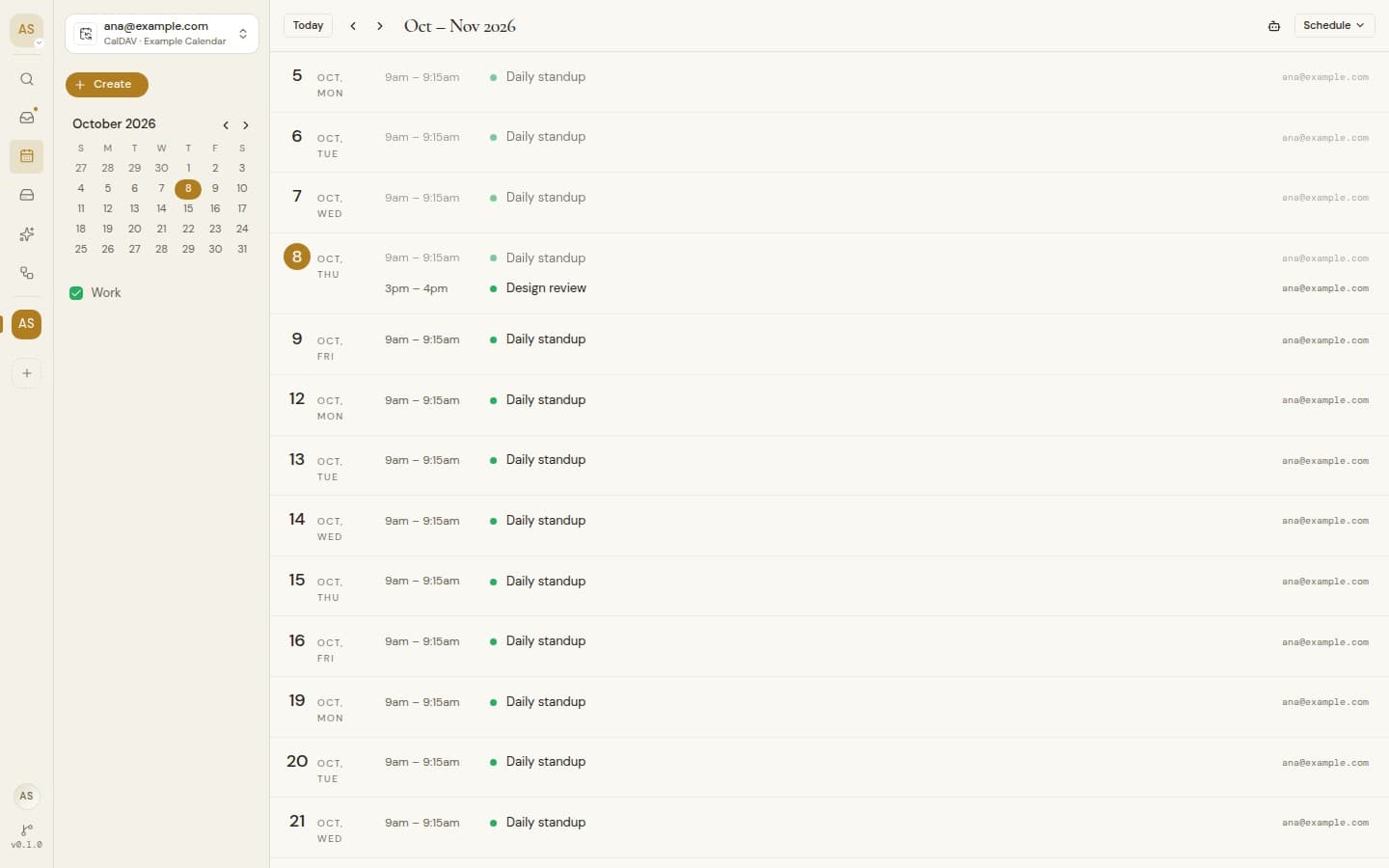
Day, Week, Month, Year and Schedule, with Today and quick paging.
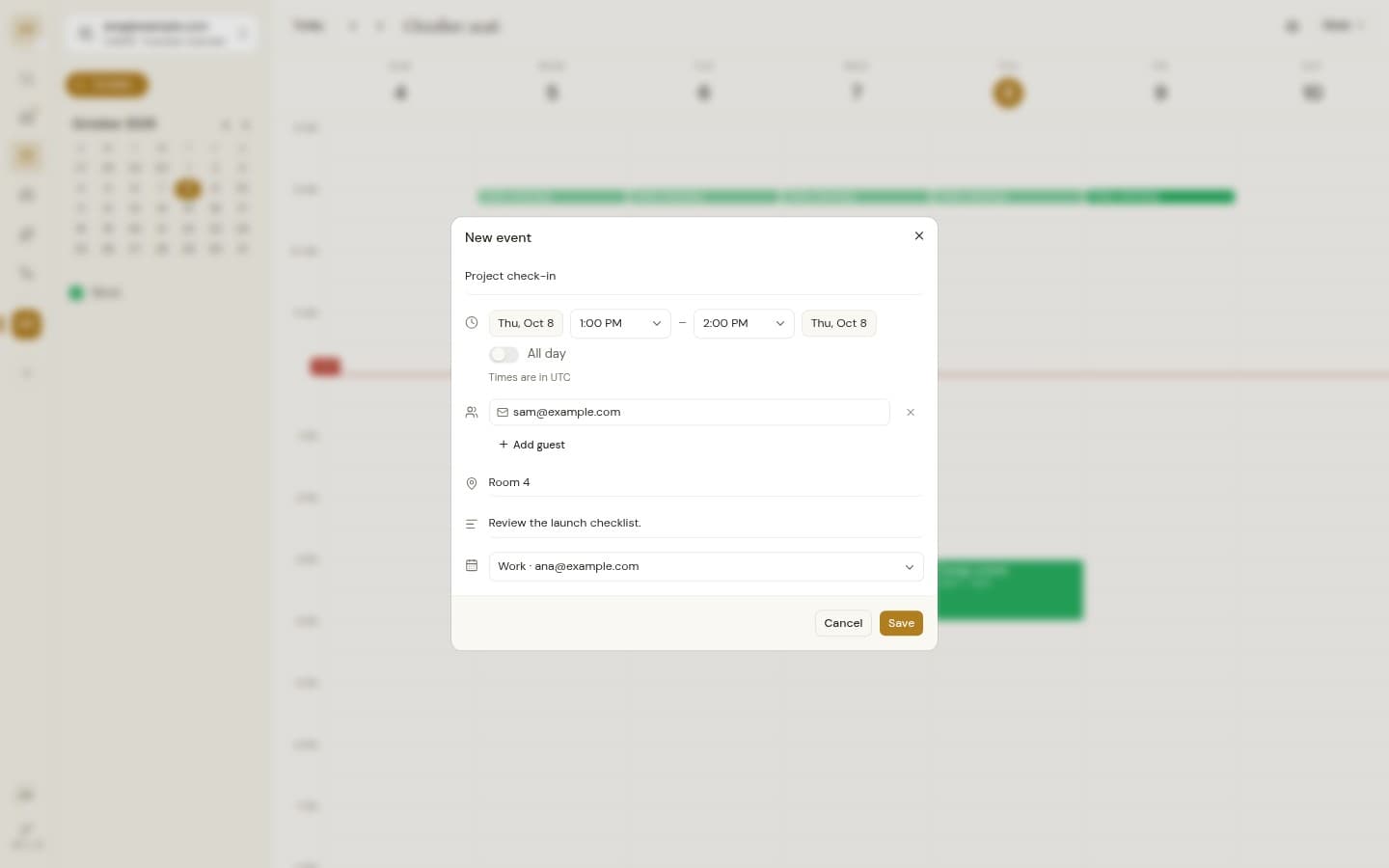
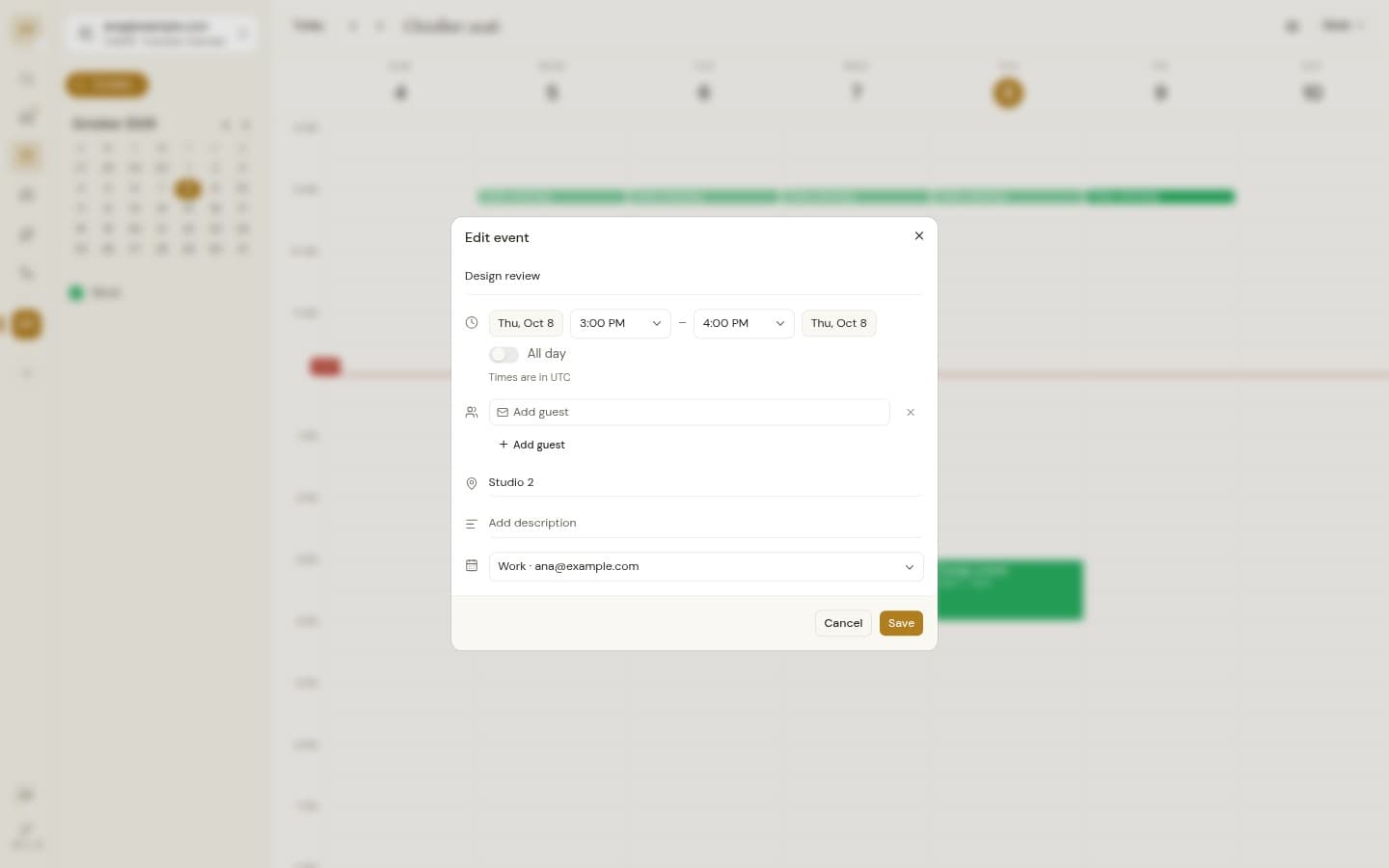
Create and edit events
Title, times, all day, guests, location, notes, and which calendar it lands on.
Click to create
Click a time slot or an empty day to start an event right there.
Drag to reschedule
Drag an event to a new time or day, or drag its edge to change its length.
Meeting links
Add Google Meet or Teams with one switch, and join from the event.
Guests and RSVP
Invite people by email and answer invitations with Yes, No or Maybe.
Repeating events
Recurring meetings show on every date they happen, clearly marked.
Your time zone
Everything shows in your local time, and all-day events stay on their day.
Colors you know
Each calendar keeps the color it has at the provider.
Show and hide for yourself
Sidebar toggles change your view only, never a teammate's.
Choose per workspace
Owners and admins pick which calendars each workspace can see and share.
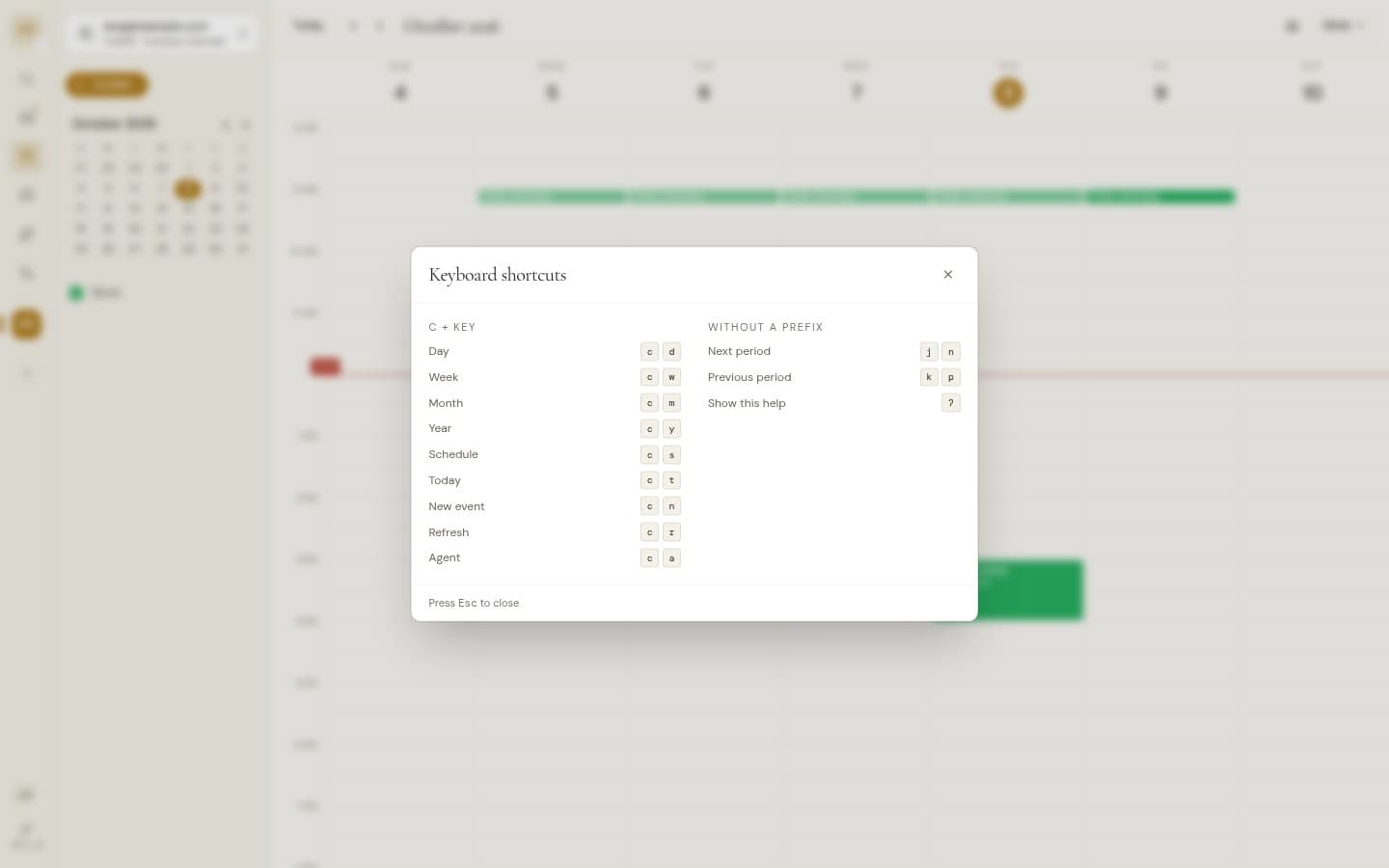
Keyboard shortcuts
C then a letter to switch view, jump to today or create. J and K page through time.
Calendar agent
AI, opt inAsk about your week, find free time, and create or move events once you approve.