Email automation workflows with AI decisions and a run history
Mail handled before you open it.
Build a workflow on a canvas, choose when it runs and what it does, and follow every run in a live history.
Starts when you say.
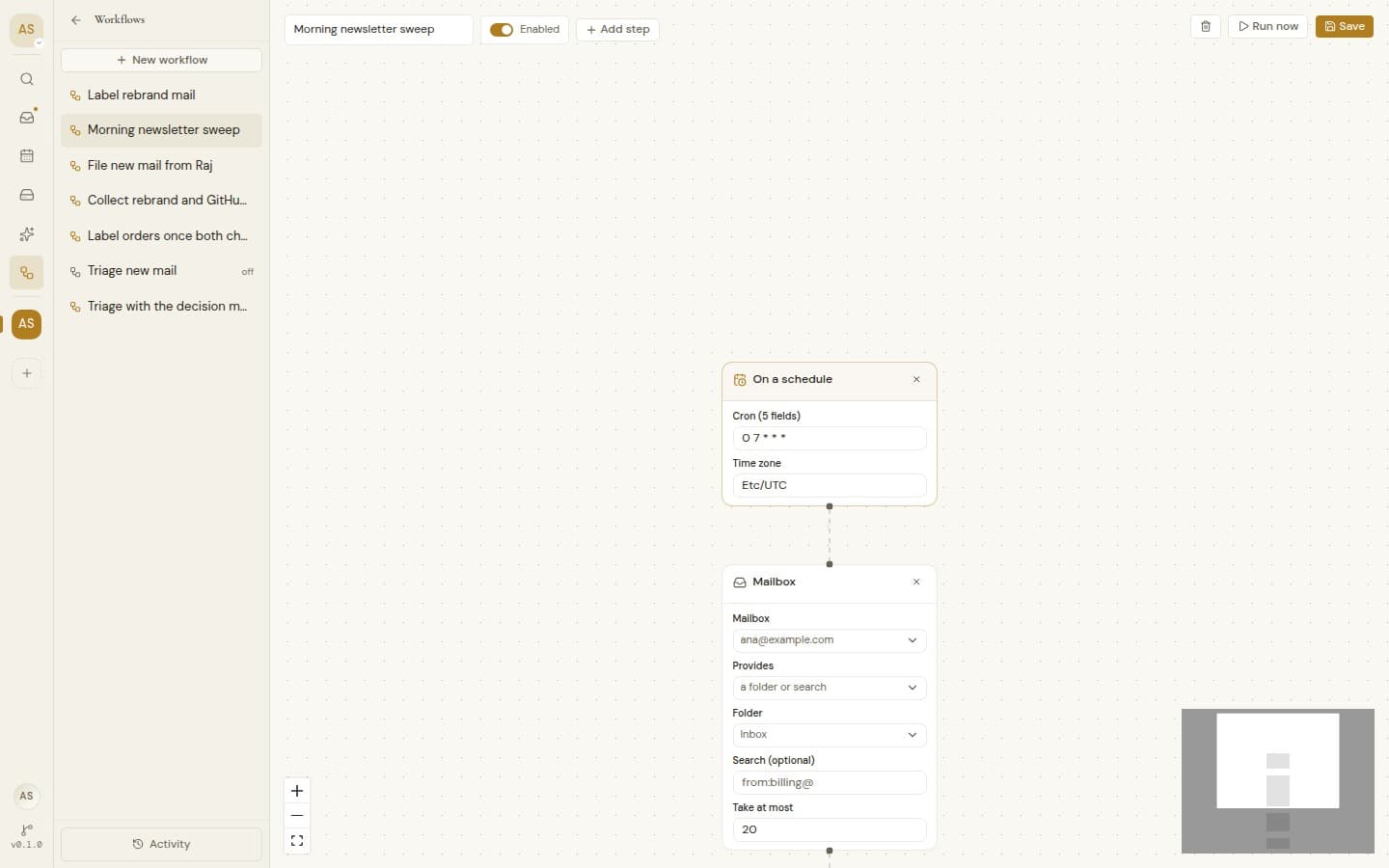
When mail arrives, on a schedule in your time zone, when you press Run now, or just before a message is sent.
When mail arrives, On a schedule, Run now, Before a send
A question where a rule is not enough.
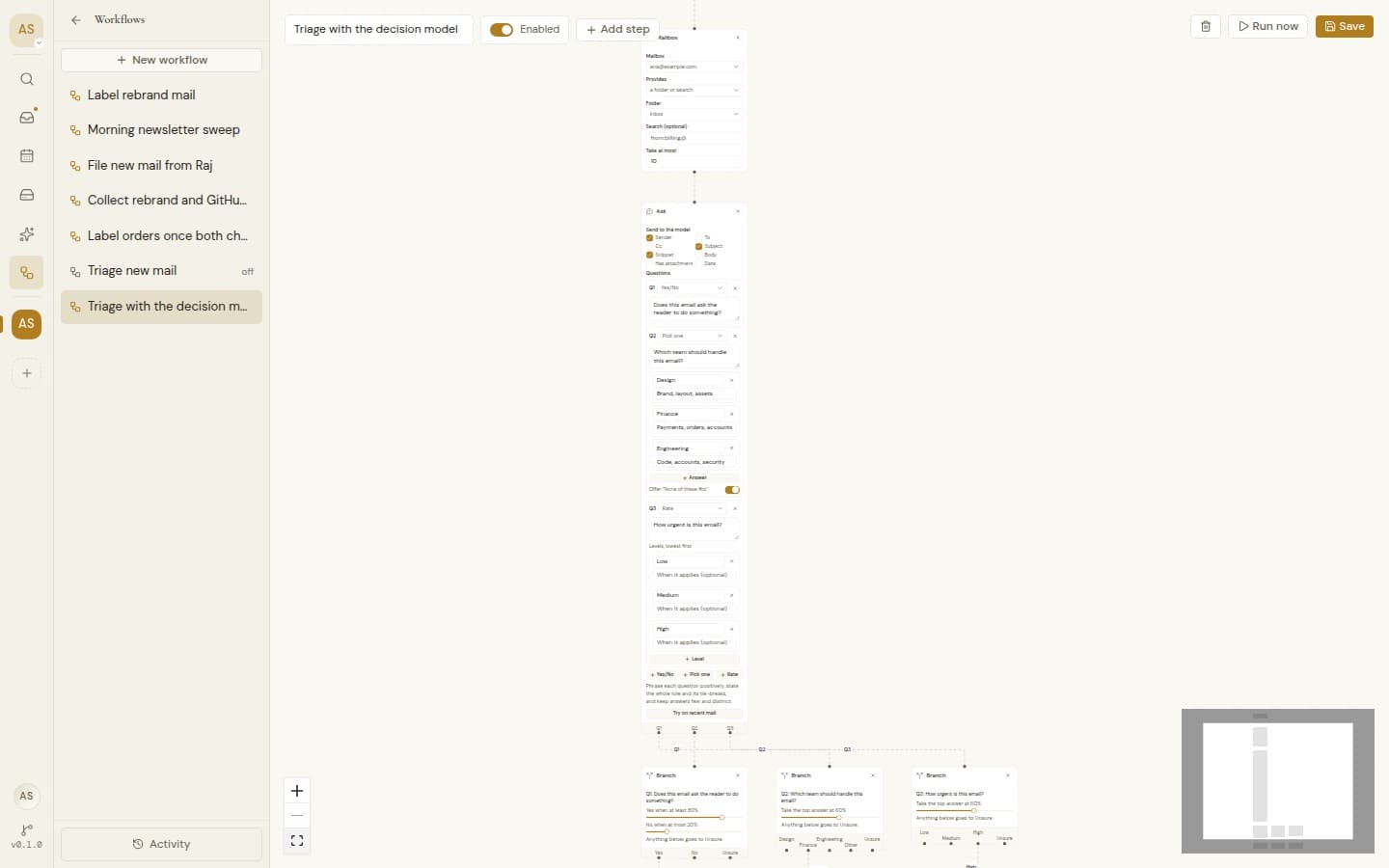
Ask the AI about each message, such as “Is this an invoice?” or “How urgent is it?”, and send each answer down its own path.
Every run, written down.
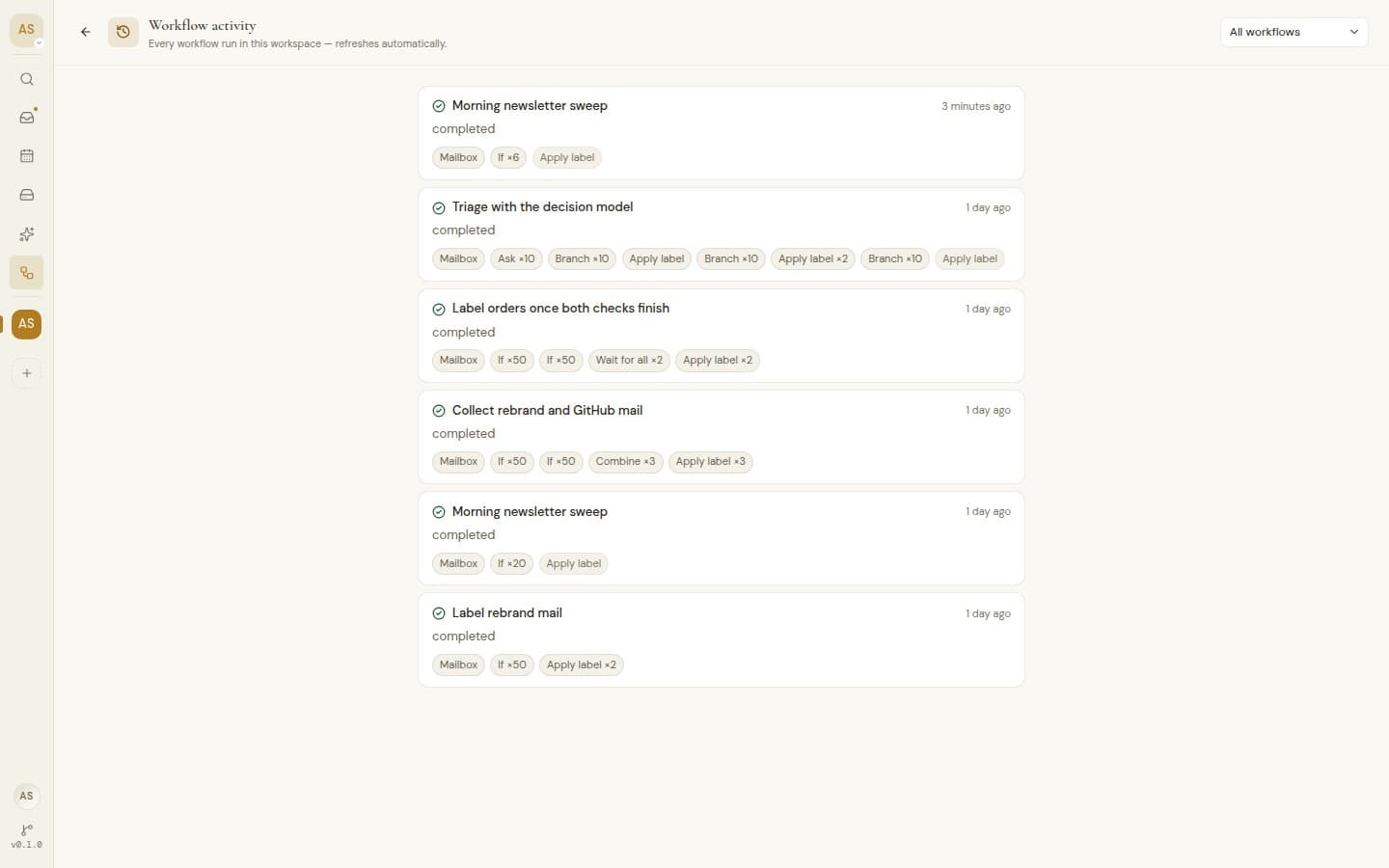
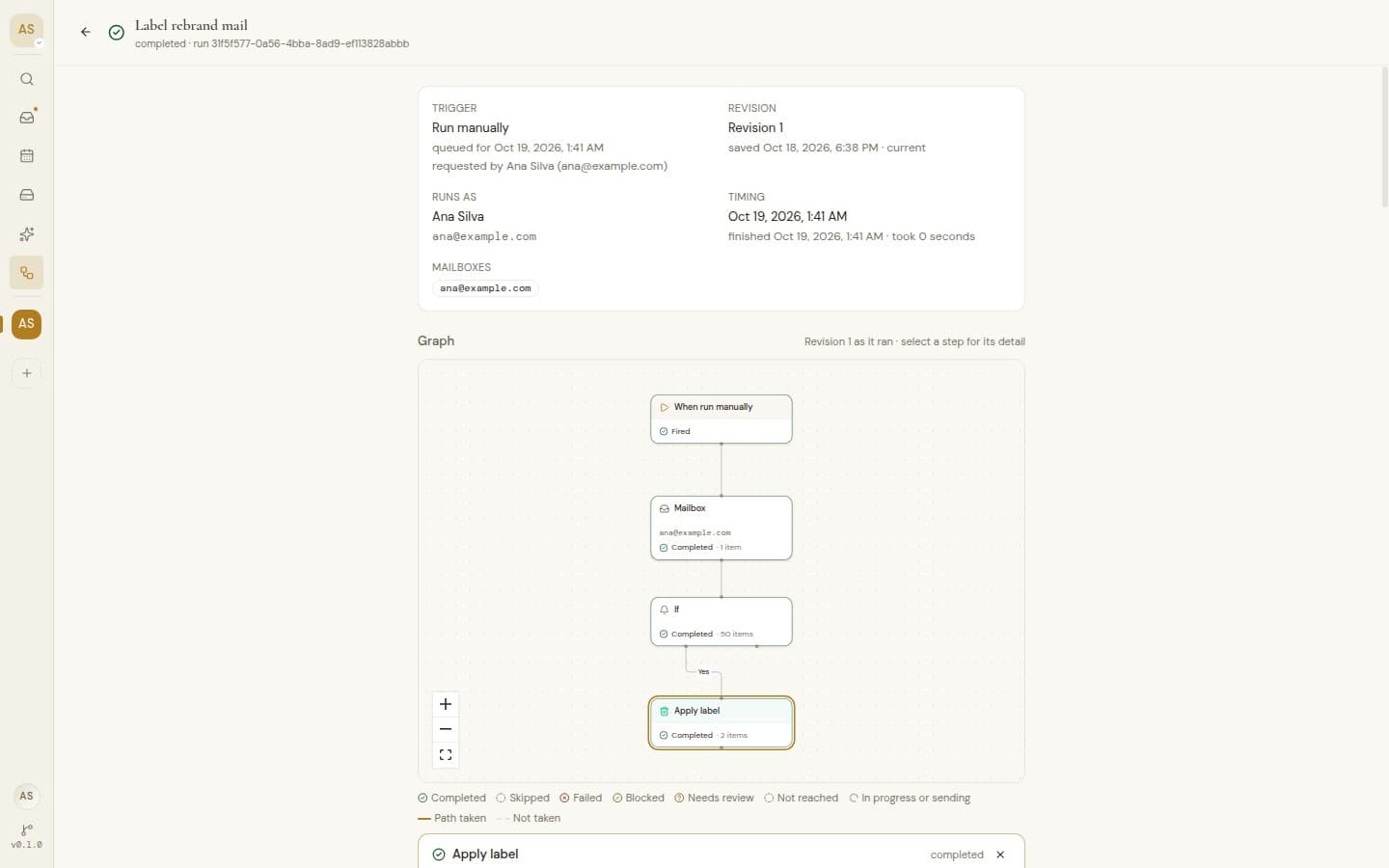
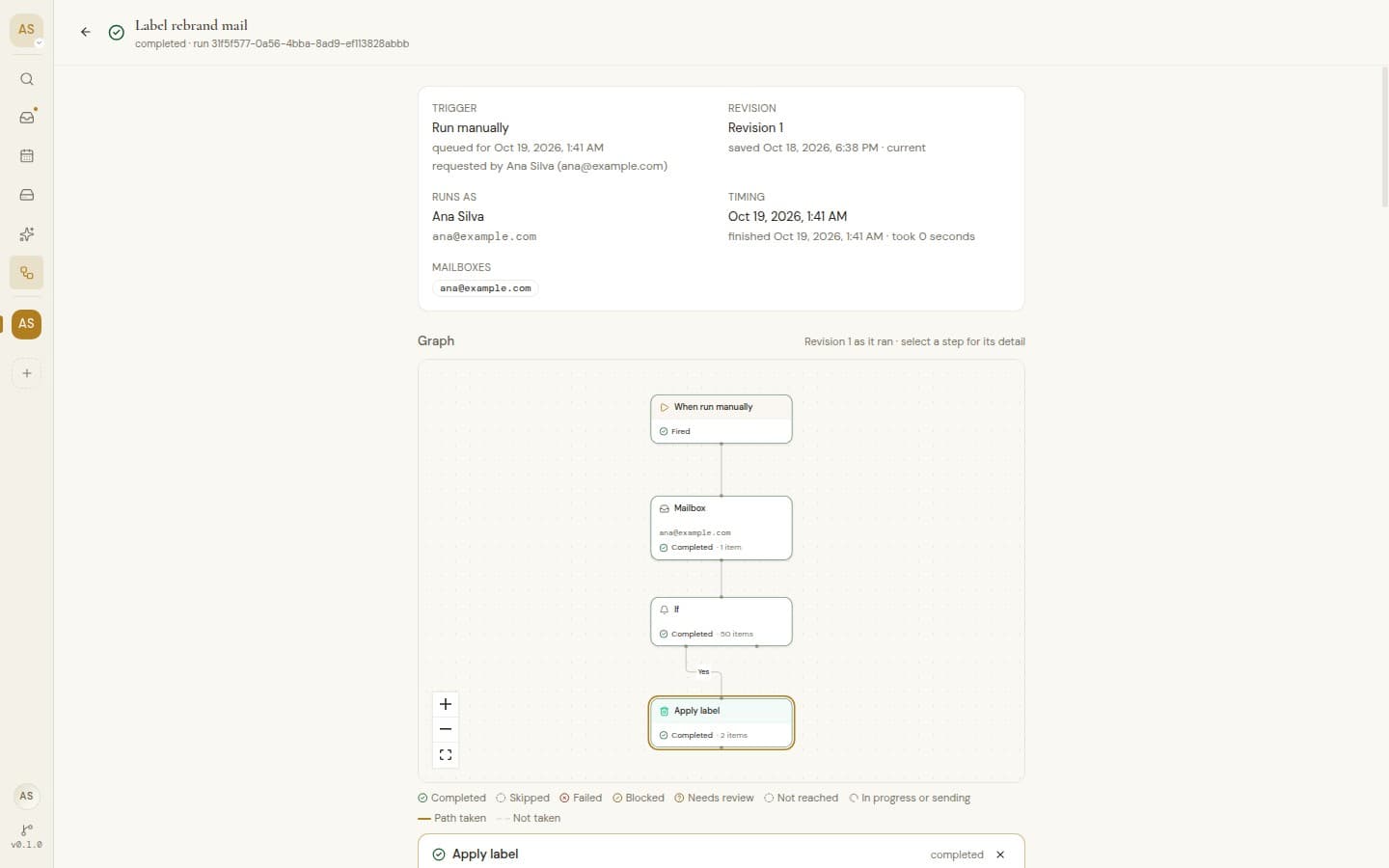
A live history shows each run, the path it took and the messages it handled. Retry only the steps that failed.
Rules that run on their own.
Workflows act on mail as it arrives, on a schedule, by hand or before a send, with an AI question where a plain rule is not enough.
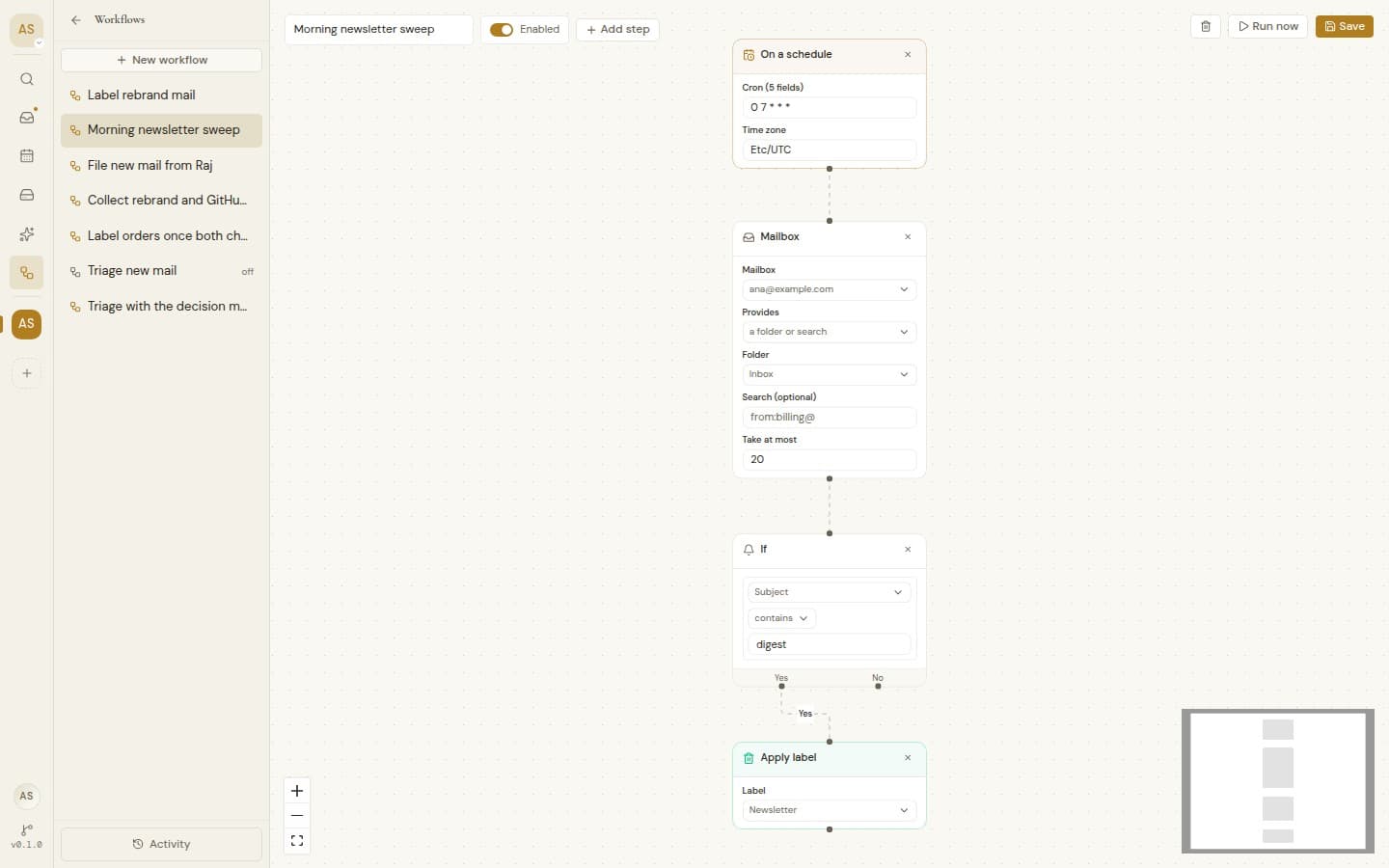
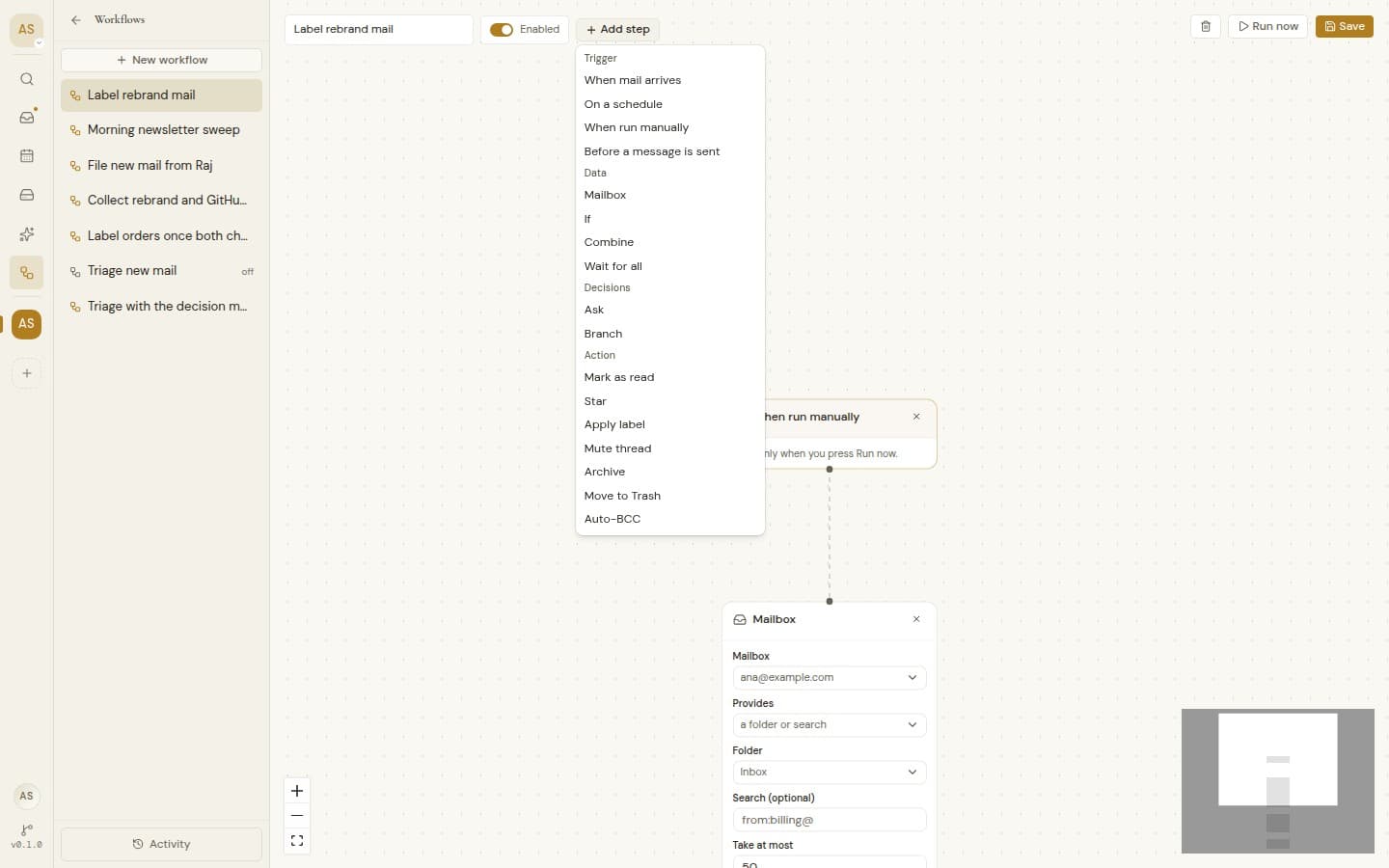
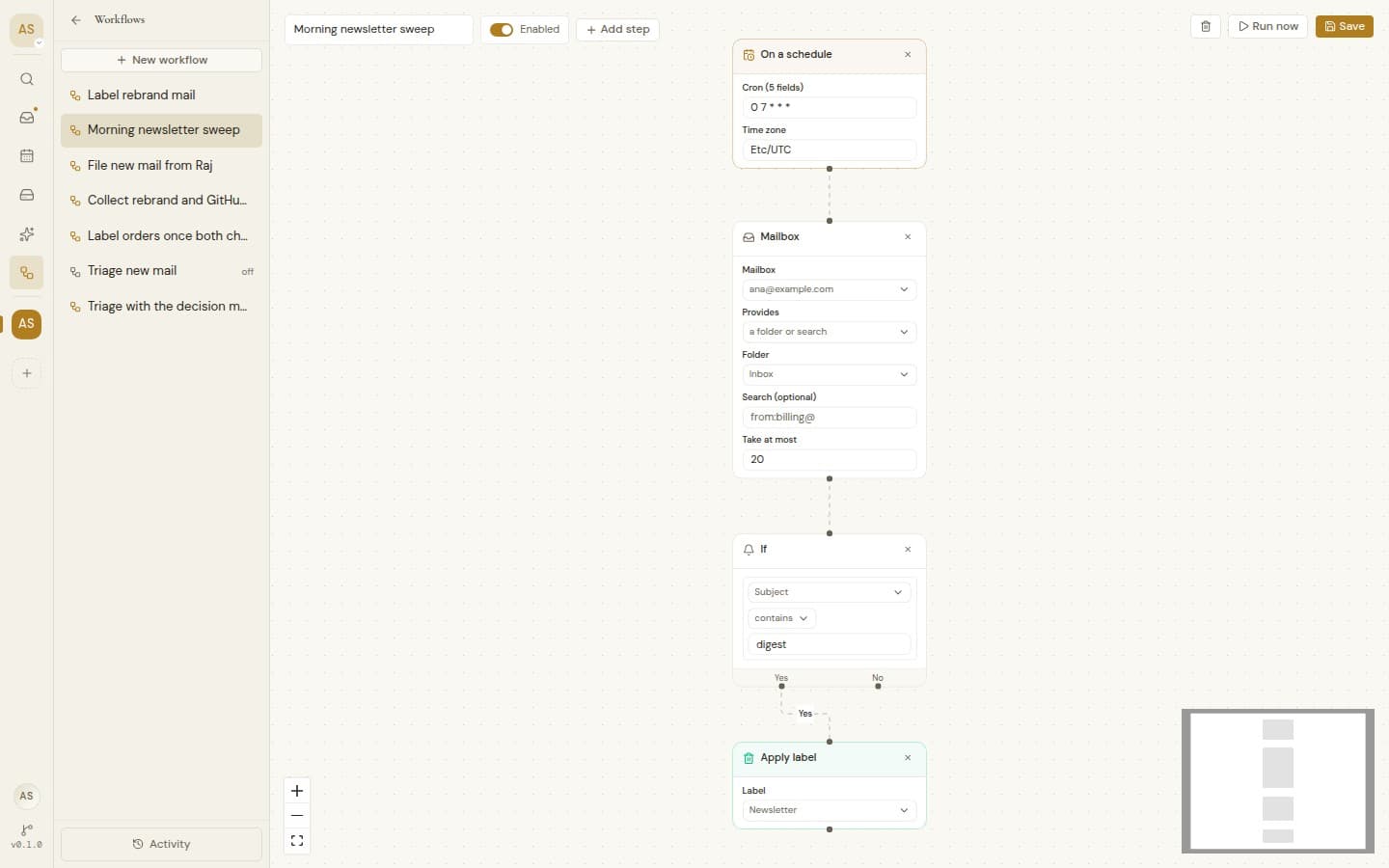
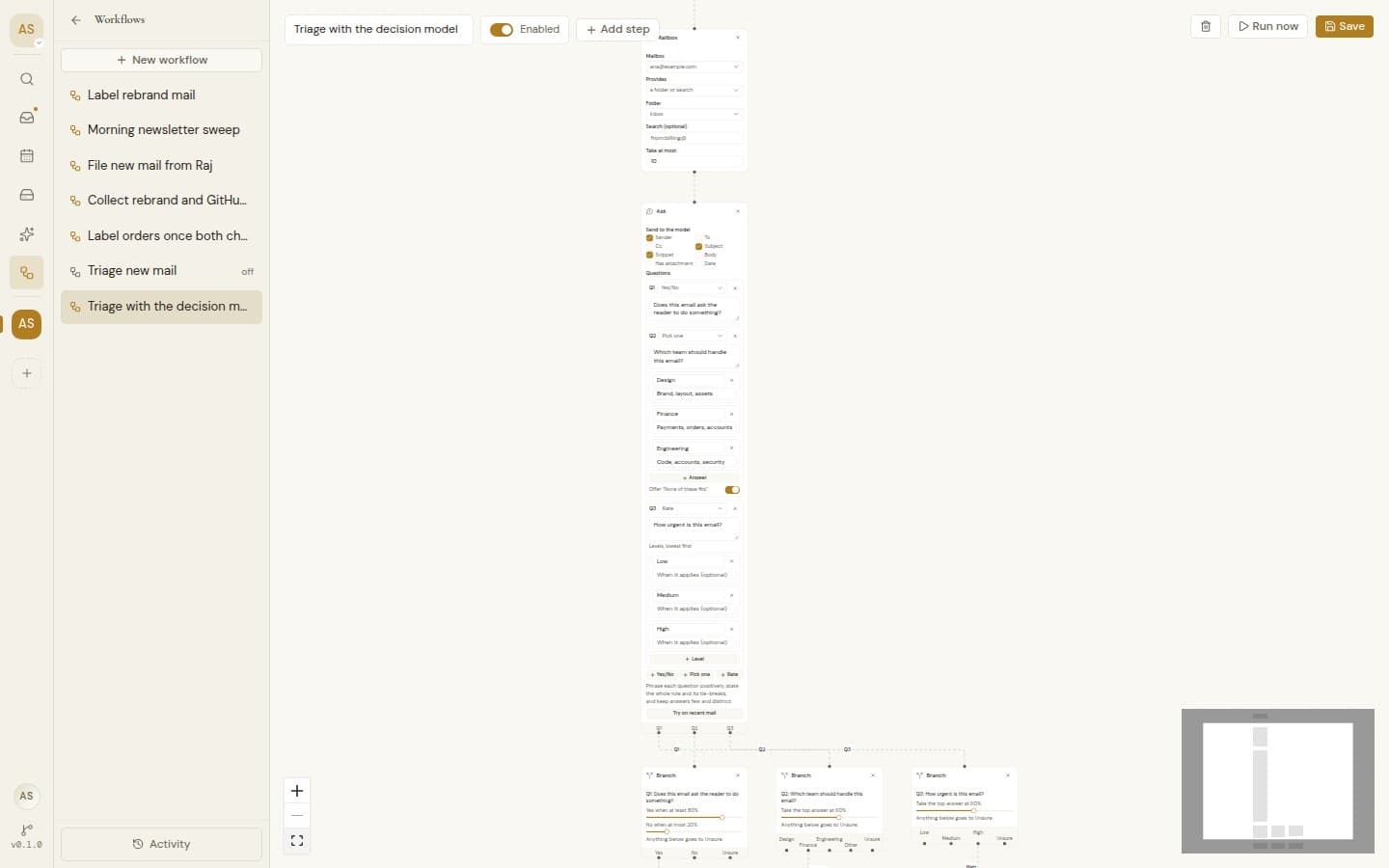
Build it on a canvas
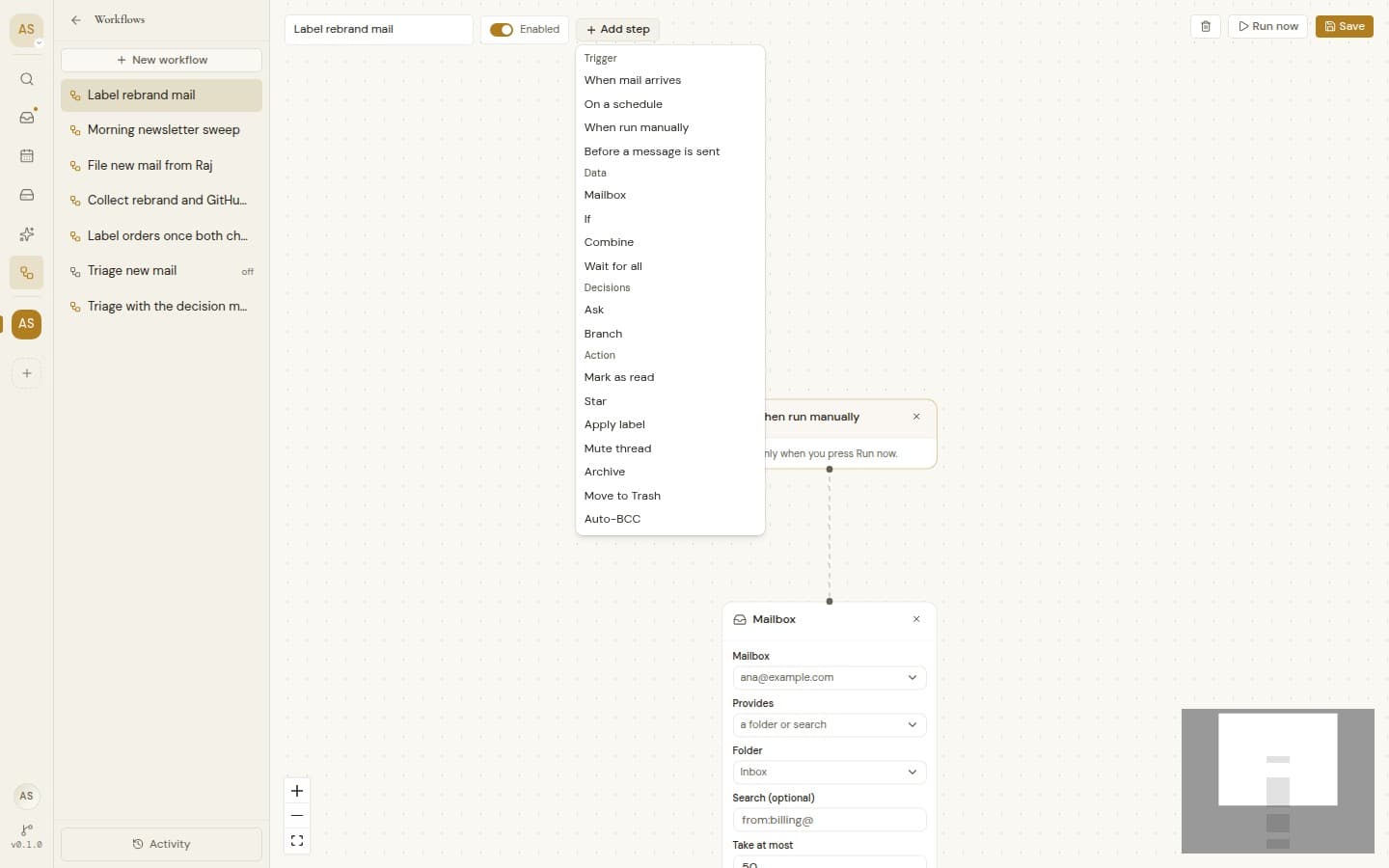
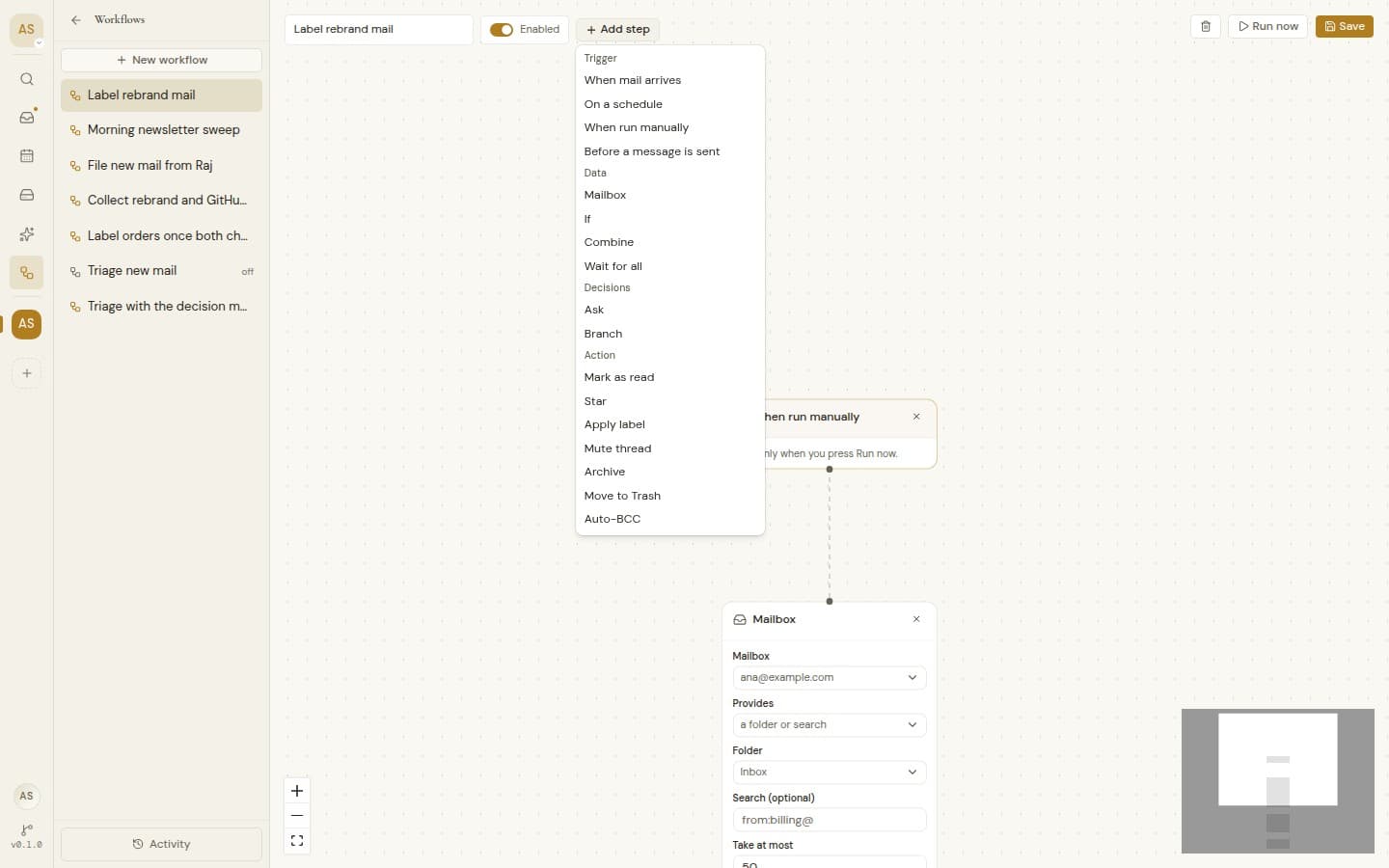
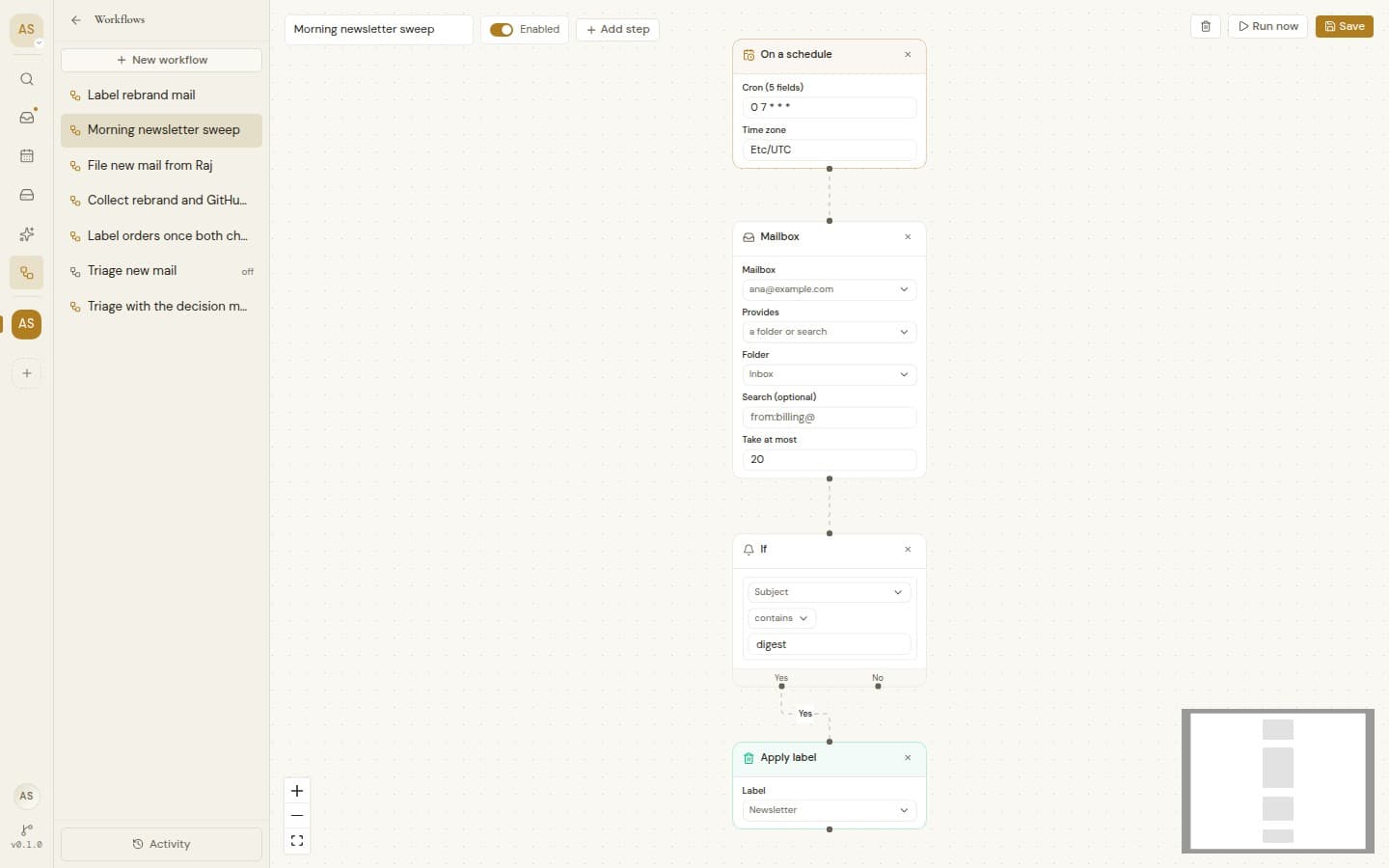
Build it on a canvas
Start from a template or drag in your own steps, try it with Run now, and switch it on when it is right.
Triggers and actions
Start when mail arrives, on a schedule, by hand or before you send, then label, archive, star, mute or add a Bcc.
Match exactly what you mean
Check the sender, recipients, Cc, subject, body or attachments, match all or any, and nest groups for finer rules.
Questions a rule cannot answer
AI, opt inAsk yes or no, pick from a list or rate on your own scale, and route each message by its answer.
Try it on recent mail
AI, opt inSee how the AI would answer for your newest mail before you switch anything on. Nothing is changed.
Act once, after every check
Bring several paths back together so one action runs once, even when a message matches twice.
Bcc an archive on every send
Add an archive or team address to the mail you send from Metis, unless it is already on the message.
Schedules in your time zone
A run missed while the server was down happens once it is back.
Run history
A live list of runs, the path each one took and the messages it handled.
Cancel and retry
Stop a run, or retry just the steps that failed. Steps that finished never run again.
Scheduled sends never go out twice
Send later runs on the same engine, so a send that may have failed waits for you to decide instead of going out again.
Runs as the person who built it
A workflow acts as the person who made it and reaches only the mailboxes they can.
Edit without breaking a run
Every save is kept as a version, and a run already underway finishes on the version it started with.
Shared with the workspace
Every member can build, edit and run the workflows they can see. Only owners and admins delete them.