Self-host Metis Suite, the open-source email, calendar and drive client, with Docker Compose
Your server. Your keys.
Run the whole suite on hardware you own with one script. AGPL-3.0, every tool included, the agent too.
Four containers, one machine.
Caddy for HTTPS, the app, a libSQL database and an updater that keeps it current.
Caddy, App, sqld, Updater
Point a domain. Caddy does the rest.
Run one command with your host name and the certificate arrives on the first request.
Updates that roll back.
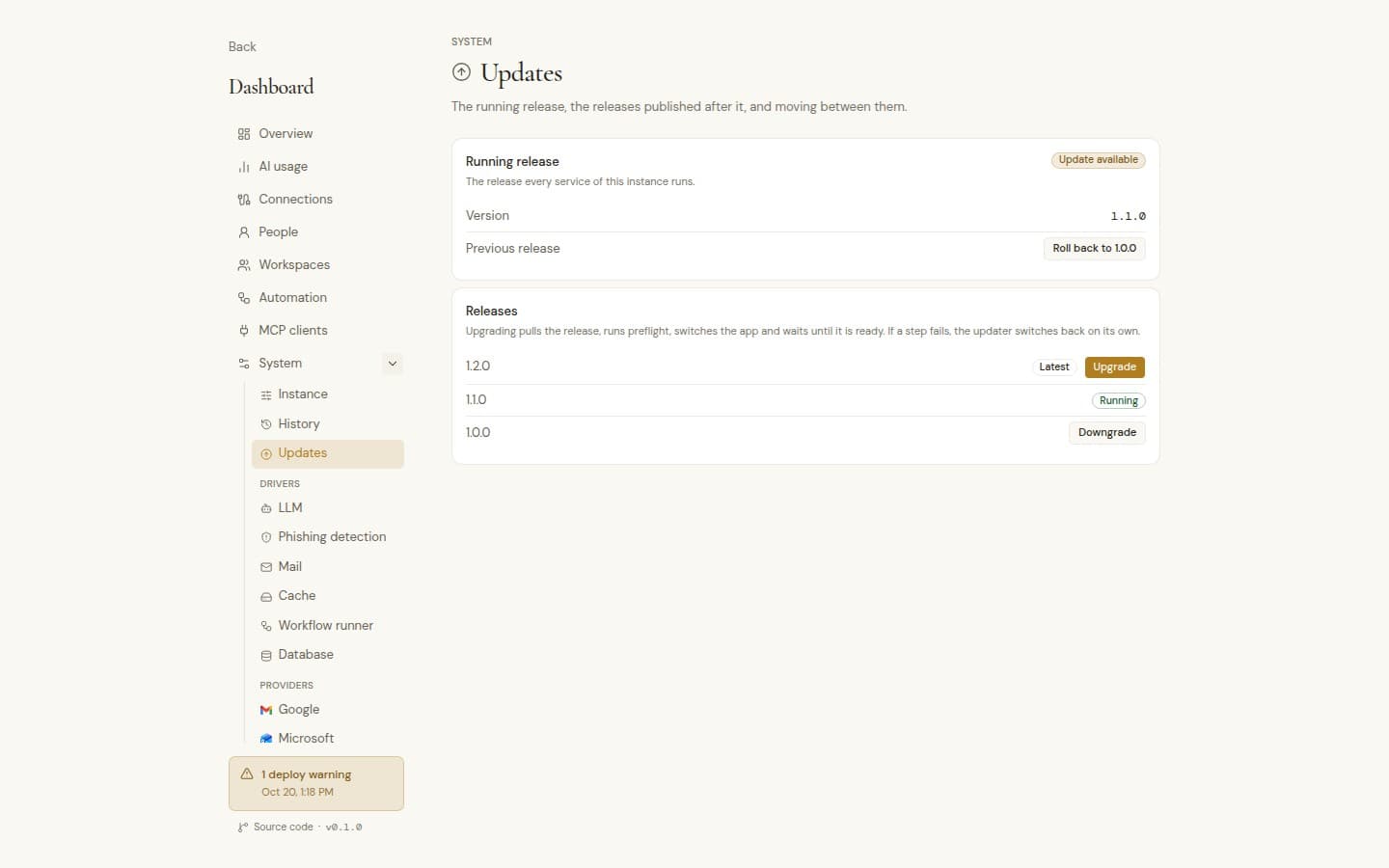
Pick a release in the owner dashboard. The app switches only once the new release answers, and a failed upgrade puts the previous one back.
Metis Cloud or your own server.
Both run the same release with every tool in the suite, and your mail stays with your providers either way. The difference is who runs the server.
| Compare | Metis Cloud | Self-host |
|---|---|---|
| Who runs the server | We do, one isolated instance per customer | You do, on a Linux server you own |
| Updates | Handled by us | One click in the owner dashboard, with automatic rollback |
| AI model | Your own key: OpenAI, Anthropic or any OpenAI-compatible endpoint | Your own key, or a model on your own hardware |
| Domain | Your domain or a trymetis.email subdomain | Your domain, with HTTPS from Caddy |
| Mail at your own domain through Cloudflare Email or Resend | Not available | Available |
| What Metis keeps | In your instance on our servers in Helsinki, backed up to Cloudflare R2 | On your disk |
| Price | From $12 per instance a month, or $120 a year | Free under AGPL-3.0 |
Choose Metis Cloud if you want the suite without running a server. Choose self-hosting if you want everything Metis keeps on hardware you control.
Three lines to your own suite.
- 01
Download the script
$ curl -fsSL https://sh.trymetis.email/bootstrap -o bootstrap.sh - 02
Install, pin a release, start the stack
$ sudo -E bash bootstrap.sh --interactive - 03
Caddy fetches the certificate on the first request
$ sudo bash bootstrap.sh domain mail.example.com
Runs on a Linux server, and the script installs Docker if it is missing. Without a domain, the app listens on localhost only and is reached through an SSH tunnel.
Your server, your rules.
One script to install, a dashboard to run it, and updates that roll back when something fails.
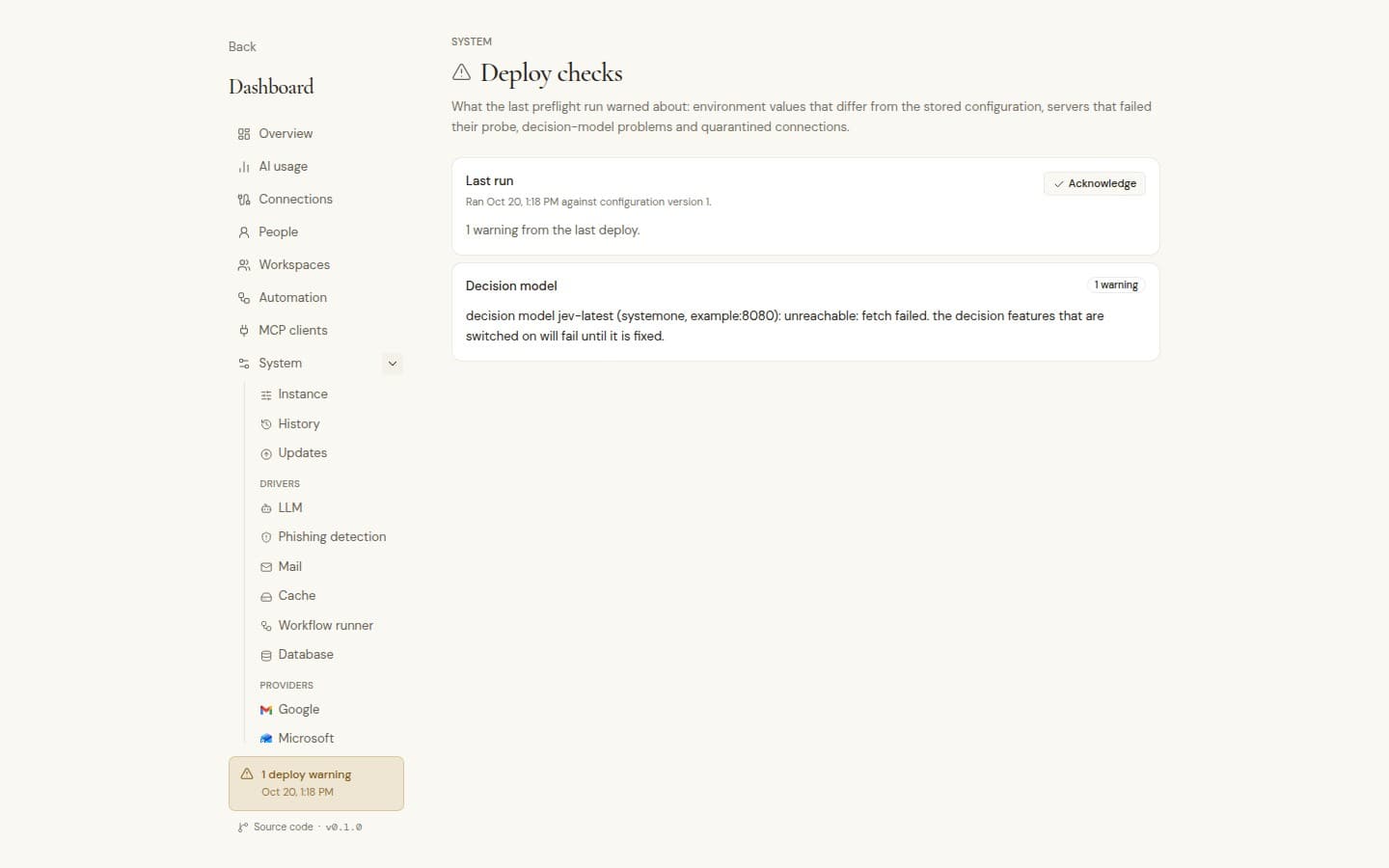
One-command install
One-command install
Installs Docker, generates secrets, pins the latest release and starts everything.
HTTPS on your domain
Point DNS at the server, run one command, and the certificate arrives on the first request.
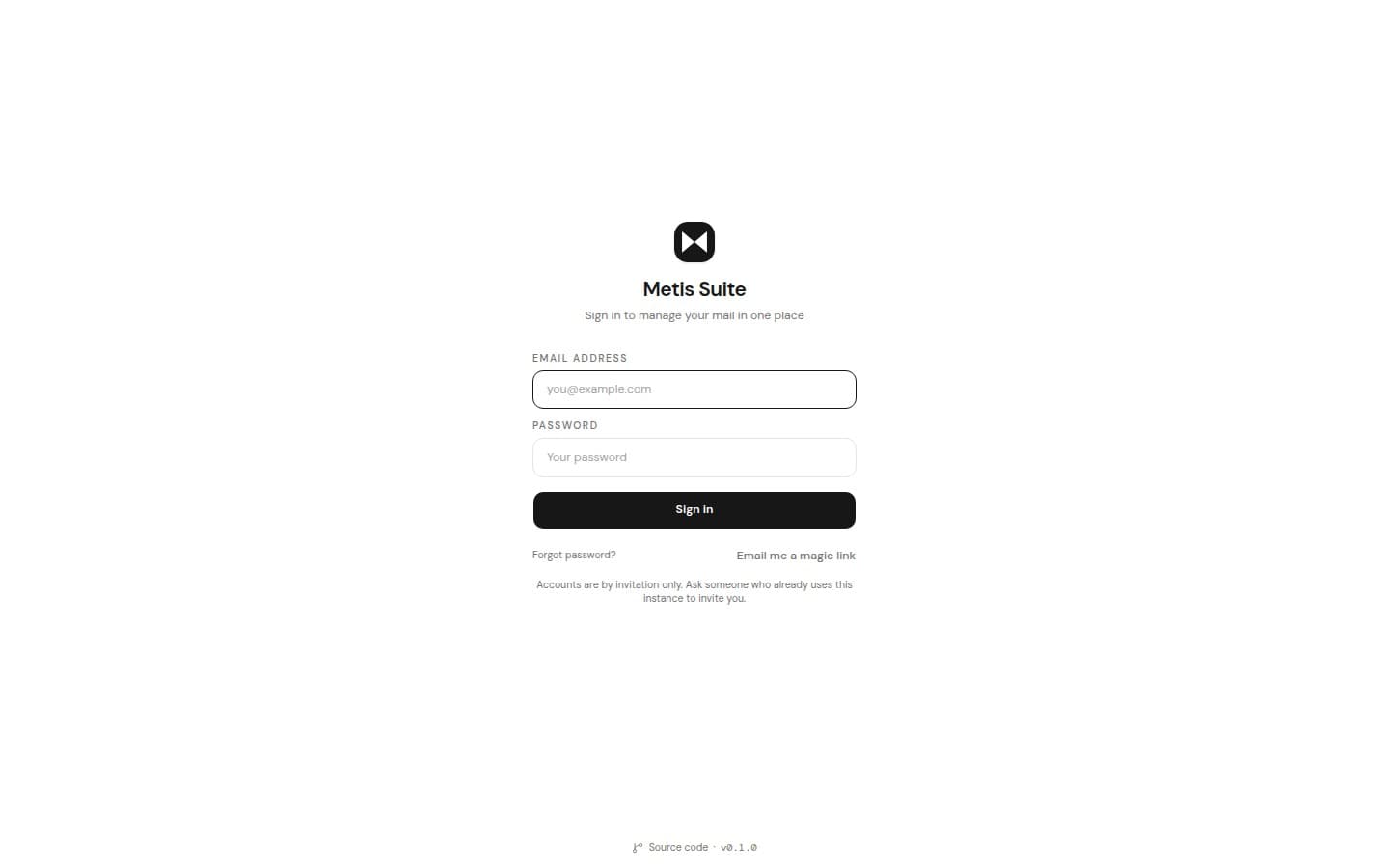
Protected first account
Creating the first account needs the setup code from your server.
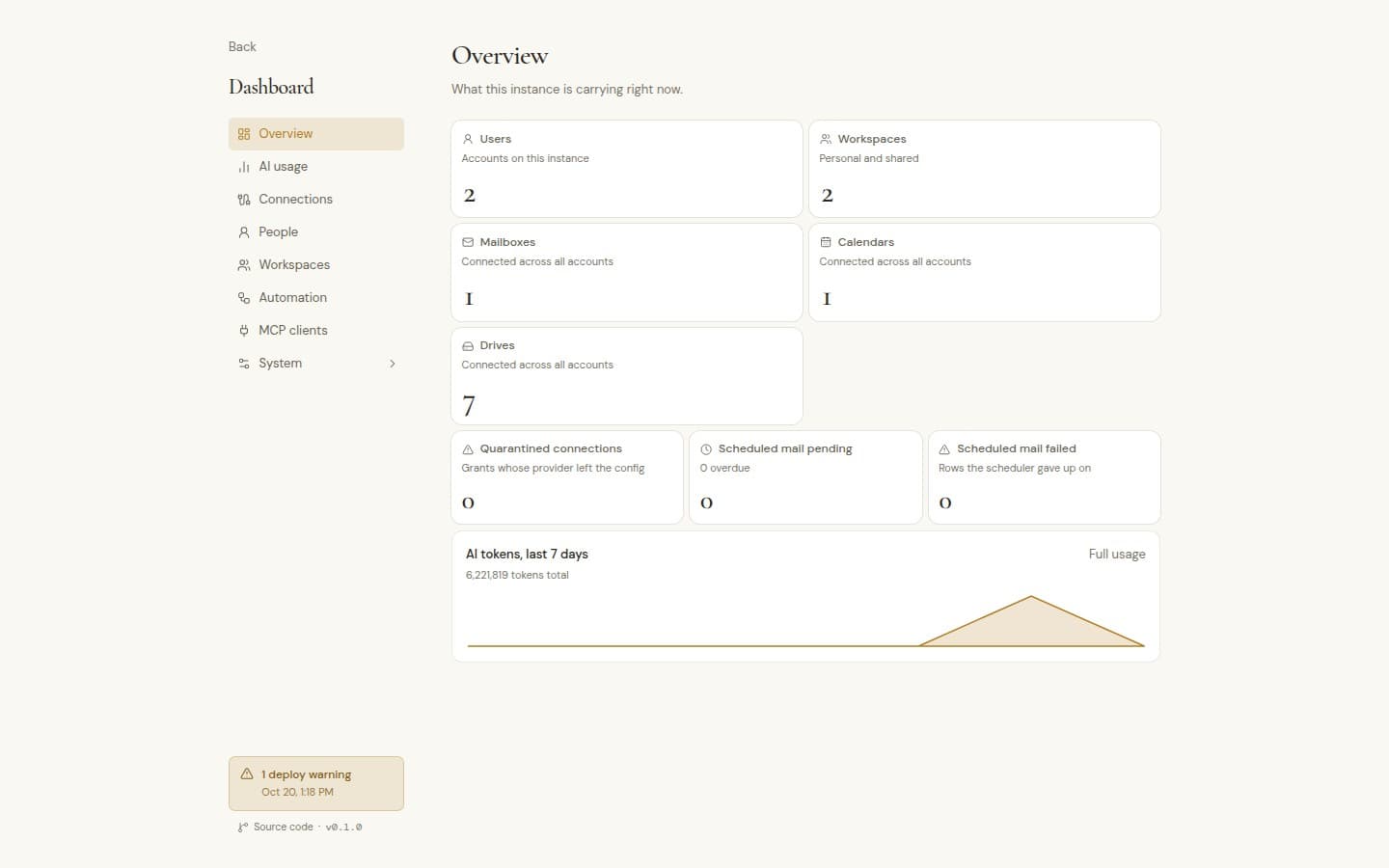
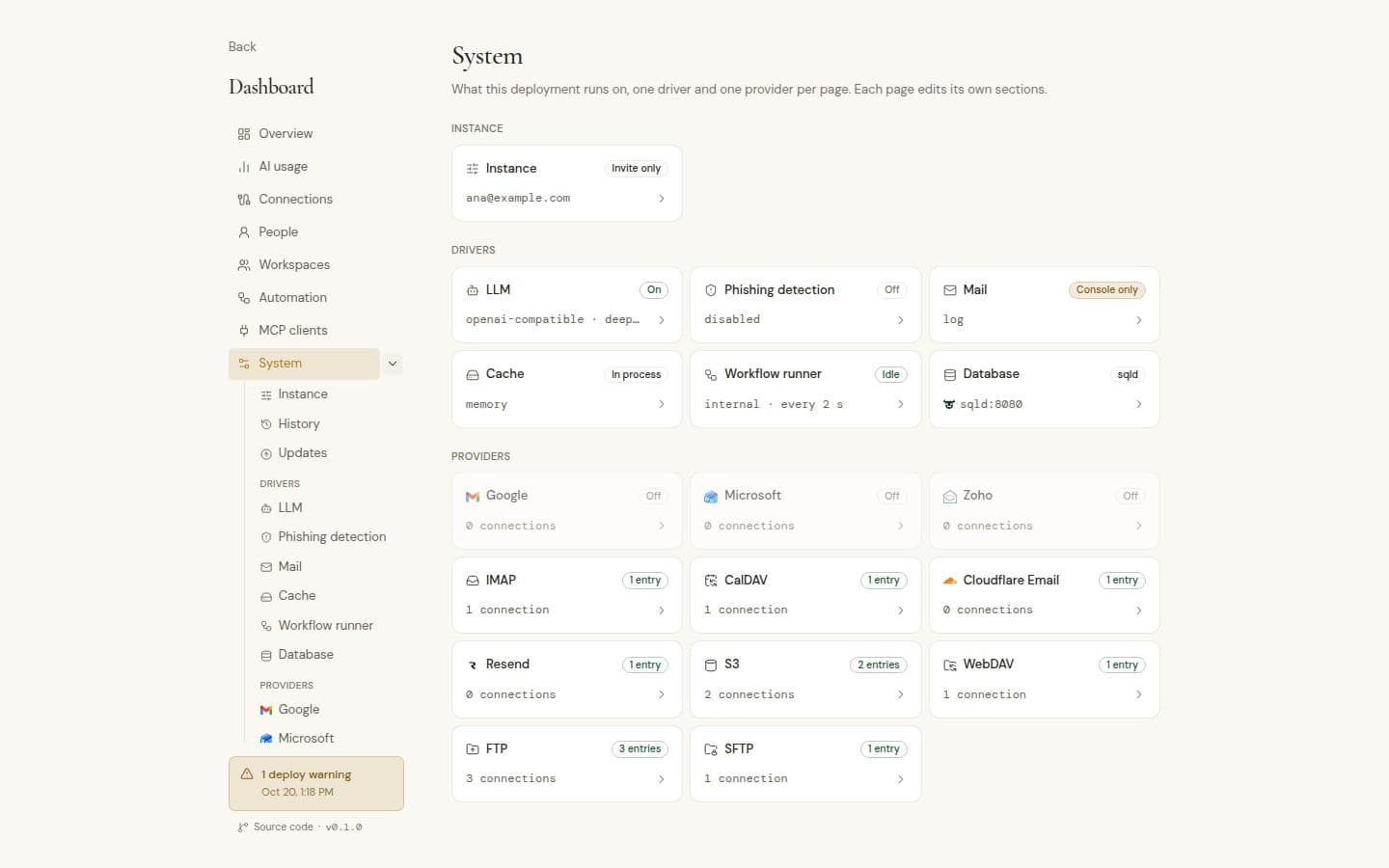
Owner dashboard
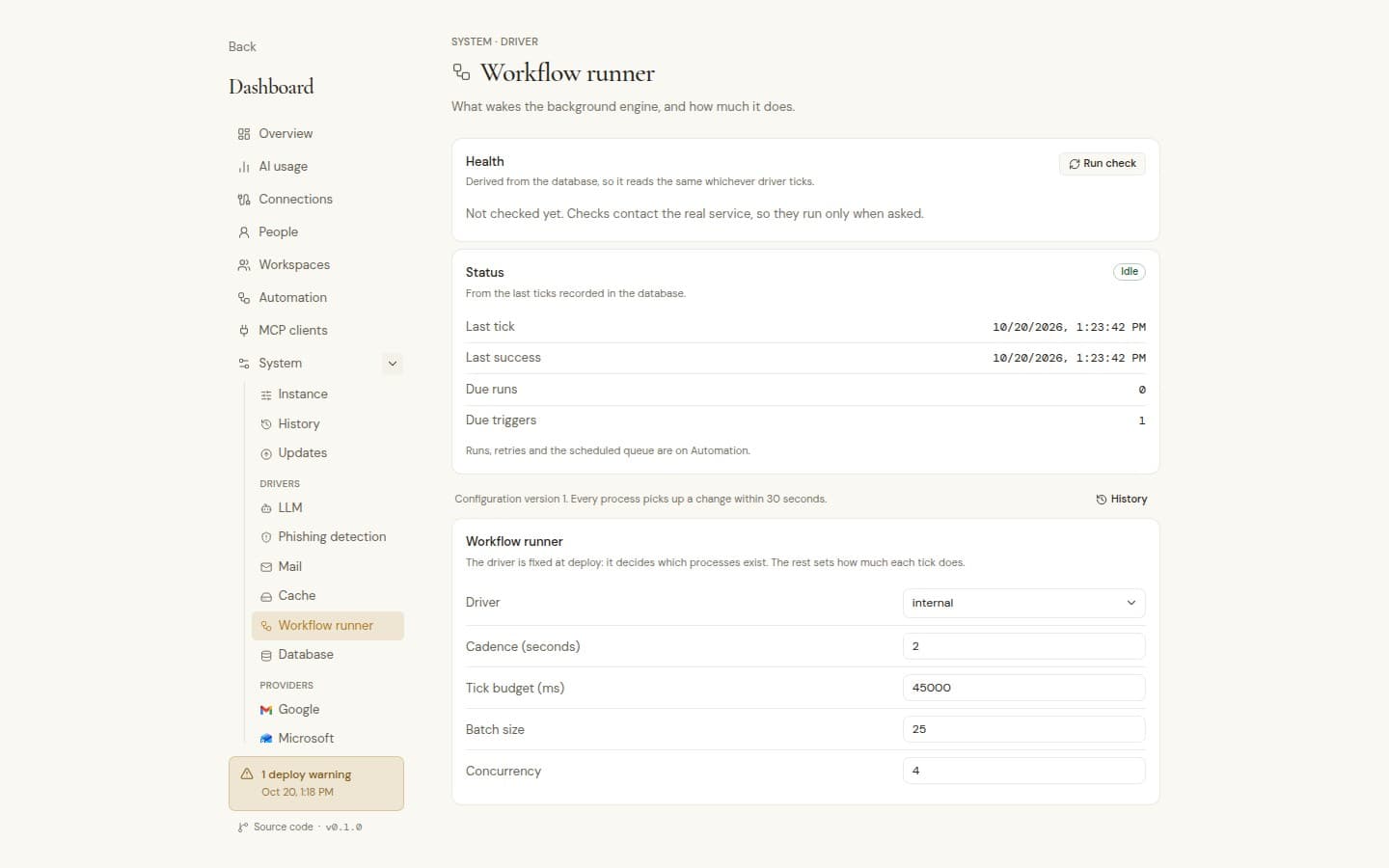
Usage, connections, people, workspaces, automation health and MCP clients in one place.
Settings in the browser
Every change needs 2FA, is tested against the real service first, and can be compared and restored.
Updates that roll back
Move to any release in a click. A failed upgrade puts the previous one back by itself.
Health checks
Liveness and readiness endpoints for your monitoring.
Configure your way
Environment variables or a YAML, JSON or TOML file, and background work in the app, from cron or in a worker.
Your data on your disk
Mail stays with your providers. Everything Metis keeps lives on your server.
Open source, AGPL-3.0
Every tool in the suite, the agent included. Each page links to the exact source version it runs.