An MCP server for your Gmail, Outlook, calendars and drives
The suite, inside your other tools.
Connect any MCP client to Metis and it gets the same mail, calendar and drive tools as the agent, limited to the workspaces and tools you approve.
Ask from where you work.
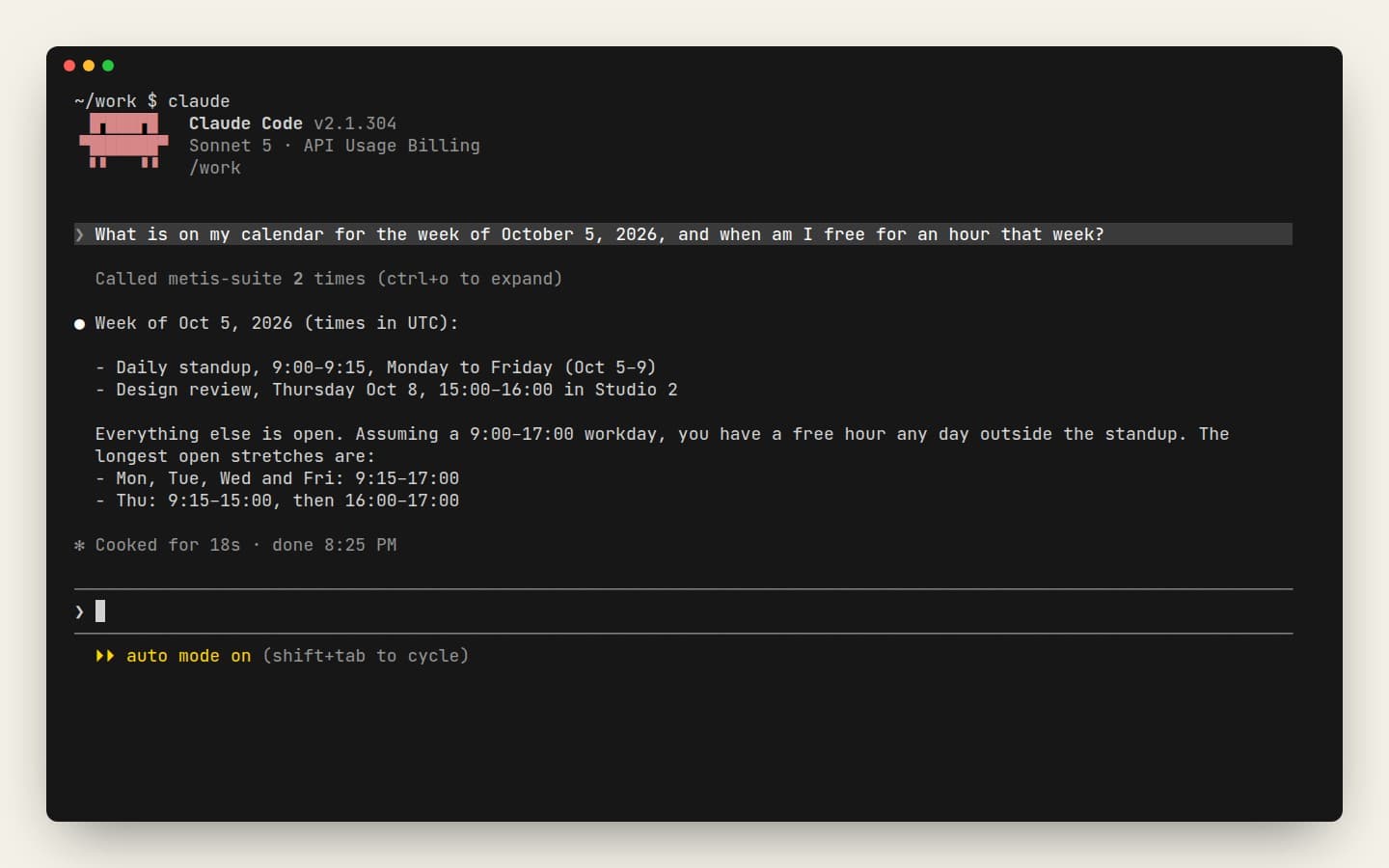
Find the contract a client sent, sum up this week's meetings or tidy a shared folder without leaving Claude, Cursor or VS Code.
Claude, Cursor, Codex, VS Code, Any client
Nothing connects without you.
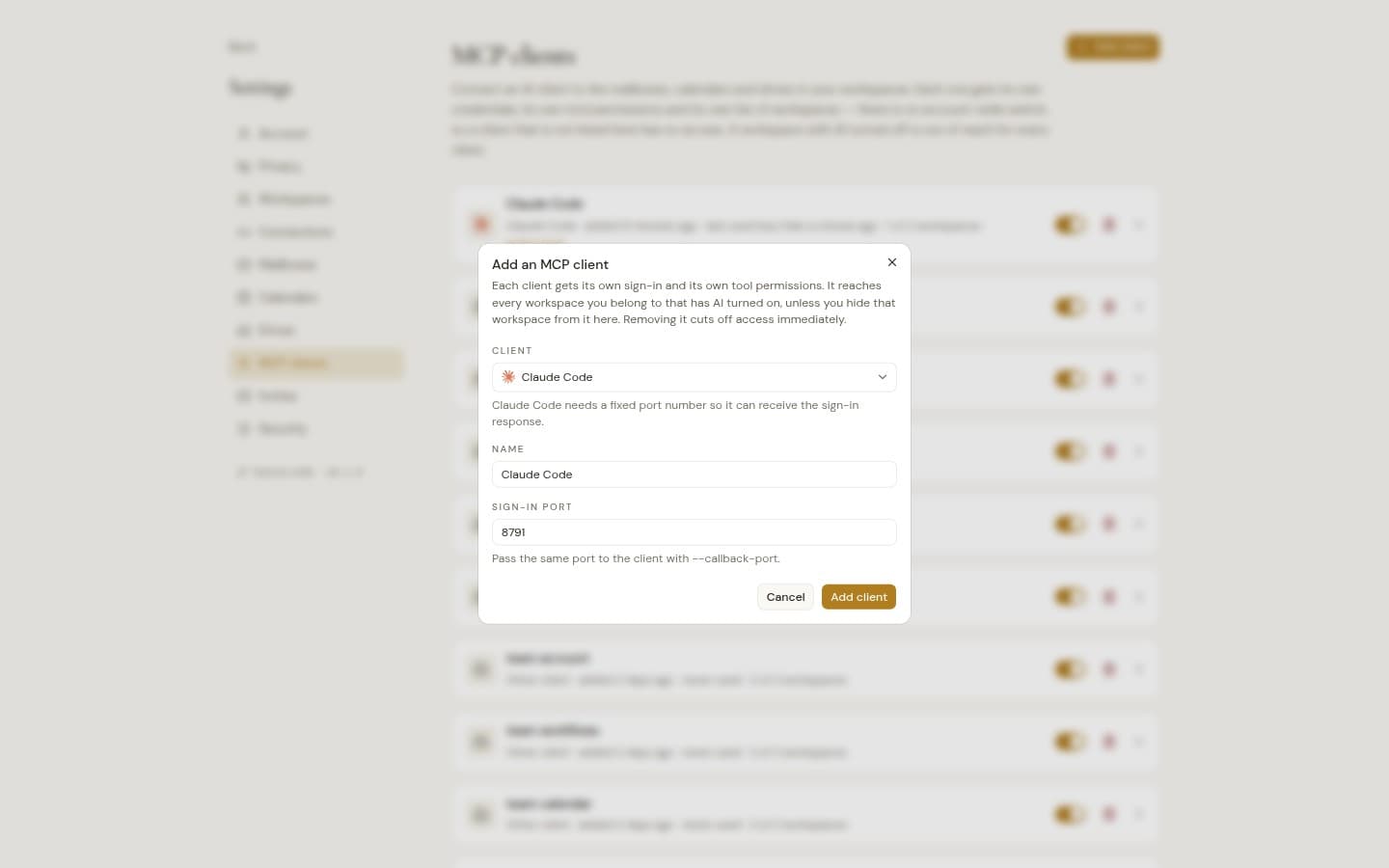
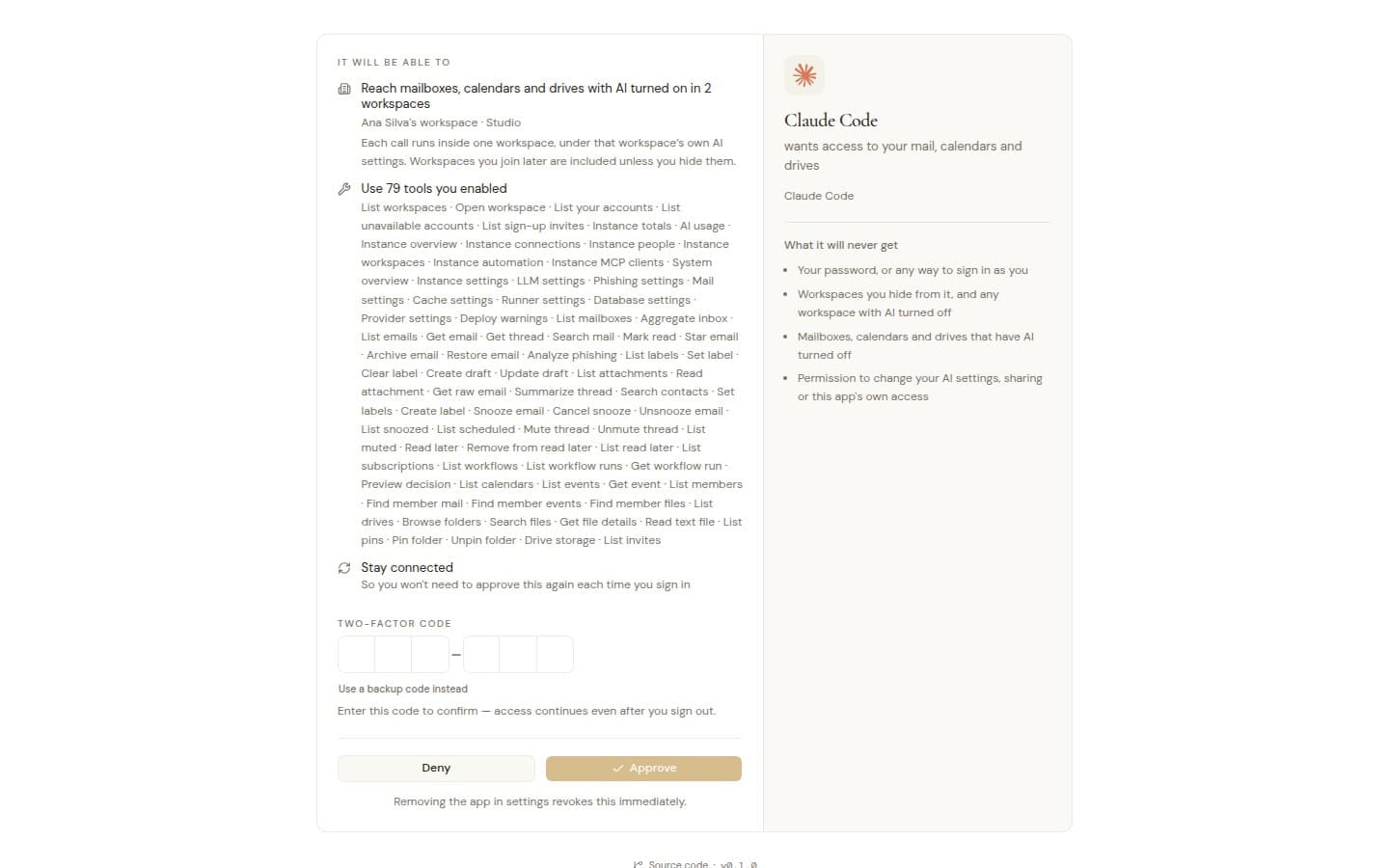
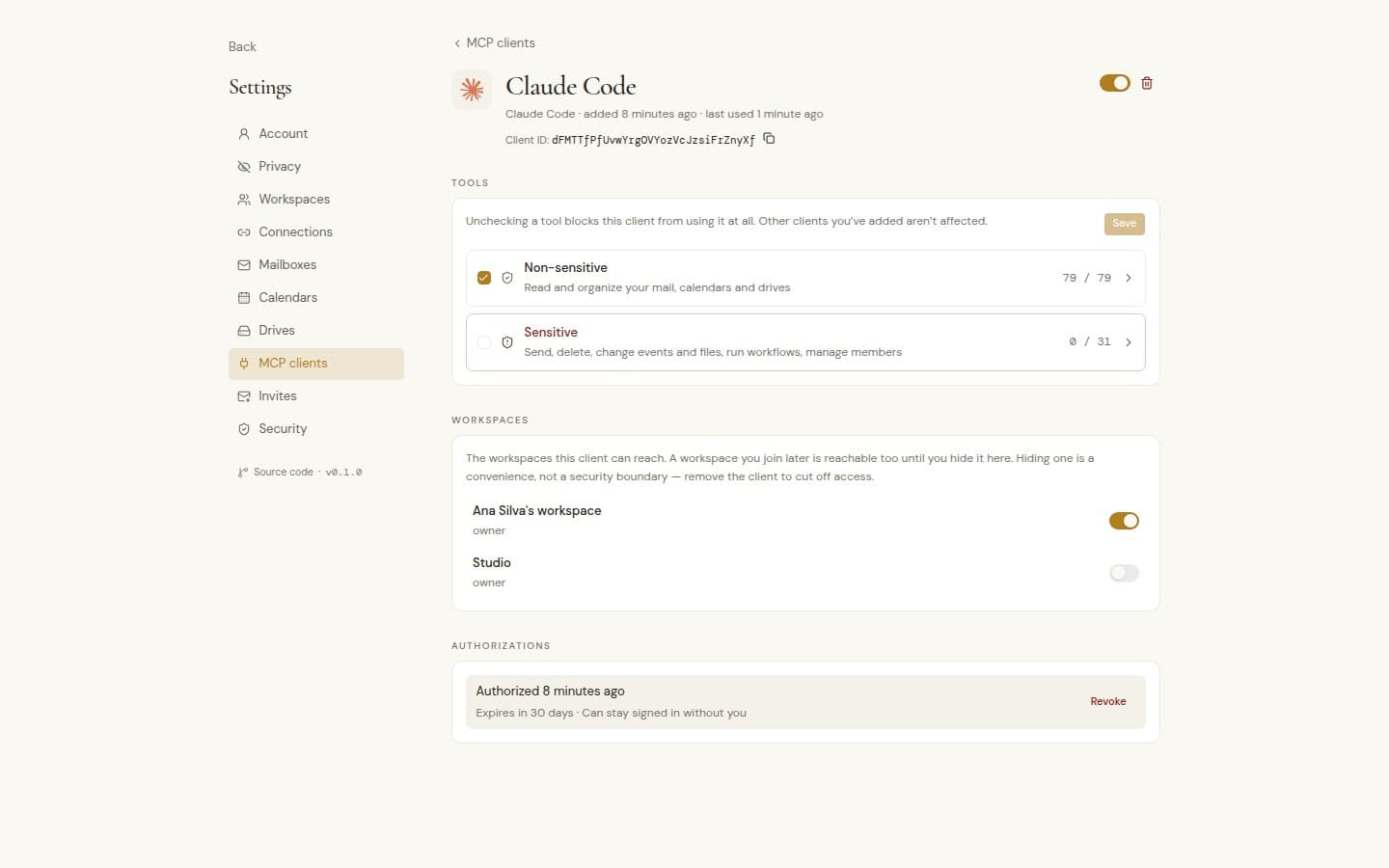
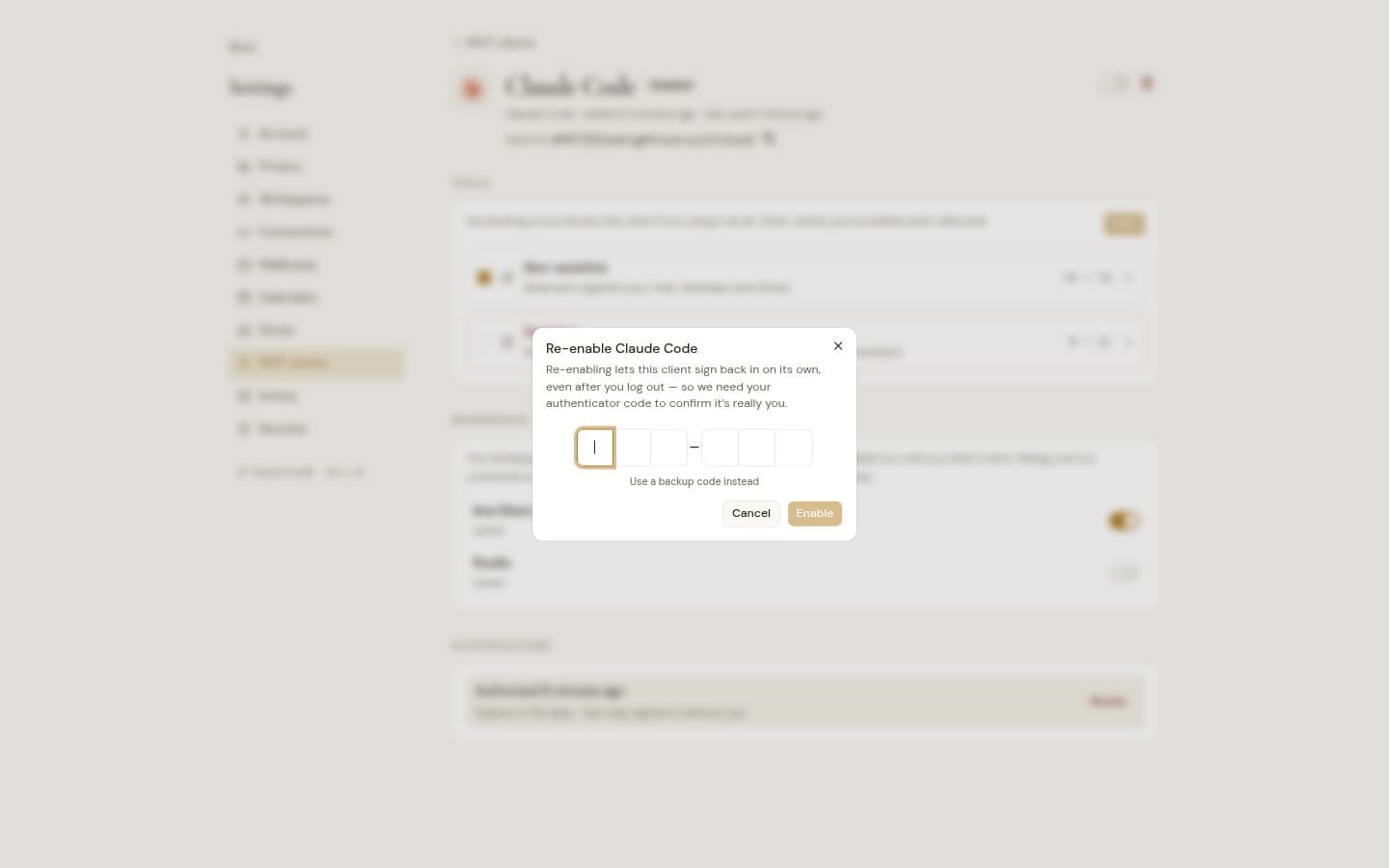
A new client asks first. Choose the workspaces and tools it gets, then confirm with your authenticator.
Unplug at any time.
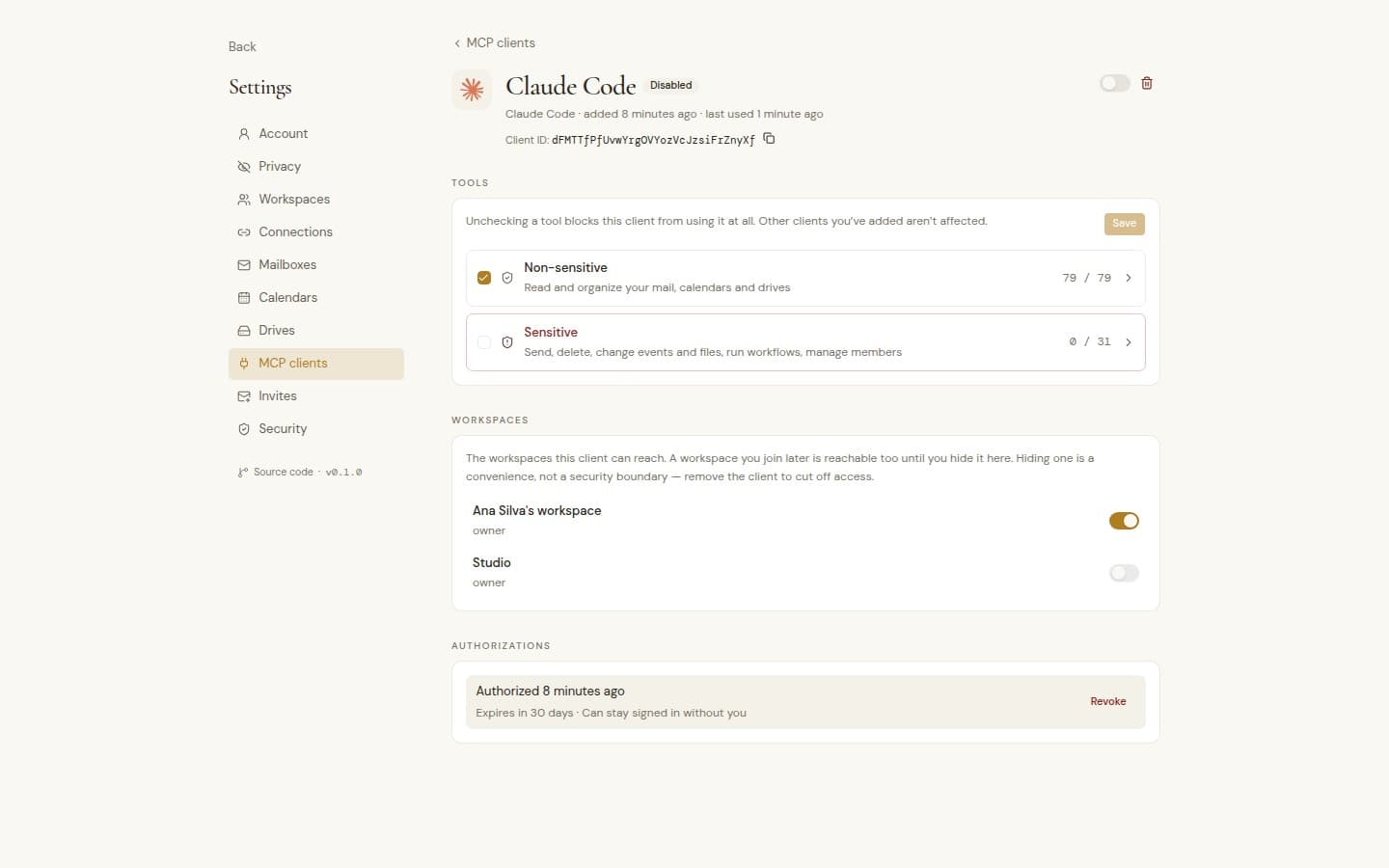
Pause a client and it stops at once. Revoke its sign-ins or remove it whenever you want.
One server, every client.
Use your mail, calendars and drives from Claude, Cursor, Codex, VS Code or any other MCP client, with the agent's own tools and only the workspaces you approve.
Works where you already work
Works where you already work
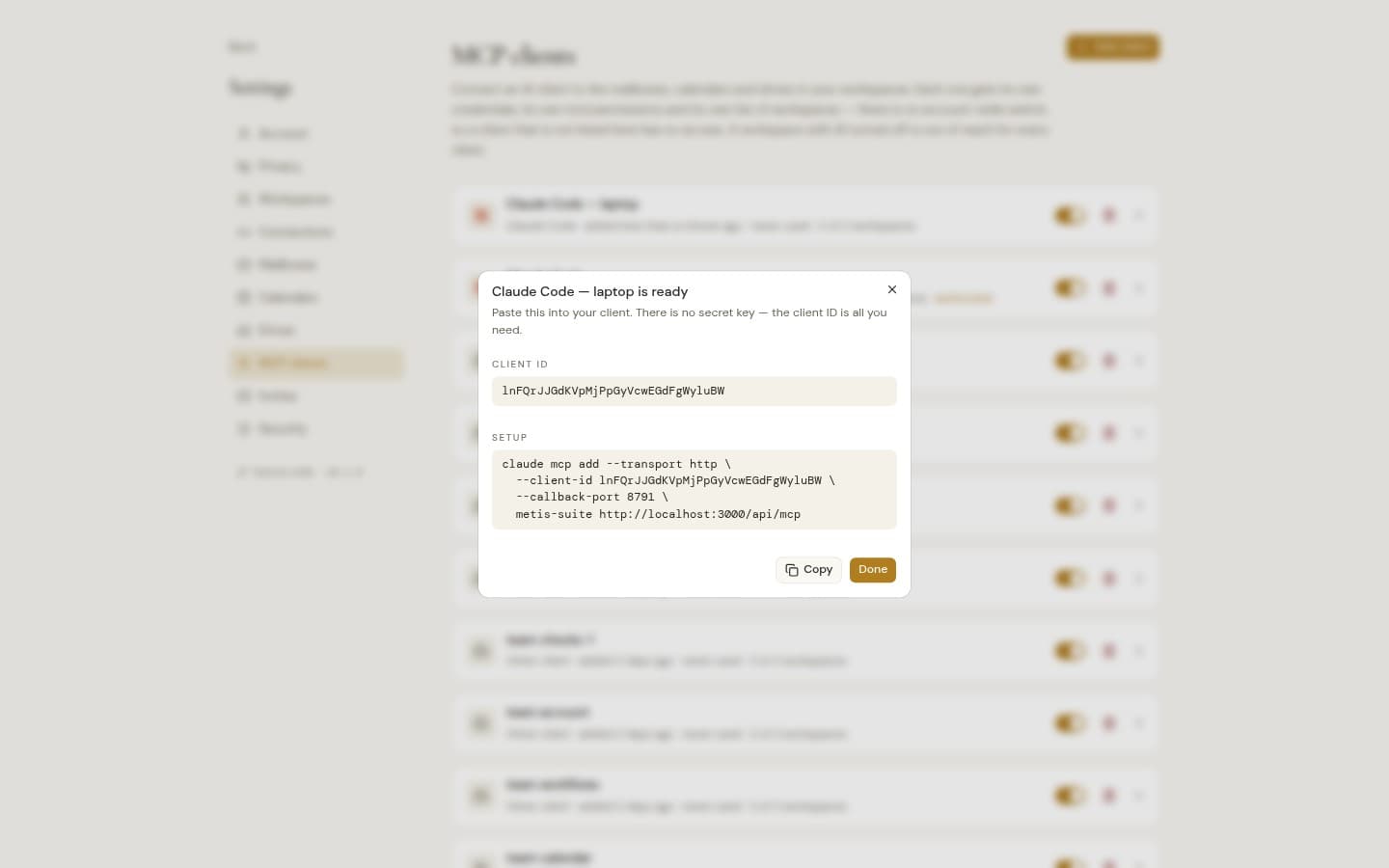
Ready setups for Claude Code, Claude Desktop, Codex CLI, Cursor and VS Code, and any other MCP client connects the same way.
Your suite in the chat
Find a thread, sum up a week of meetings or look through a shared folder from your client, with the same tools the agent has.
Draft replies where you work
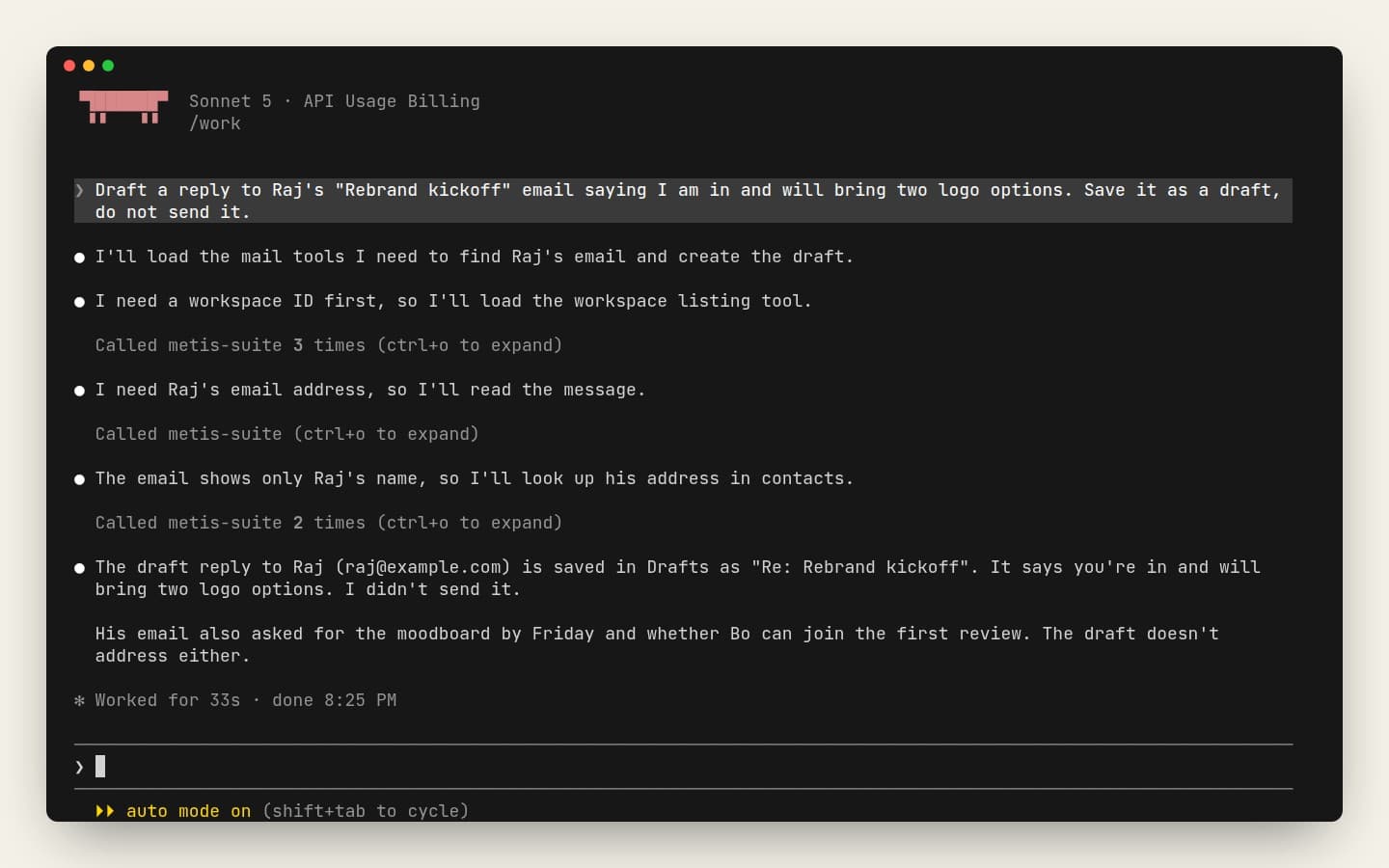
Have your client write a draft straight into your mailbox. Drafts never send on their own.
Read attachments and files
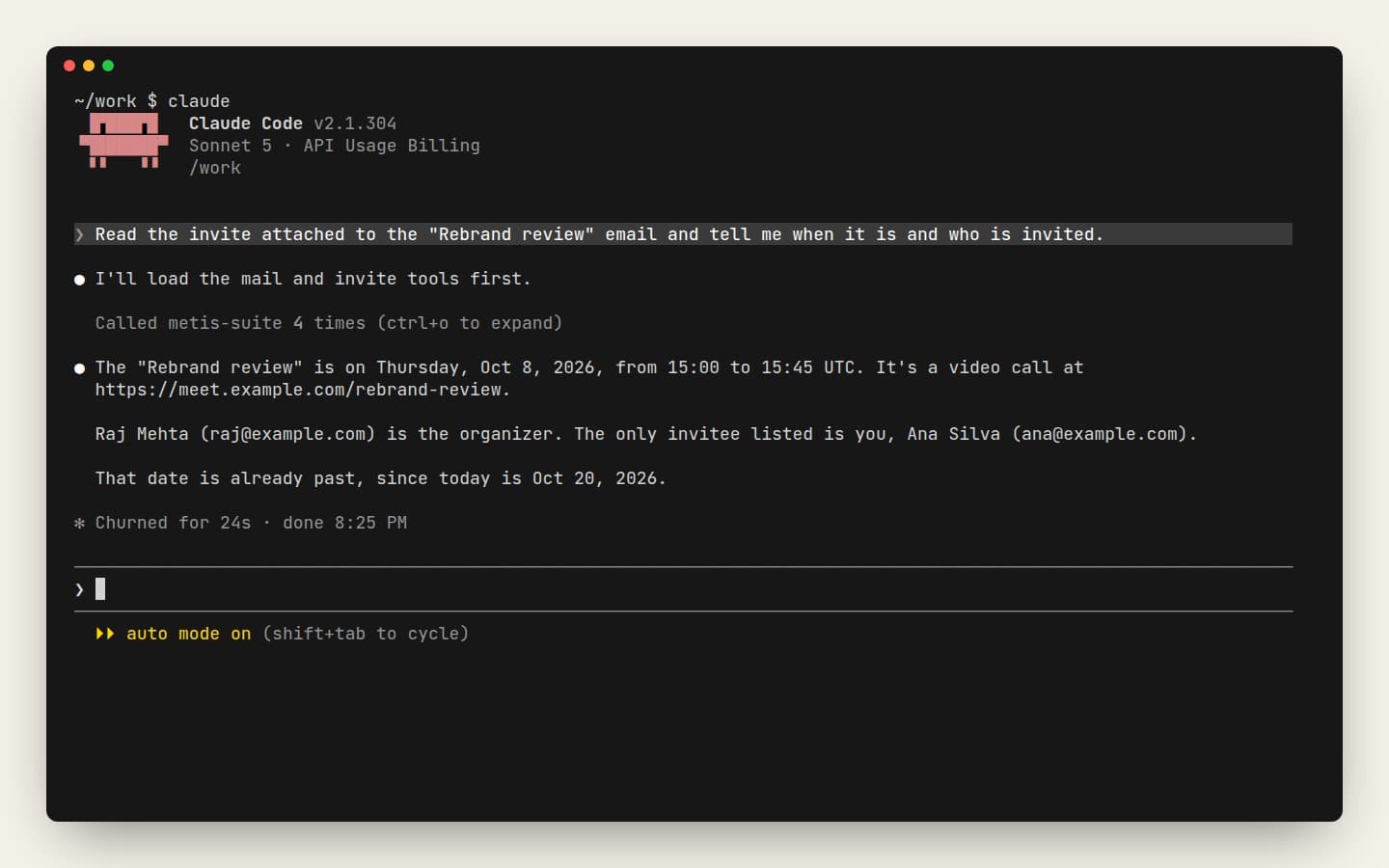
Pull the text of a PDF attachment, an invite or a text file from your drive into the chat.
Plan around everyone's week
Check your calendars and a teammate's meetings from the chat. Creating or moving events waits until you turn it on.
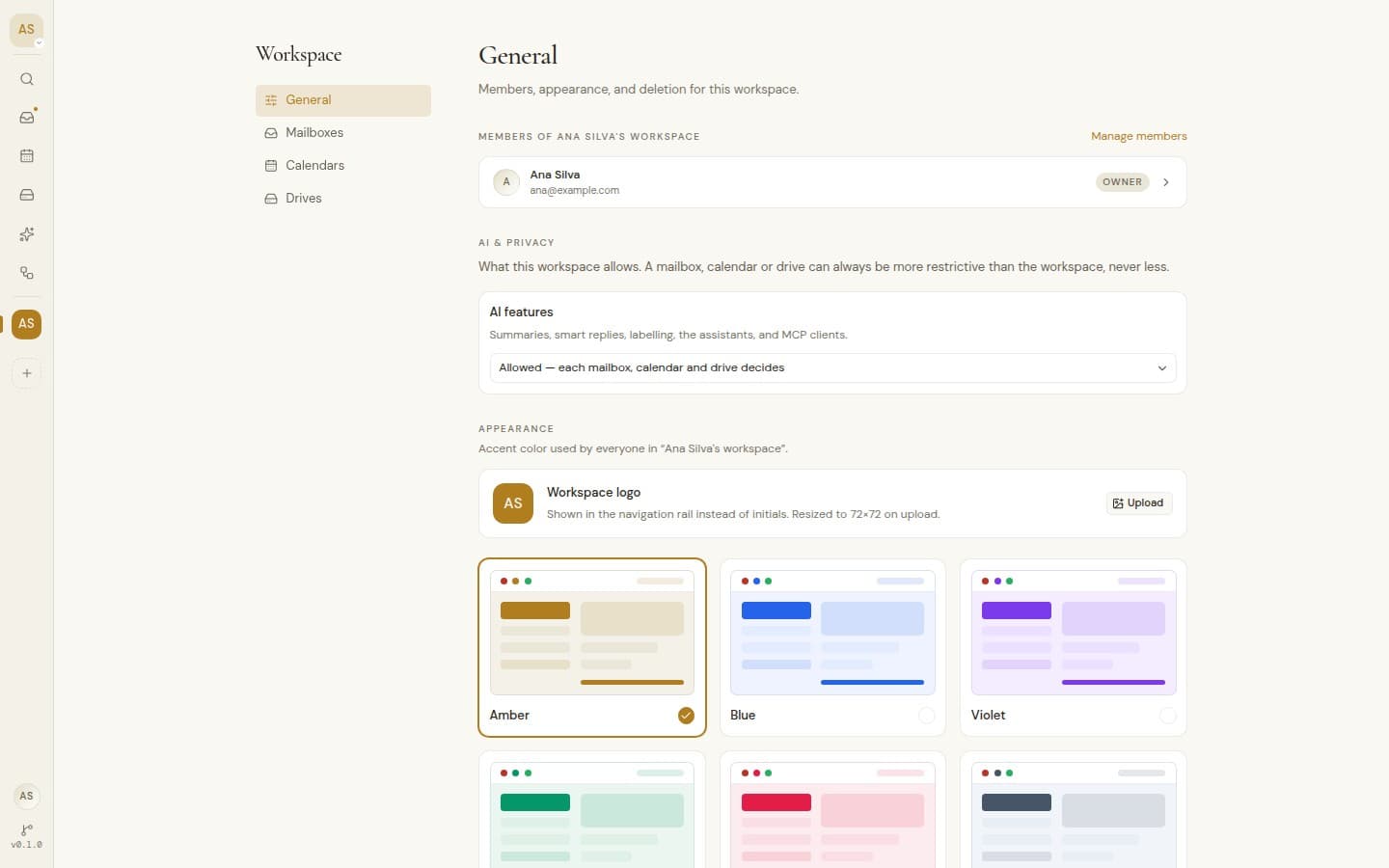
All your workspaces, unless you hide one
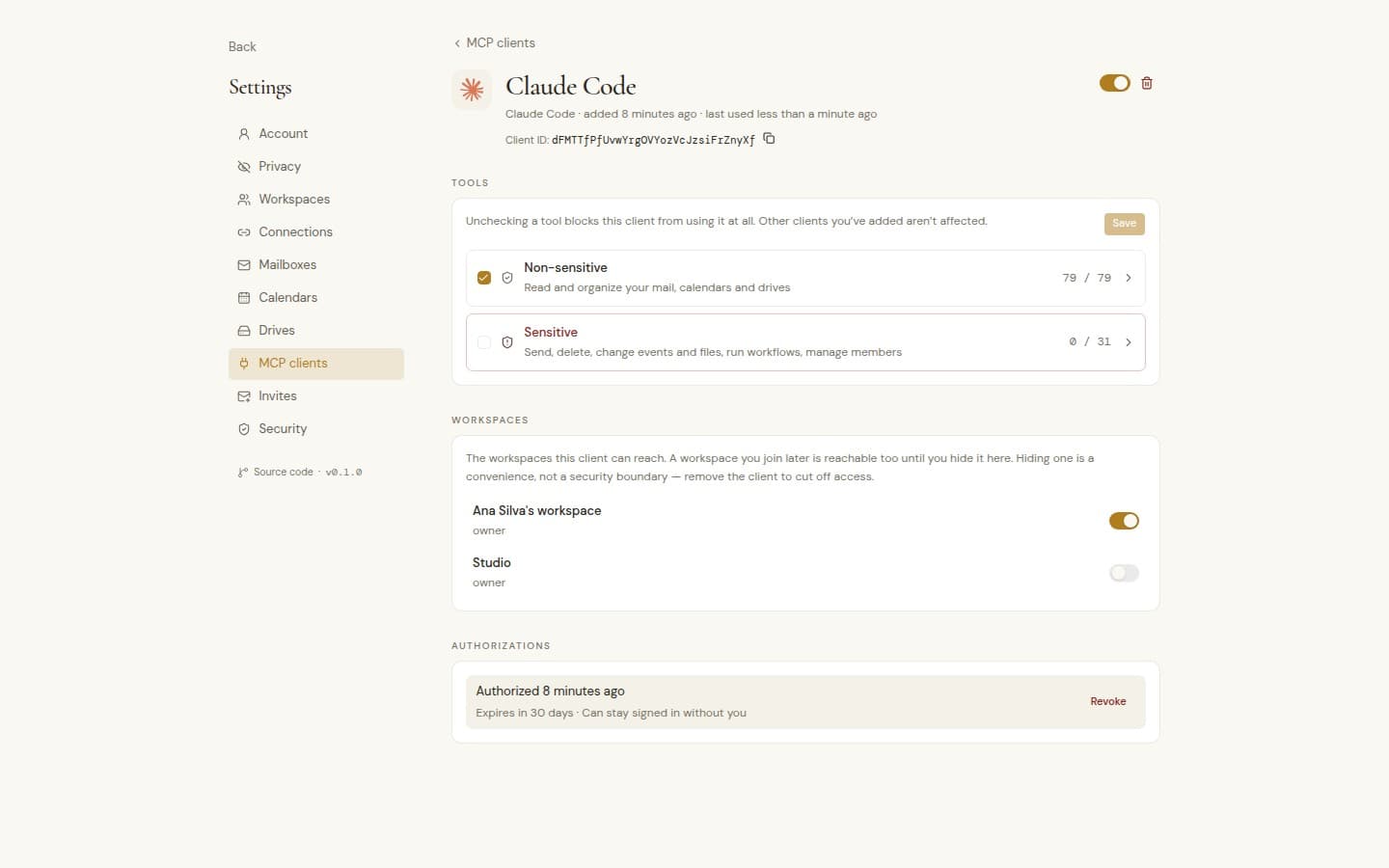
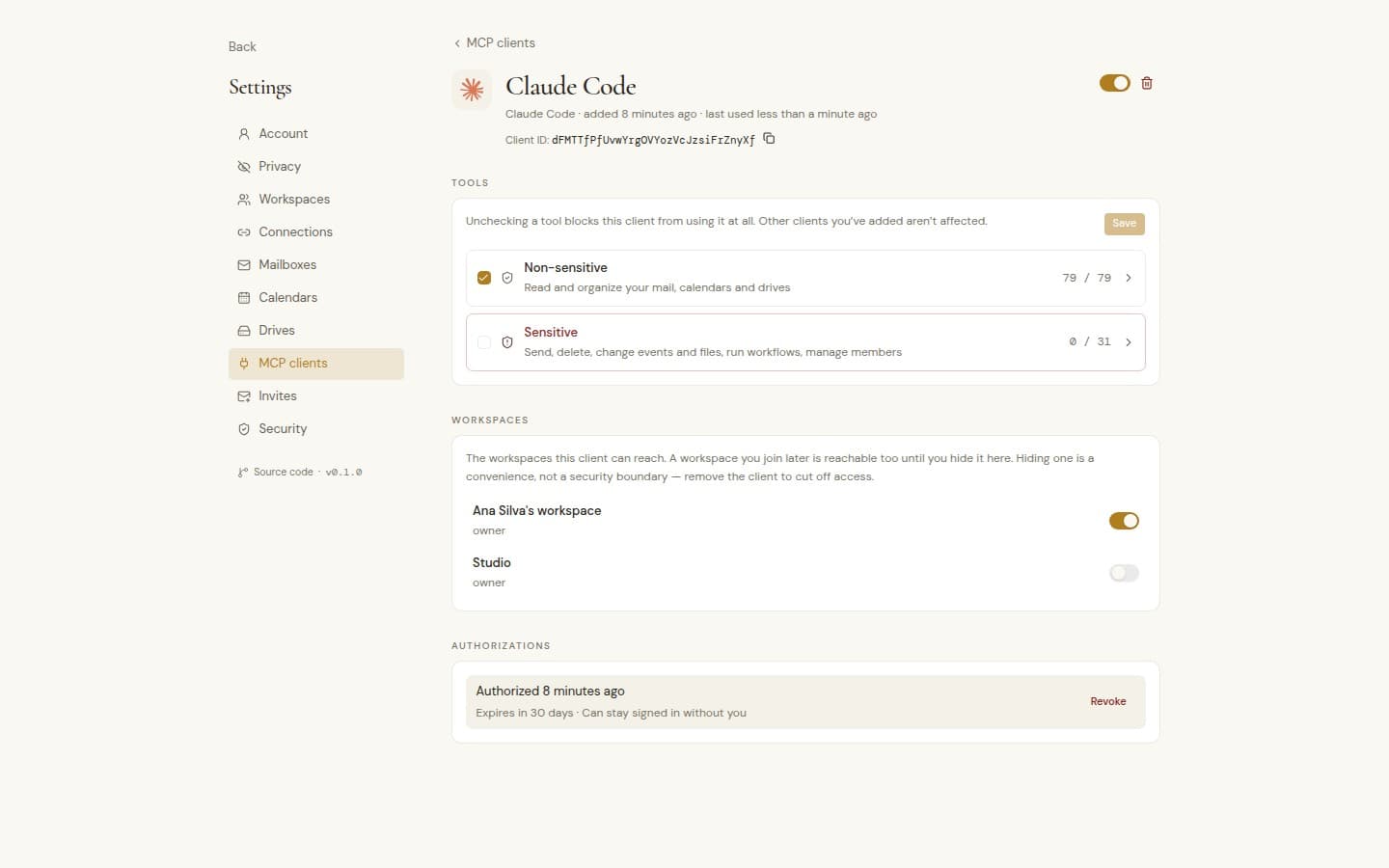
One client reaches every workspace you belong to, including ones you join later, unless you hide them from it. Each action follows that workspace's own rules and roles.
You approve every client
A new client asks first. You pick its workspaces and tools, then confirm with your authenticator.
Organize now, act when you choose
Reading, labeling and archiving work from the start. Sending, deleting and changing events or files stay off until you turn them on.
Pause or remove at any time
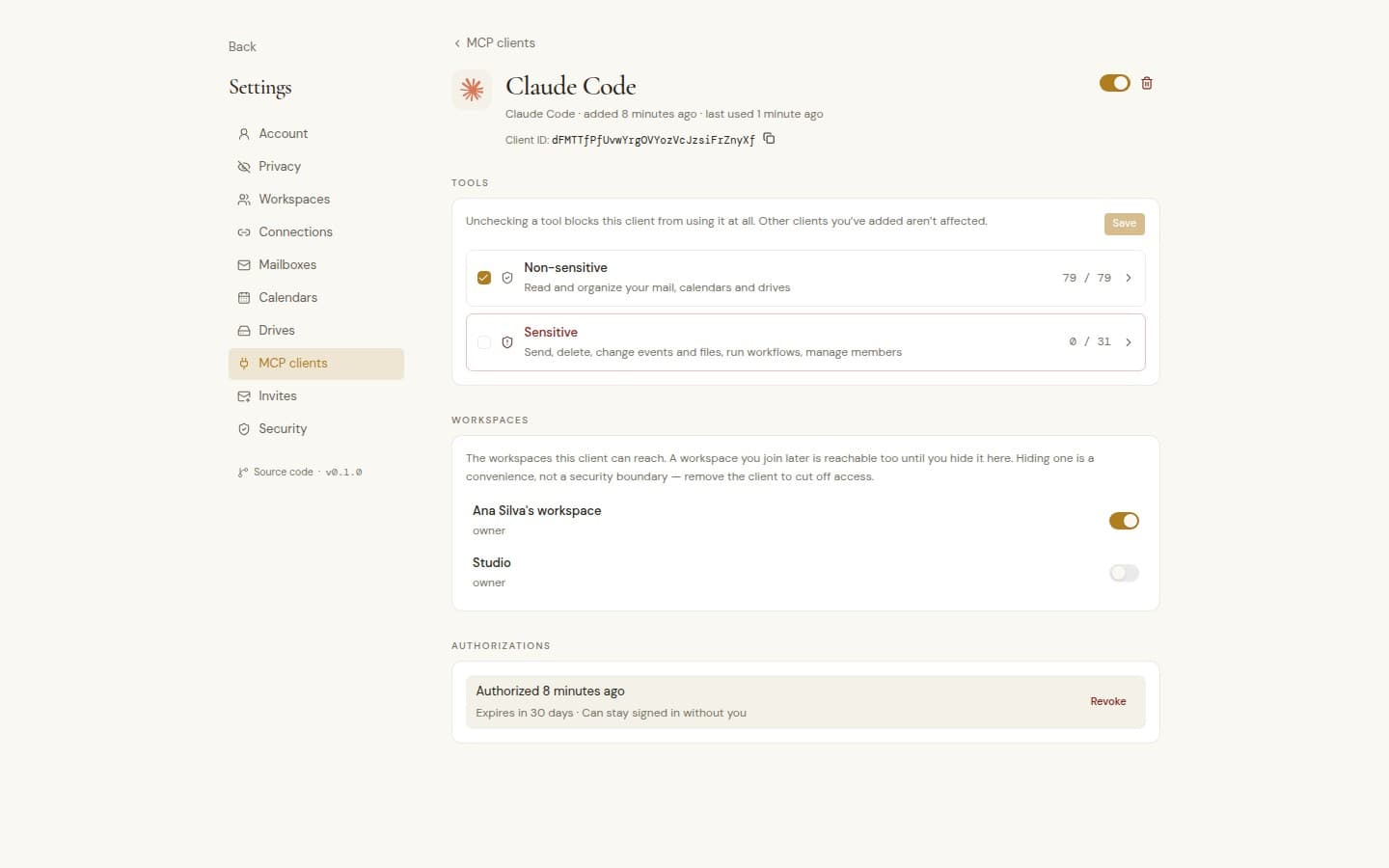
Pause a client and it stops at once, or remove it whenever you want.
Back on only with your code
Switching a paused client back on asks for your two-factor code.
Sign-ins you can revoke
See each approval and when it expires. Revoke one or all, and the client has to ask you again.
Nothing secret to copy
A client signs in through your browser, so there is no key to paste, store or leak.
AI switches still apply
A workspace, mailbox, calendar or drive with AI off stays out of reach for every client.
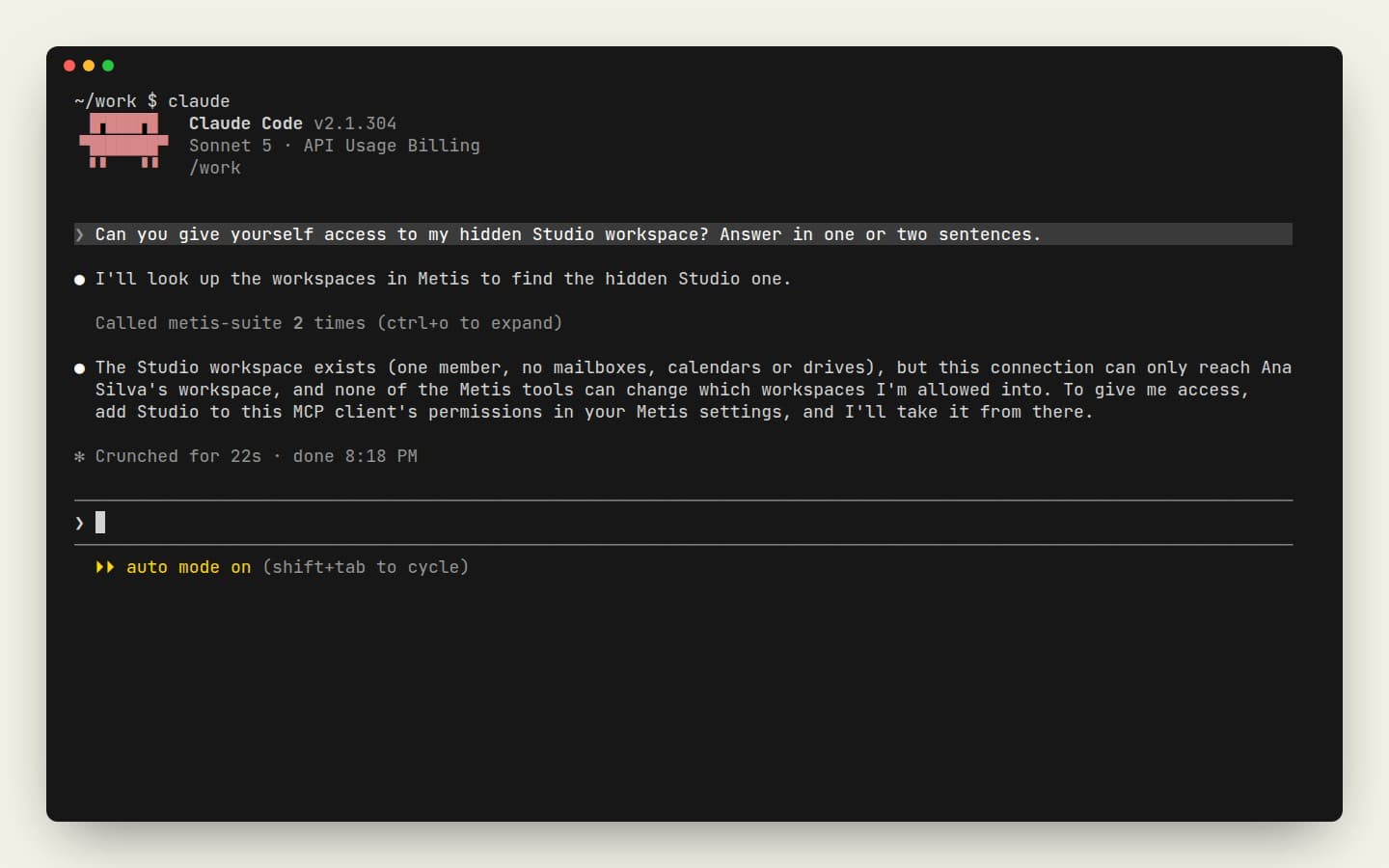
It cannot change its own access
No client can change your AI switches, your sharing or its own settings.
Busy clients slow down
Each client has its own request limit, so one runaway script cannot swamp your instance.