One file explorer for Google Drive, OneDrive, S3, WebDAV, FTP and SFTP
Files, next to the work.
Your drives and file servers in one explorer, next to the mail and calendars they belong with.
Every drive, one explorer.
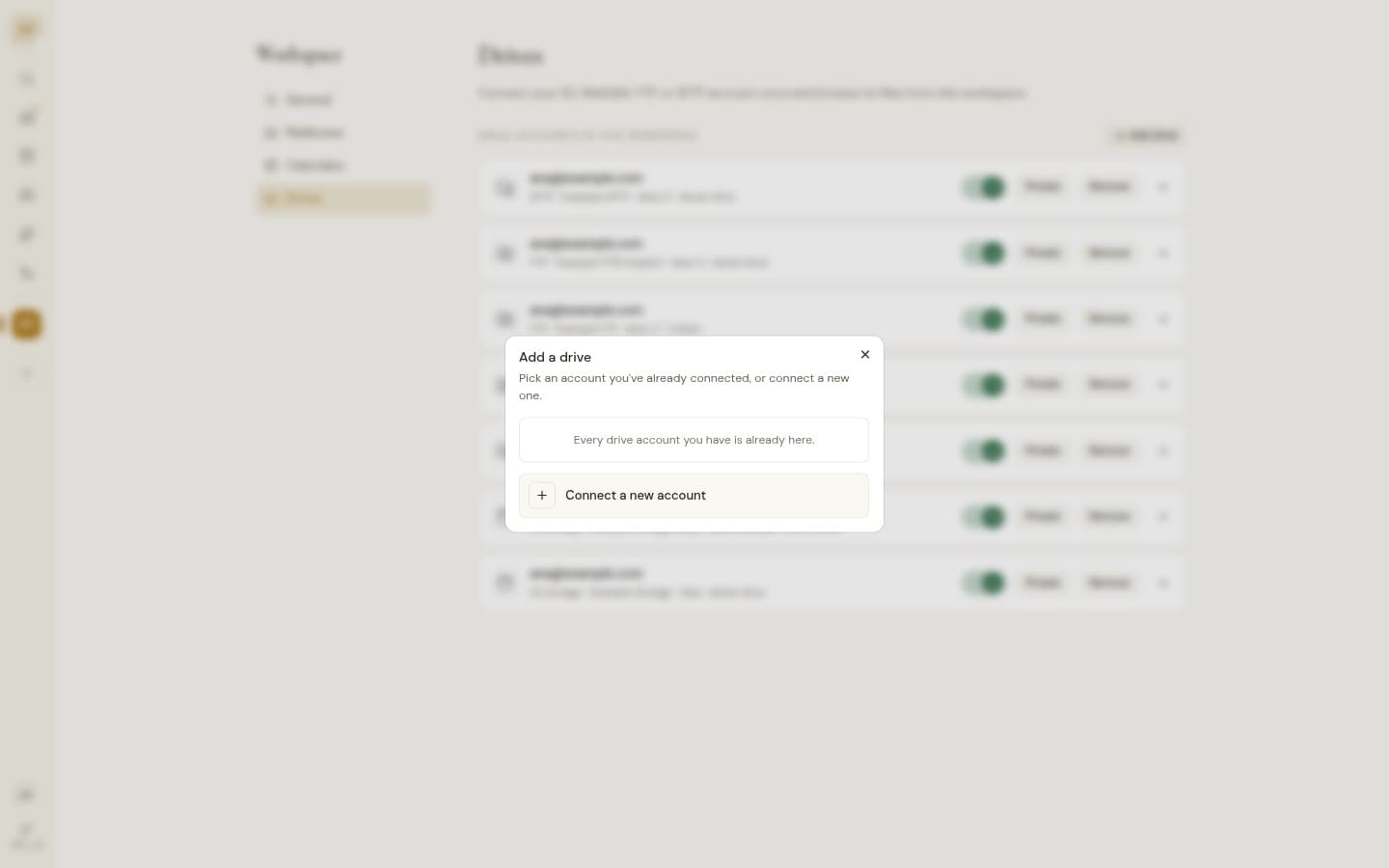
Google Drive and OneDrive come with the account you connect. S3, WebDAV, FTP and SFTP come from servers the instance owner adds.
Google Drive, OneDrive, S3, WebDAV, FTP, SFTP
From the inbox to the right folder.
Save an attachment straight to any connected drive, or insert a Google Drive or OneDrive link while you write.
Open it without downloading.
PDFs, images, CSV tables, text and video open right in the browser.
Every drive, one explorer.
Cloud drives and file servers next to your mail, with previews that open in the browser.
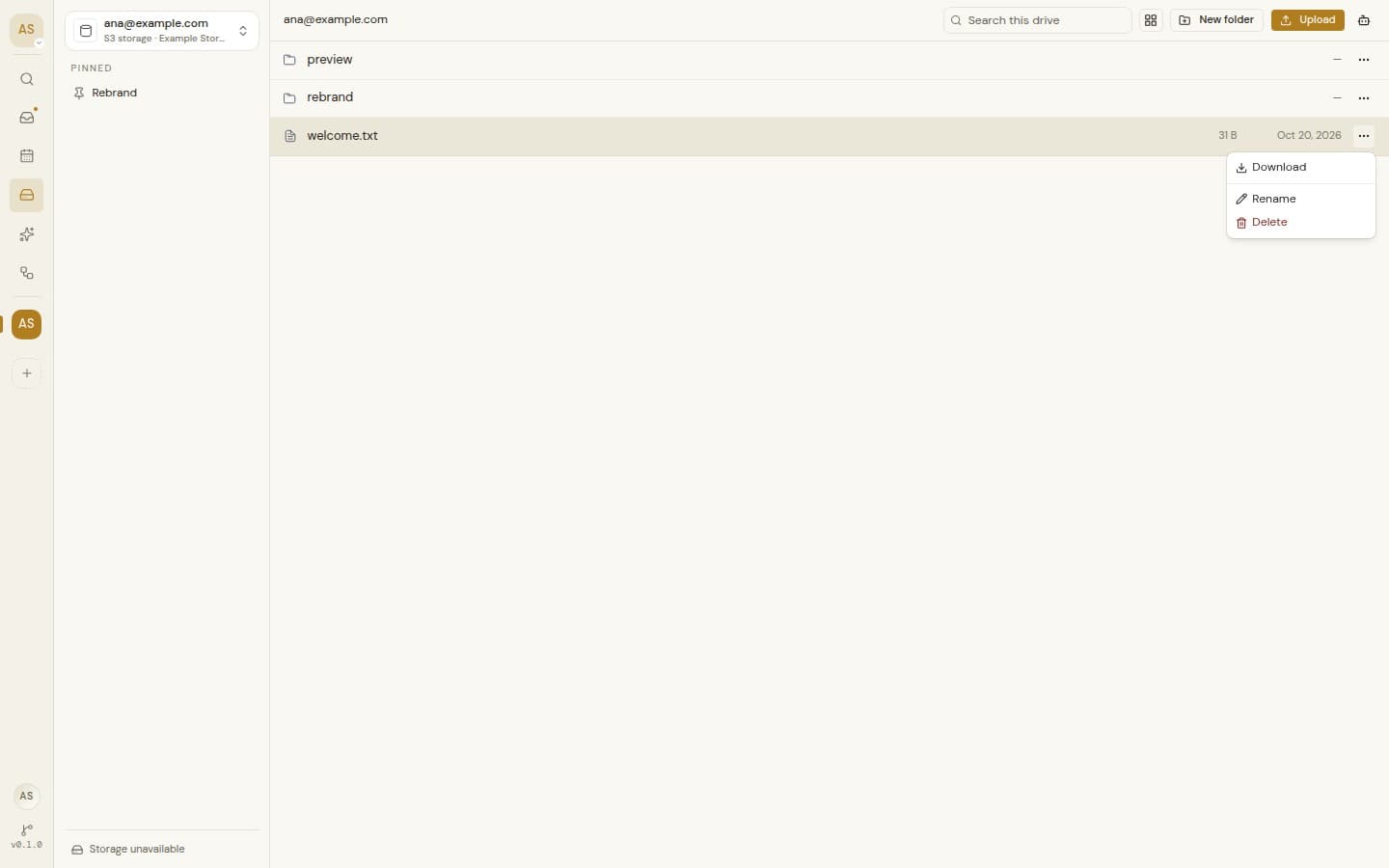
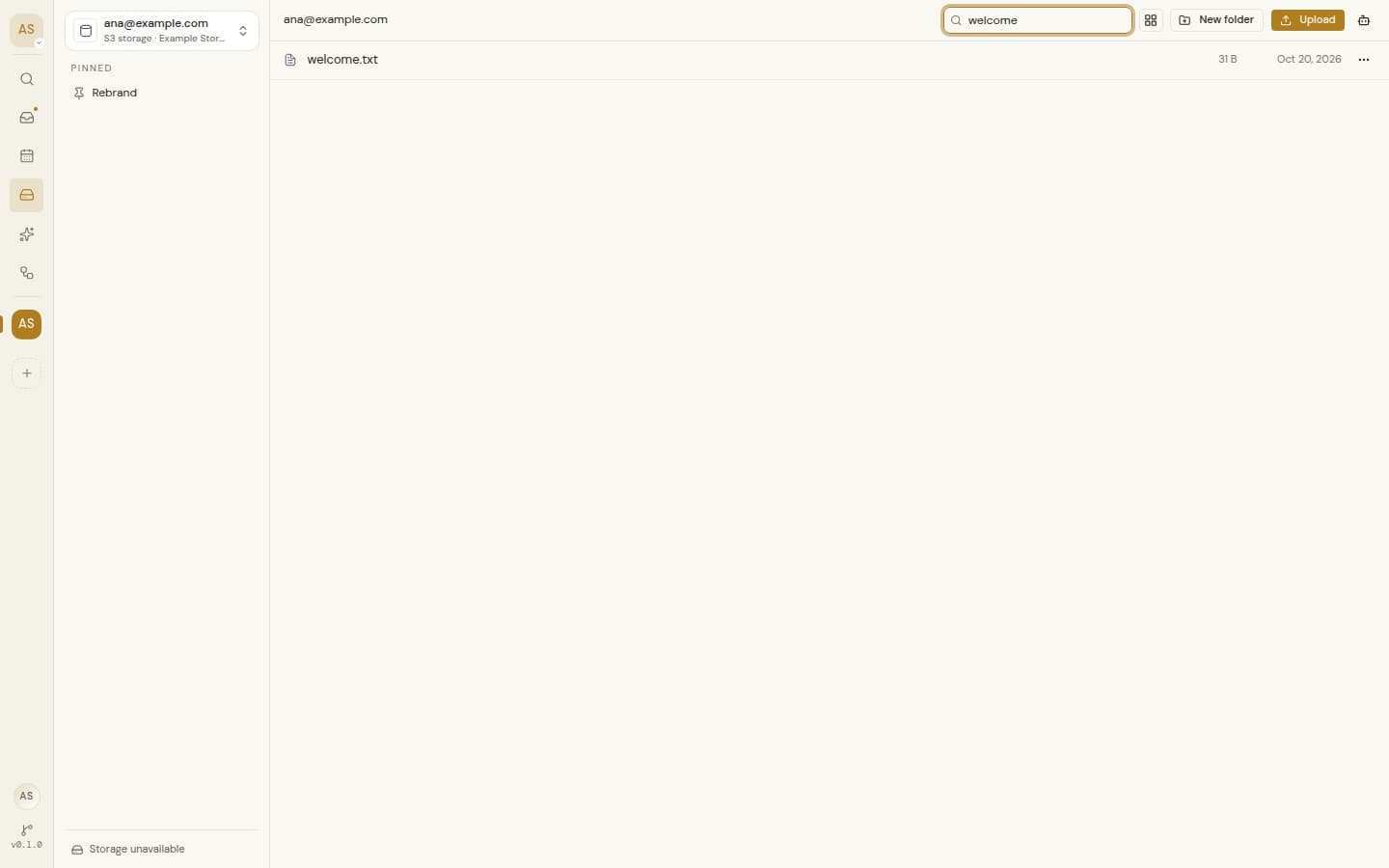
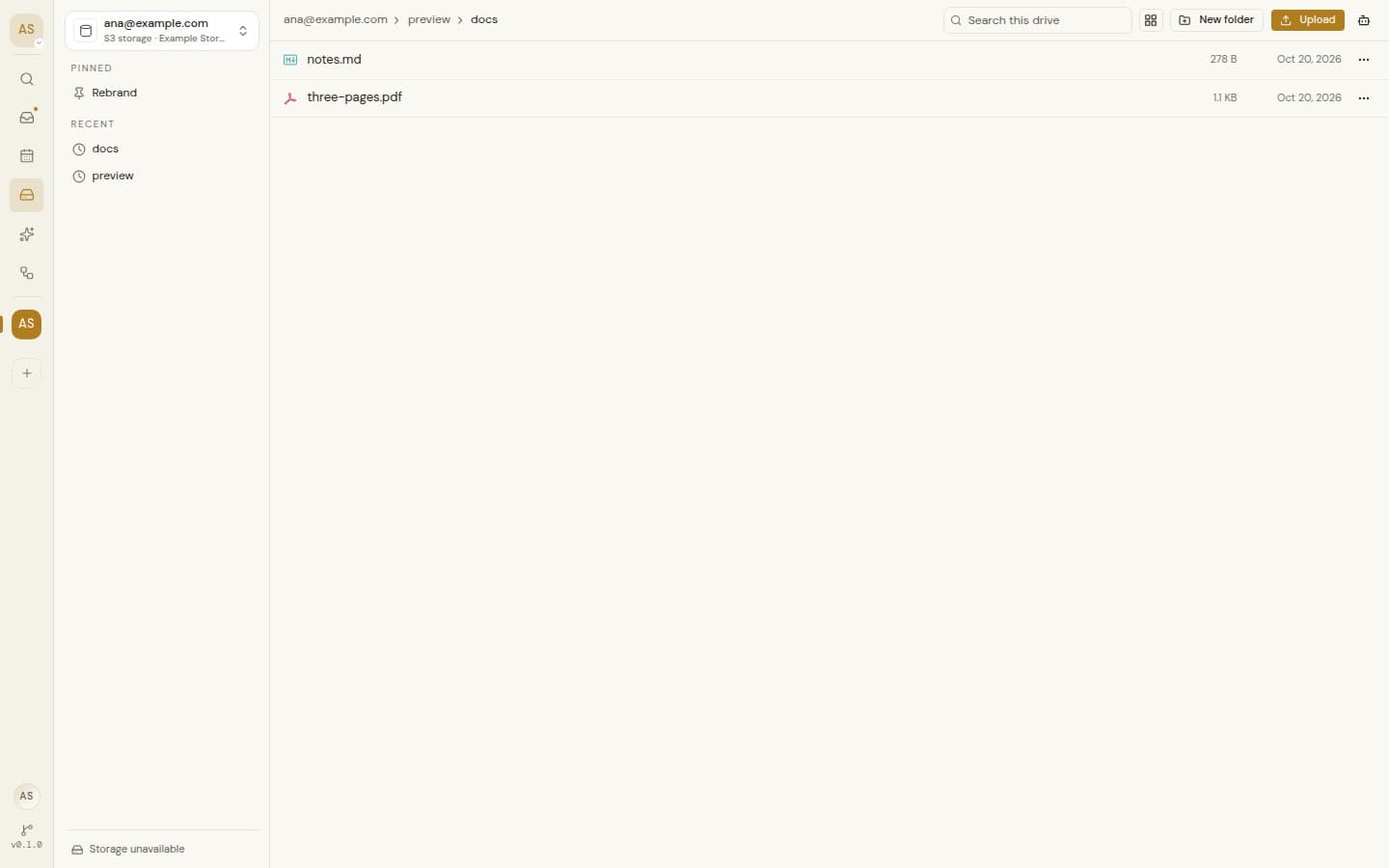
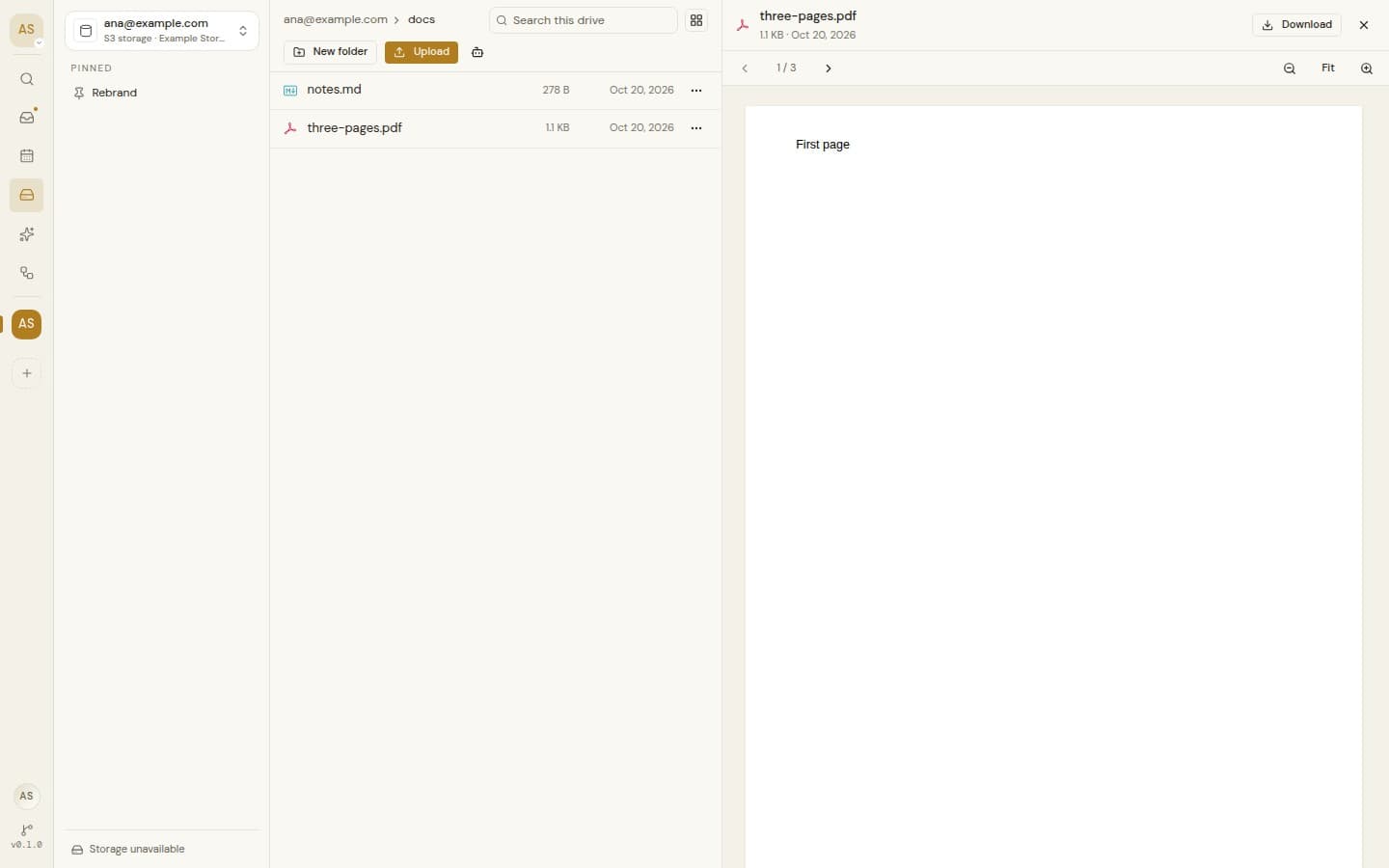
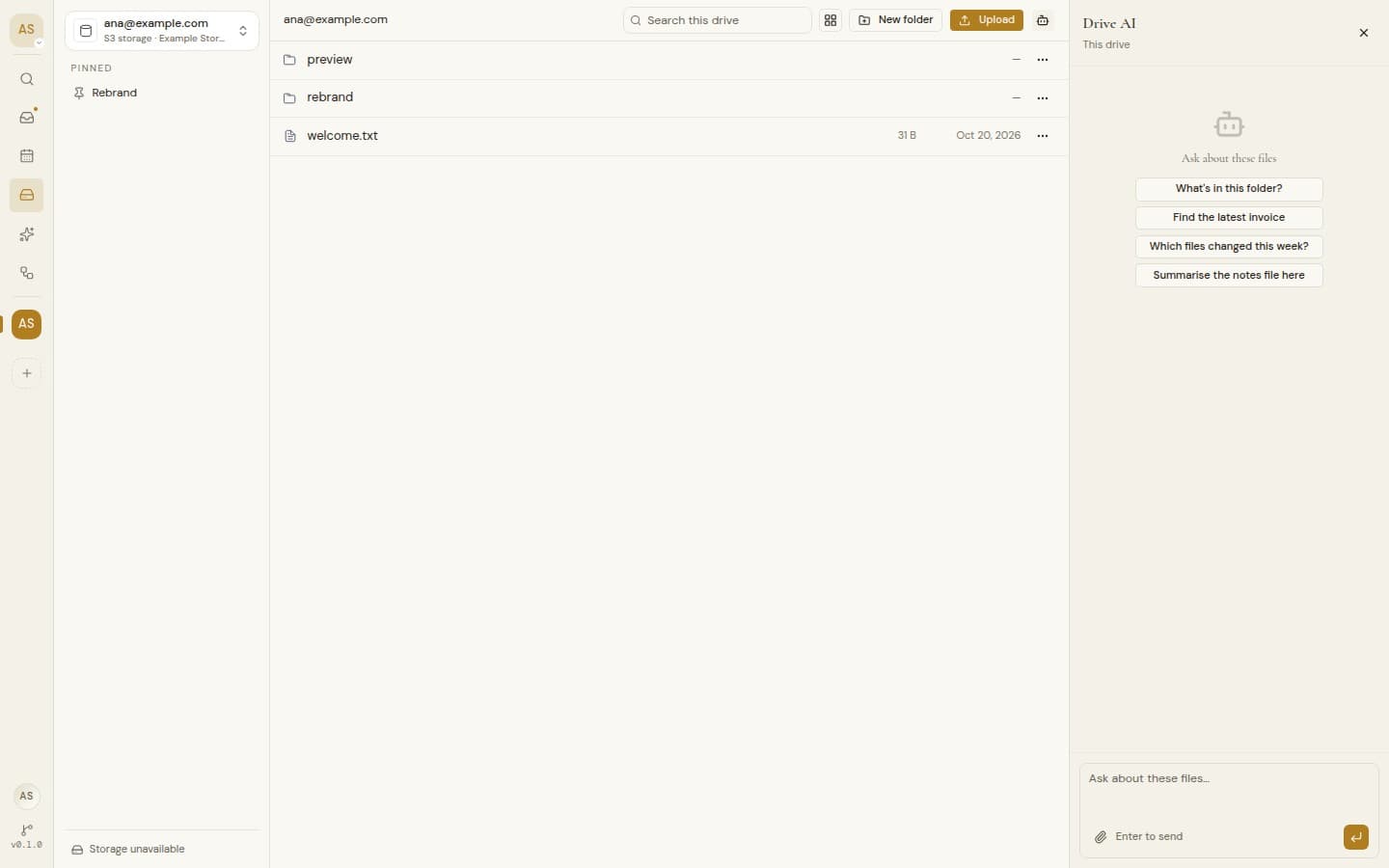
Cloud drives and file servers
Cloud drives and file servers
Google Drive and OneDrive come with the account you connect. S3, WebDAV, FTP and SFTP servers are added by the instance owner.
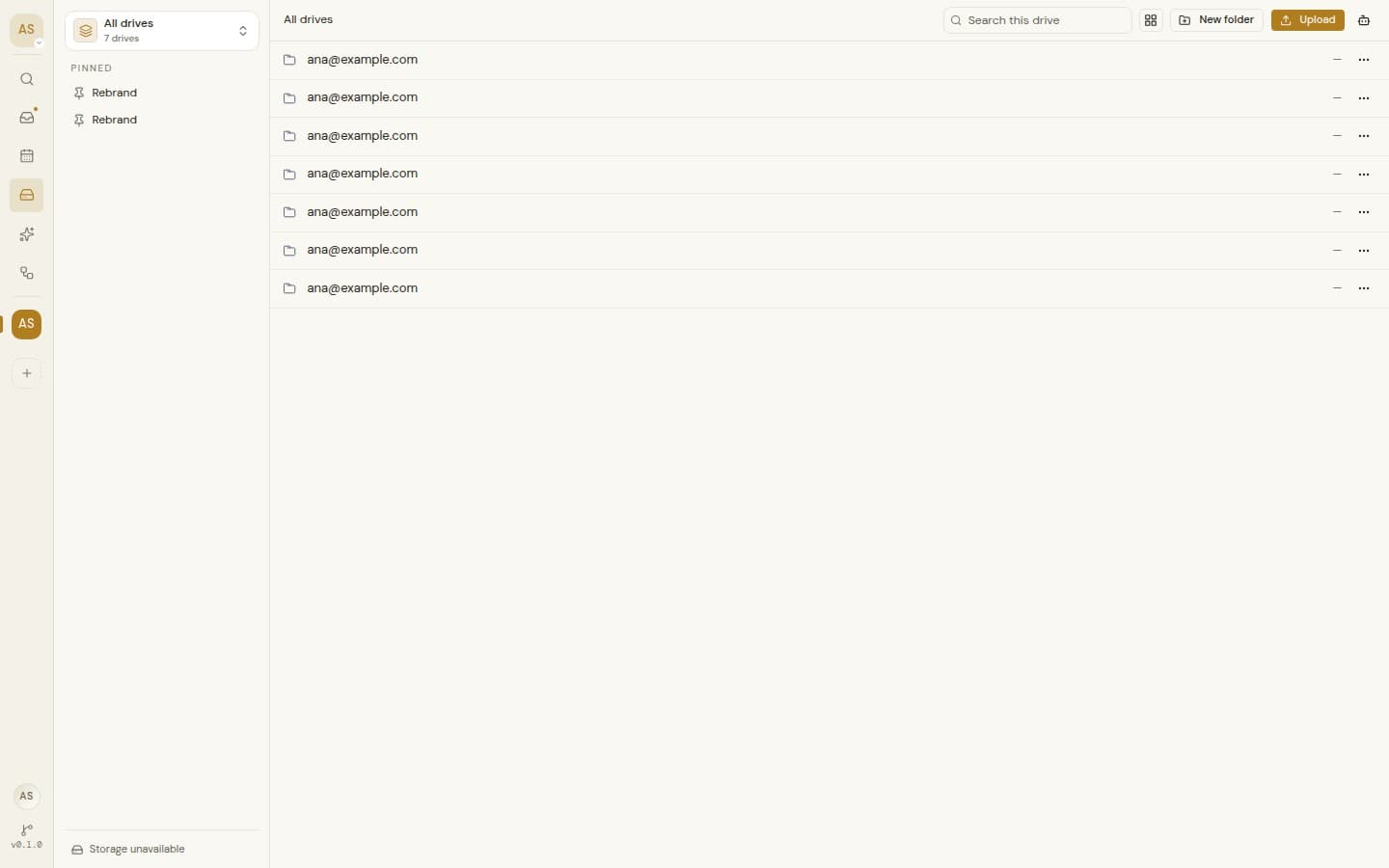
All drives view
Browse every drive in the workspace from one place.
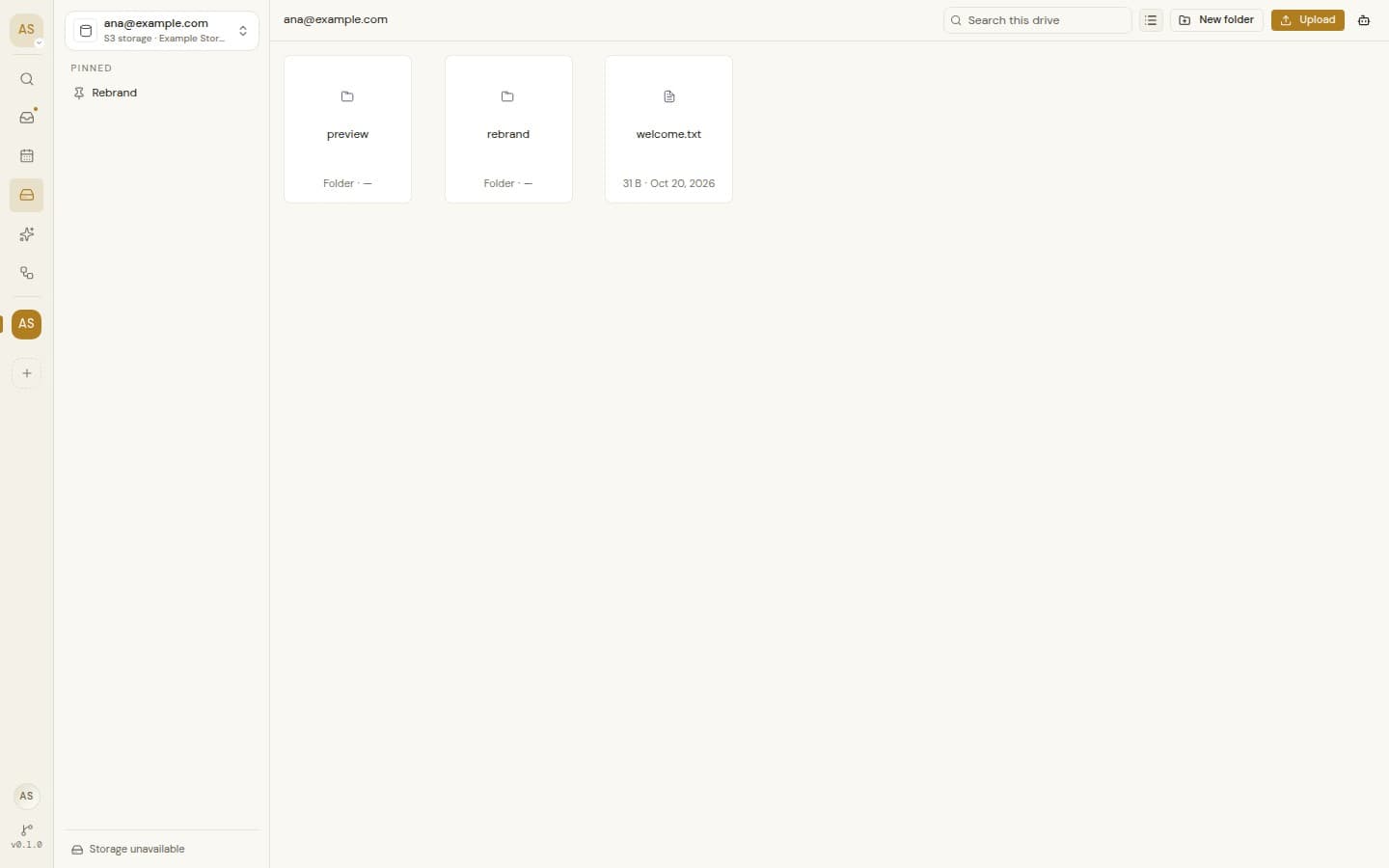
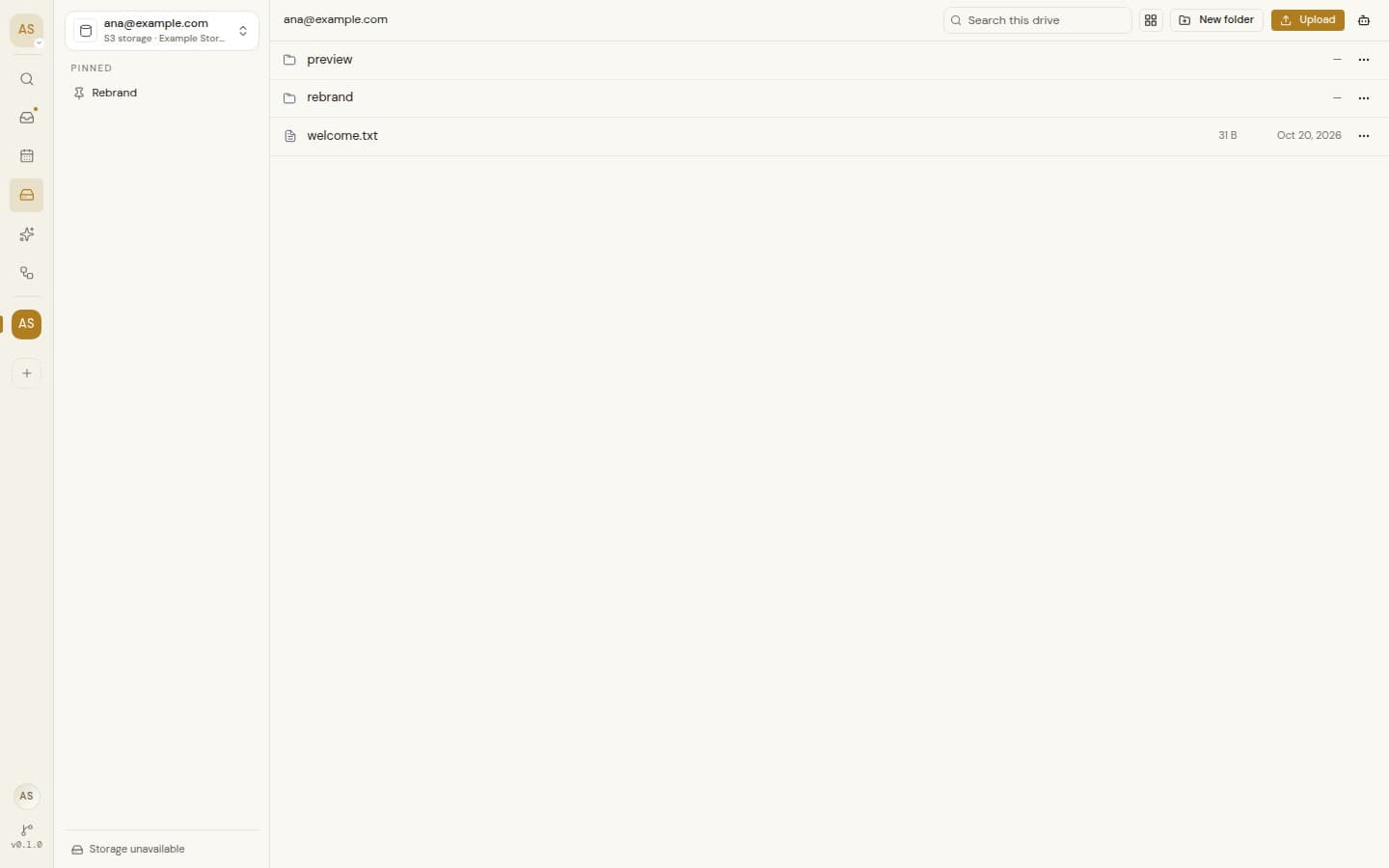
List or grid
Breadcrumbs, back and forward, and long folders that load as you go.
Drag and drop upload
Upload several files at once with a progress bar.
Everyday file actions
New folders, rename, download, or open the file at its provider.
Search
Find files by name. On Google Drive, search reads file contents too.
Pins and recents
Pin folders to the sidebar and jump back to the last eight you opened.
Storage meter
Used and total space, wherever the provider reports it.
Preview in the browser
Images, video, audio, PDF, Markdown, CSV tables, ZIP contents and text.
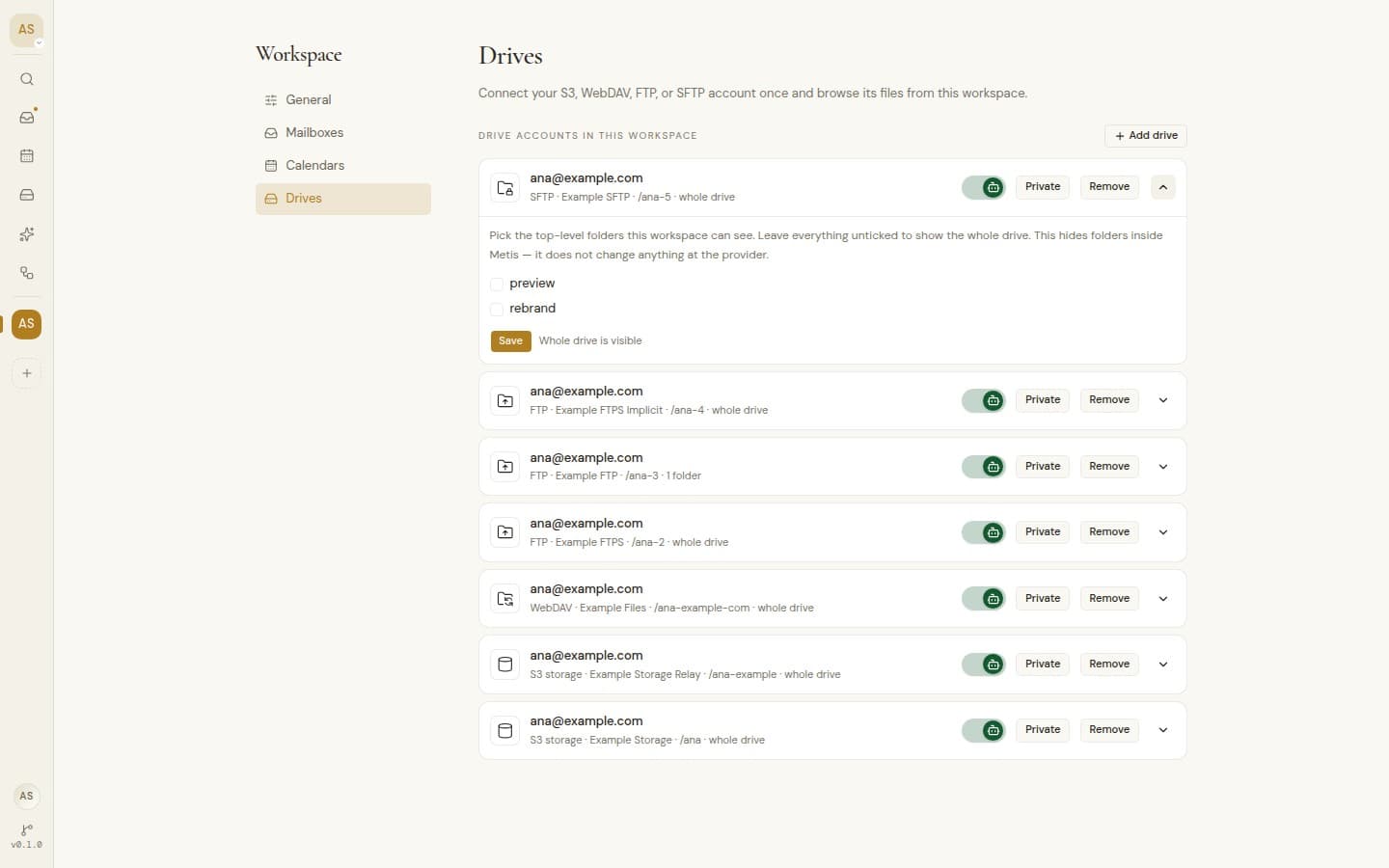
Folder limits per workspace
Choose which top-level folders a workspace can see.
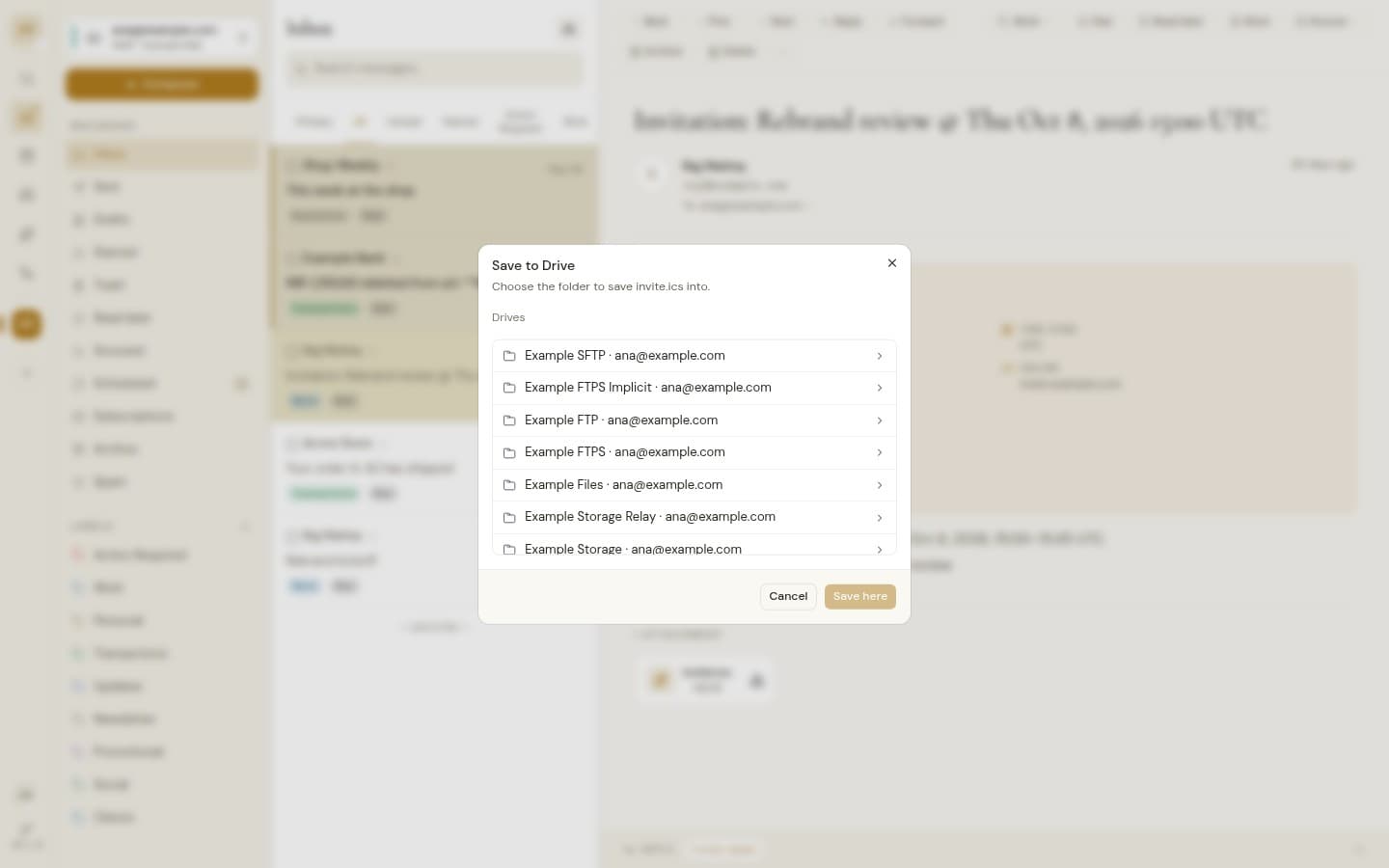
Save attachments to a drive
Send an email attachment straight into the folder you pick.
Drive links in email
Insert a Google Drive or OneDrive link while you write.
Straight to the provider
Google Drive, OneDrive and S3 transfers go between your browser and the provider.
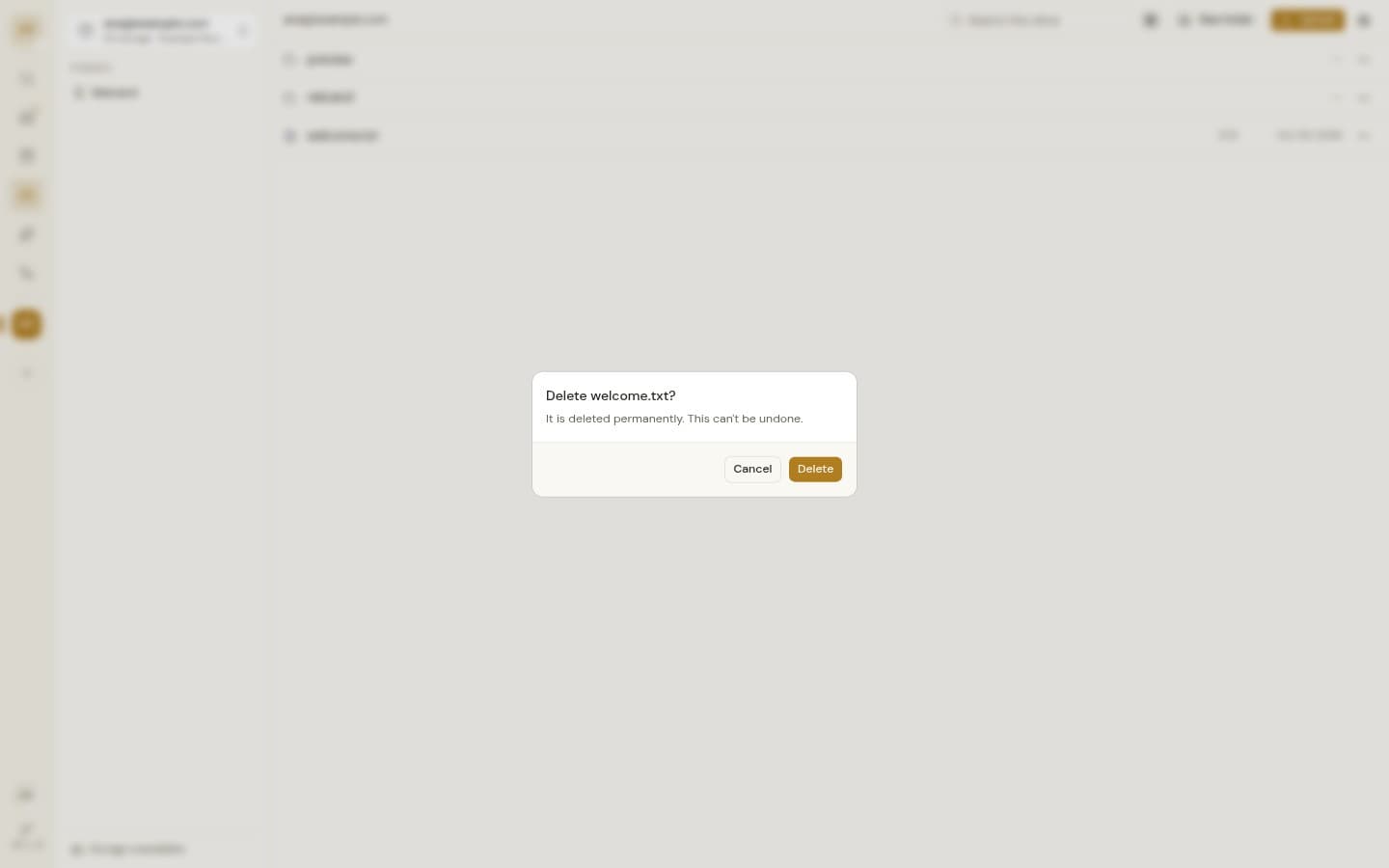
Honest deletes
Google Drive and OneDrive use their trash. Other sources delete for good, and the dialog says so.
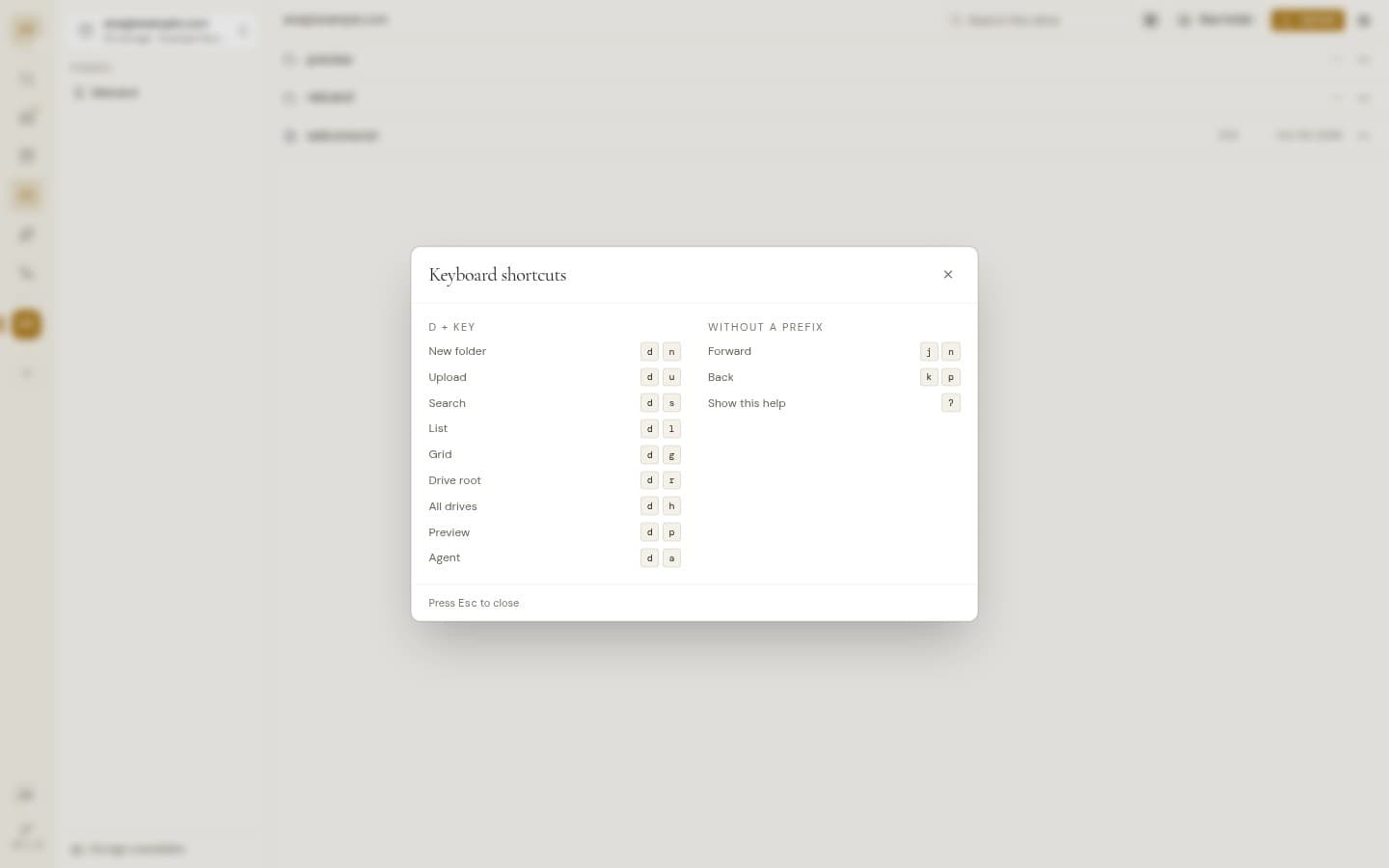
Keyboard shortcuts
D then a letter for new folder, upload, search, view or preview.
Drive agent
AI, opt inAsk about files, read text files, and create, rename, move or delete once you approve.