Email client security: required two-factor sign-in, encrypted credentials and tracker blocking
Locked before you ask.
Two-factor sign-in, encrypted credentials and a sandbox for every message, across every tool in the suite.
Two keys, every time.
A password and a code from your authenticator. Nothing past sign-in opens without both.
Credentials, encrypted at rest.
Every provider token and server login is encrypted in the database, and the instance owner cannot read your mail.
Locked by default.
Two-factor everywhere, credentials encrypted at rest, and mail that cannot phone home.
Two-factor, required
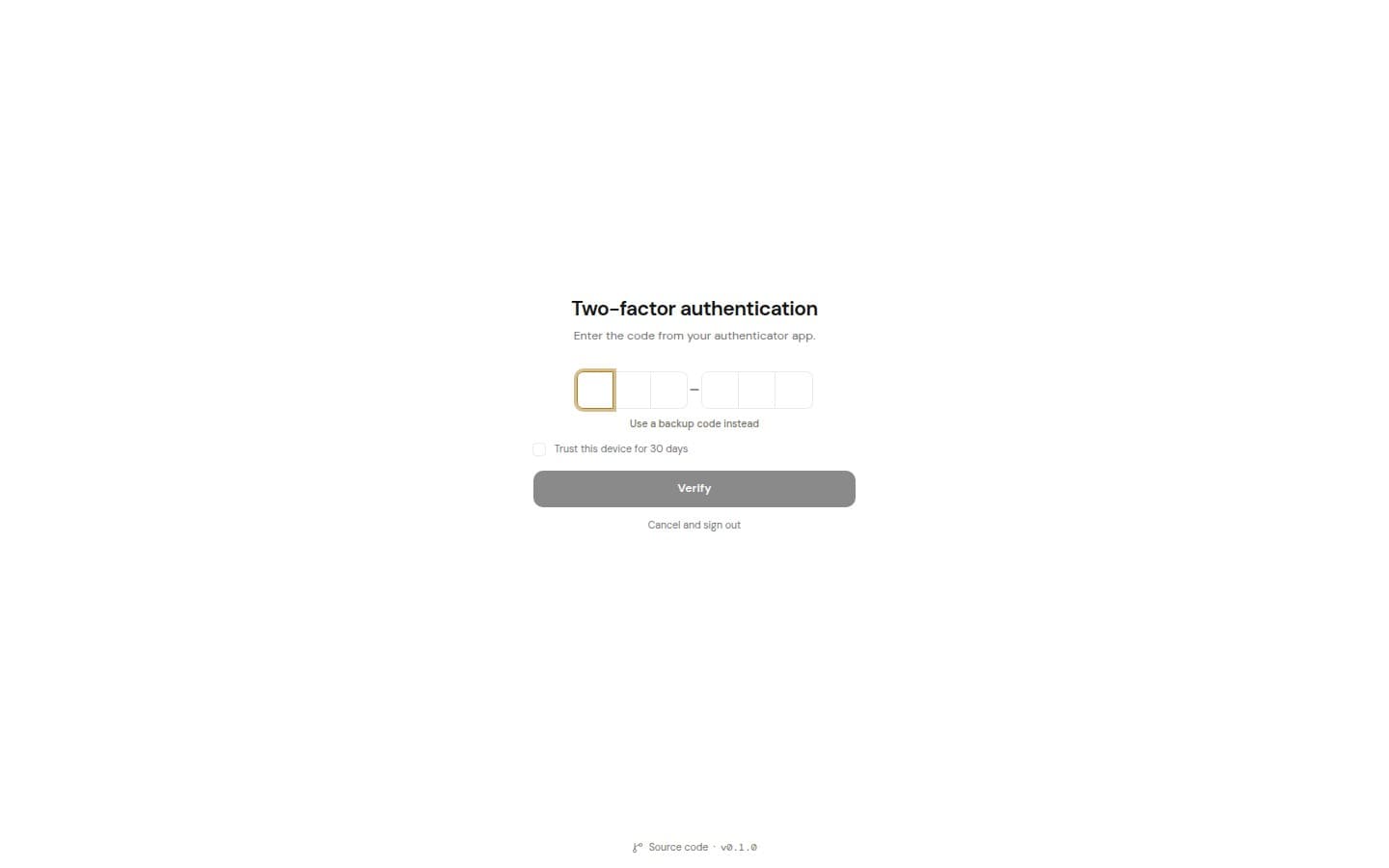
Two-factor, required
Every account sets up an authenticator and backup codes before reaching any mail.
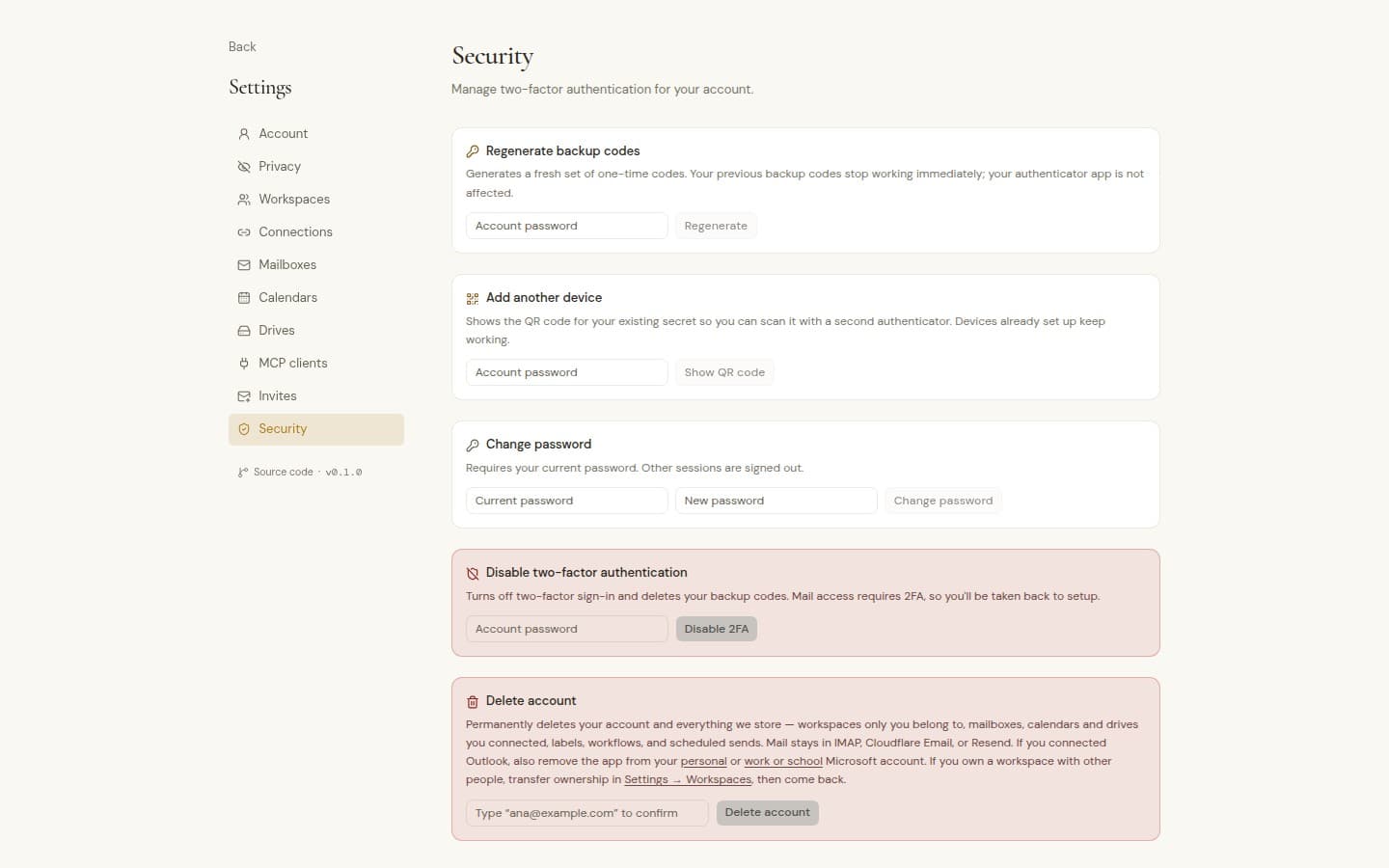
Codes for risky changes
Password changes, turning AI on, policy changes and signing out everywhere all ask for a code.
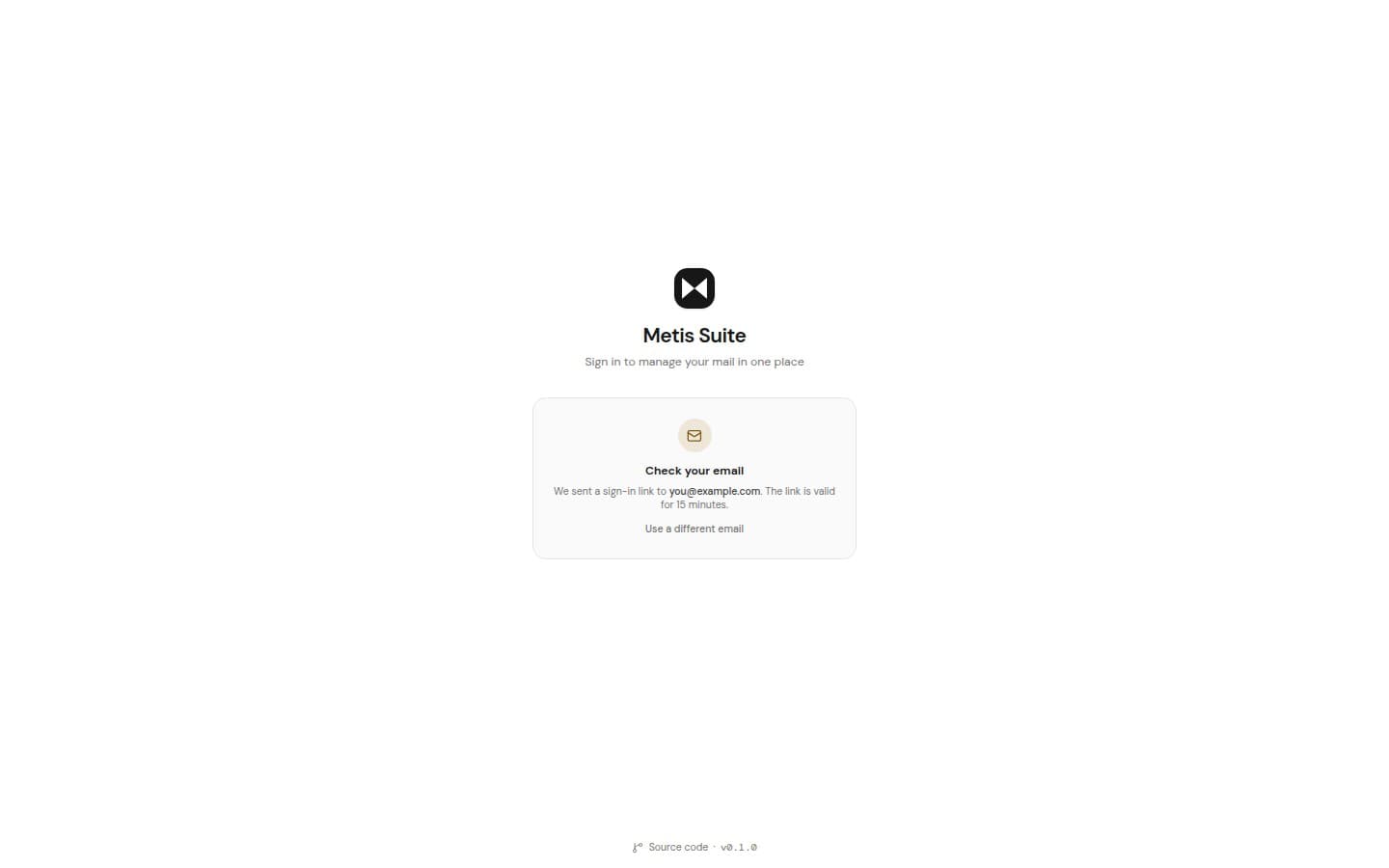
Magic link sign-in
Rate limited, and it never reveals whether an account exists.
Session control
See every signed-in browser and sign out one, the others, or all of them.
Encrypted at rest
Account tokens, server logins and stored secrets are encrypted in the database.
AI switches
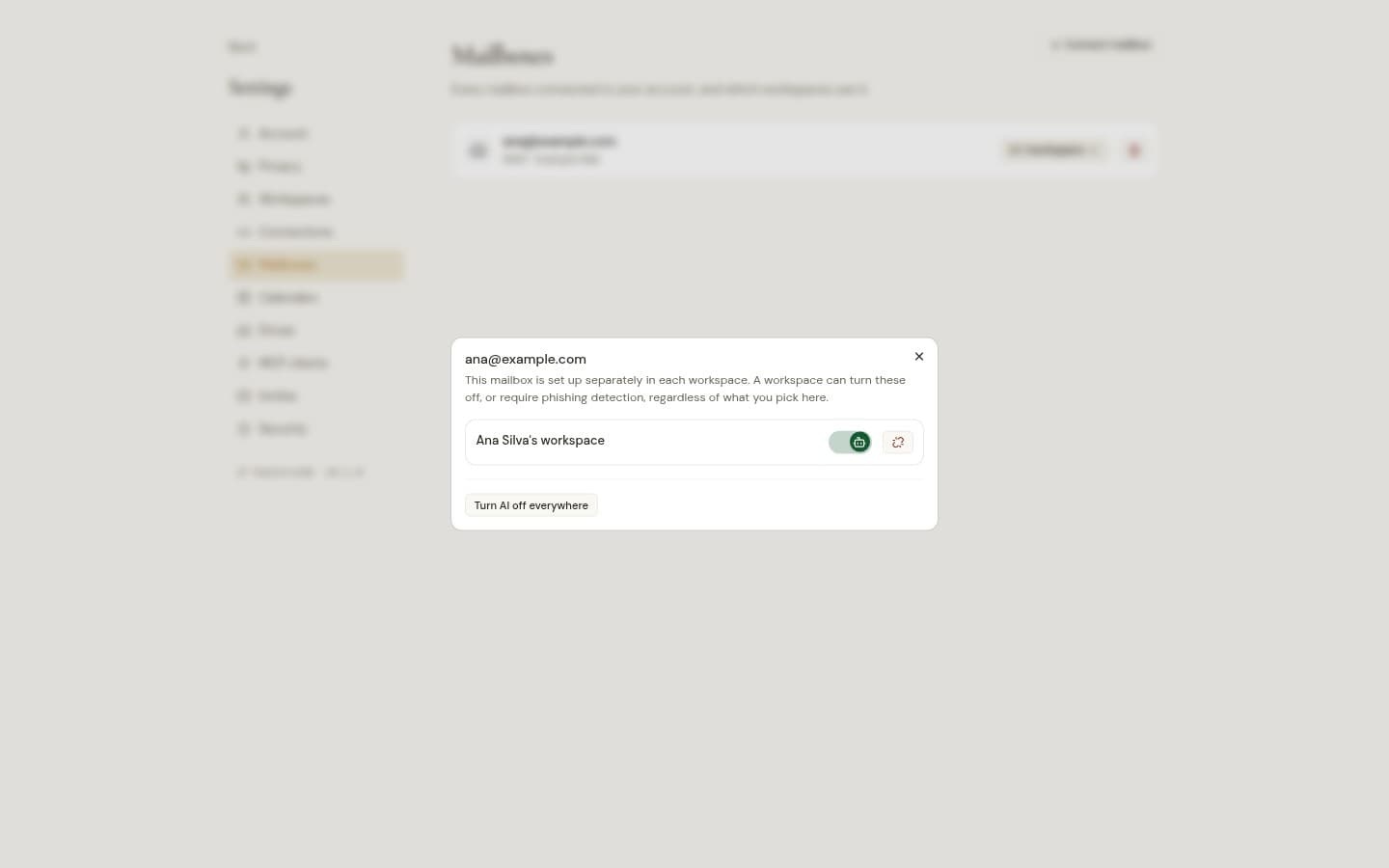
Allow or block AI per workspace. Every mailbox, calendar and drive has its own switch, and it starts off.
Servers the owner approves
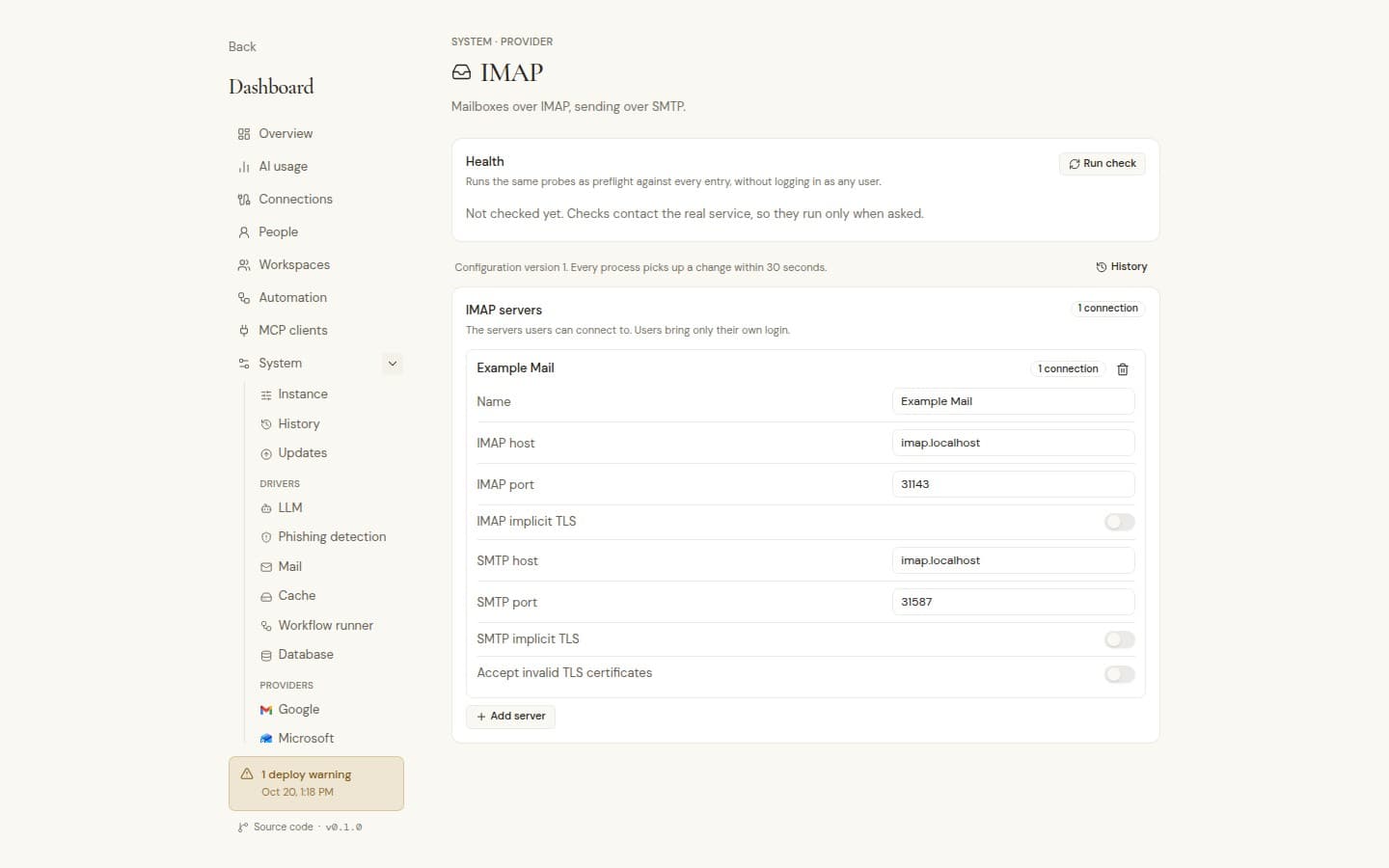
People connect IMAP, CalDAV, S3, WebDAV, FTP and SFTP only through servers the instance owner added.
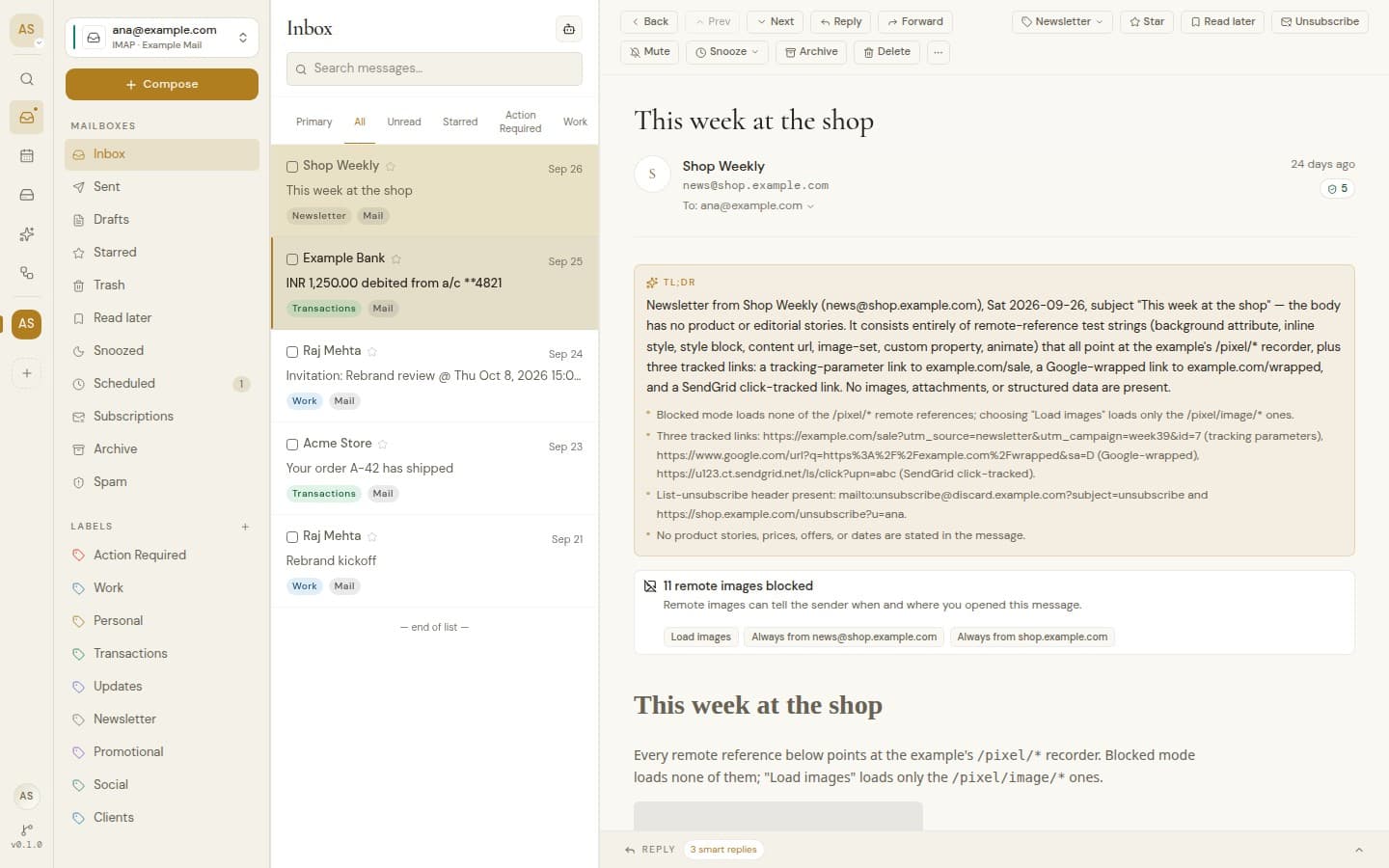
Remote images blocked
Opening mail tells no one, unless you trust the sender.
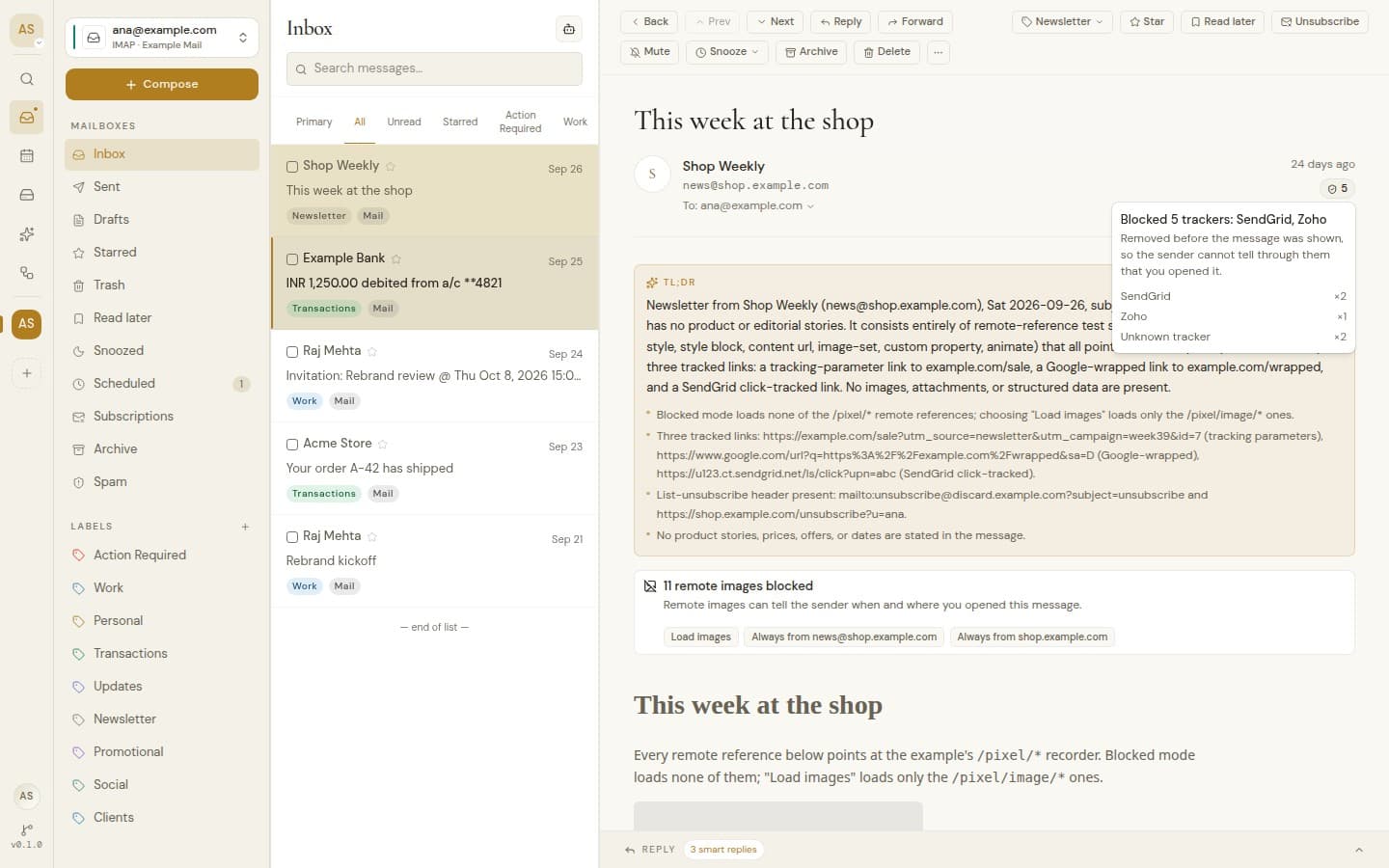
Trackers and tracking links
Proxy: instance settingTracking pixels removed and tracking stripped from links, with an optional image proxy.
Mail in a sandbox
Scripts and forms in an email never run.
Invite-only by default
The instance owner decides whether sign-up is open and can require people to accept terms.
The instance owner cannot read your mail
The owner dashboard shows usage and health, never anyone's messages.
Shared where you choose, private everywhere else.
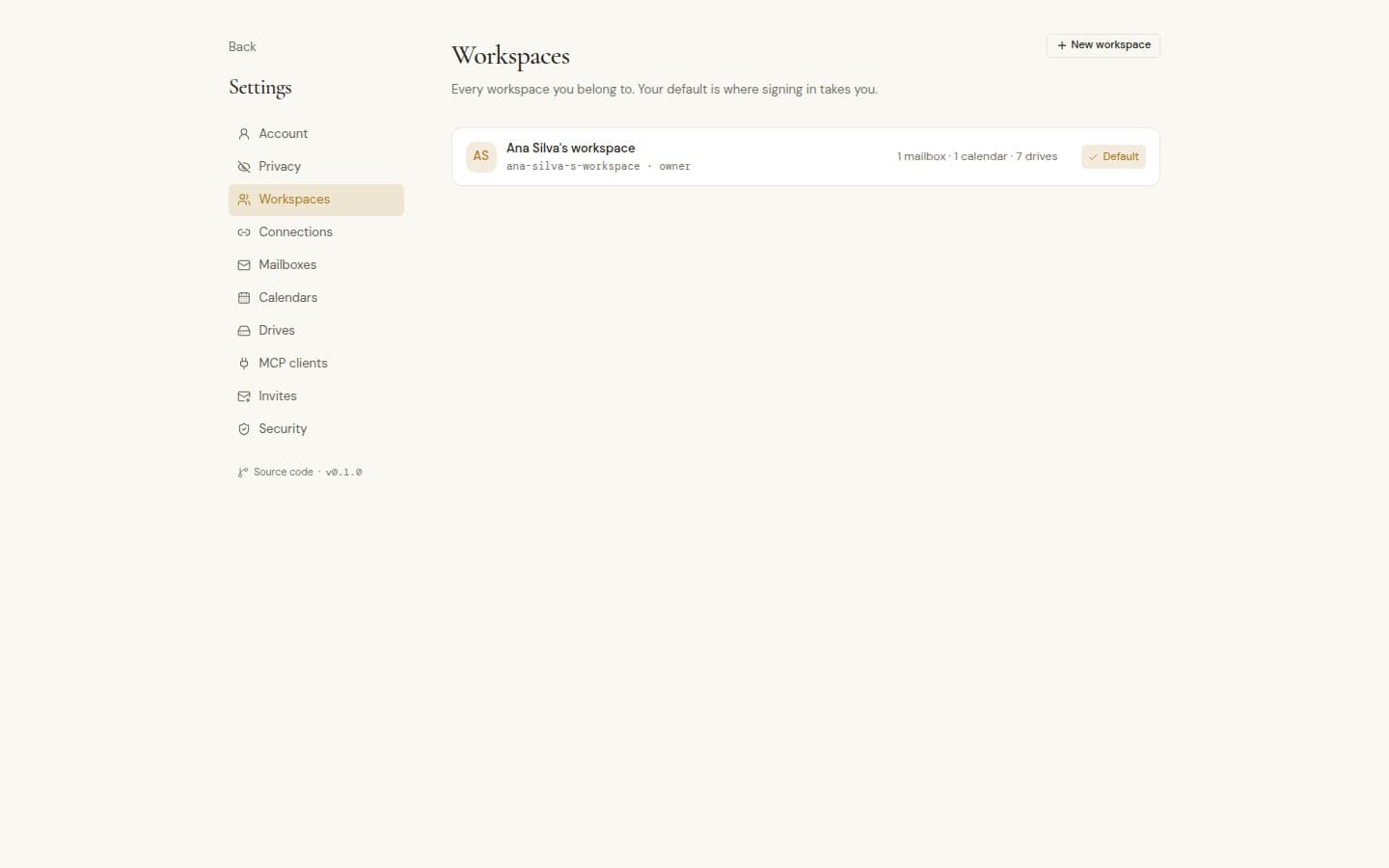
Everyone gets a personal workspace and can create more for a team, a client or a side project, each with its own mailboxes, calendars and drives.
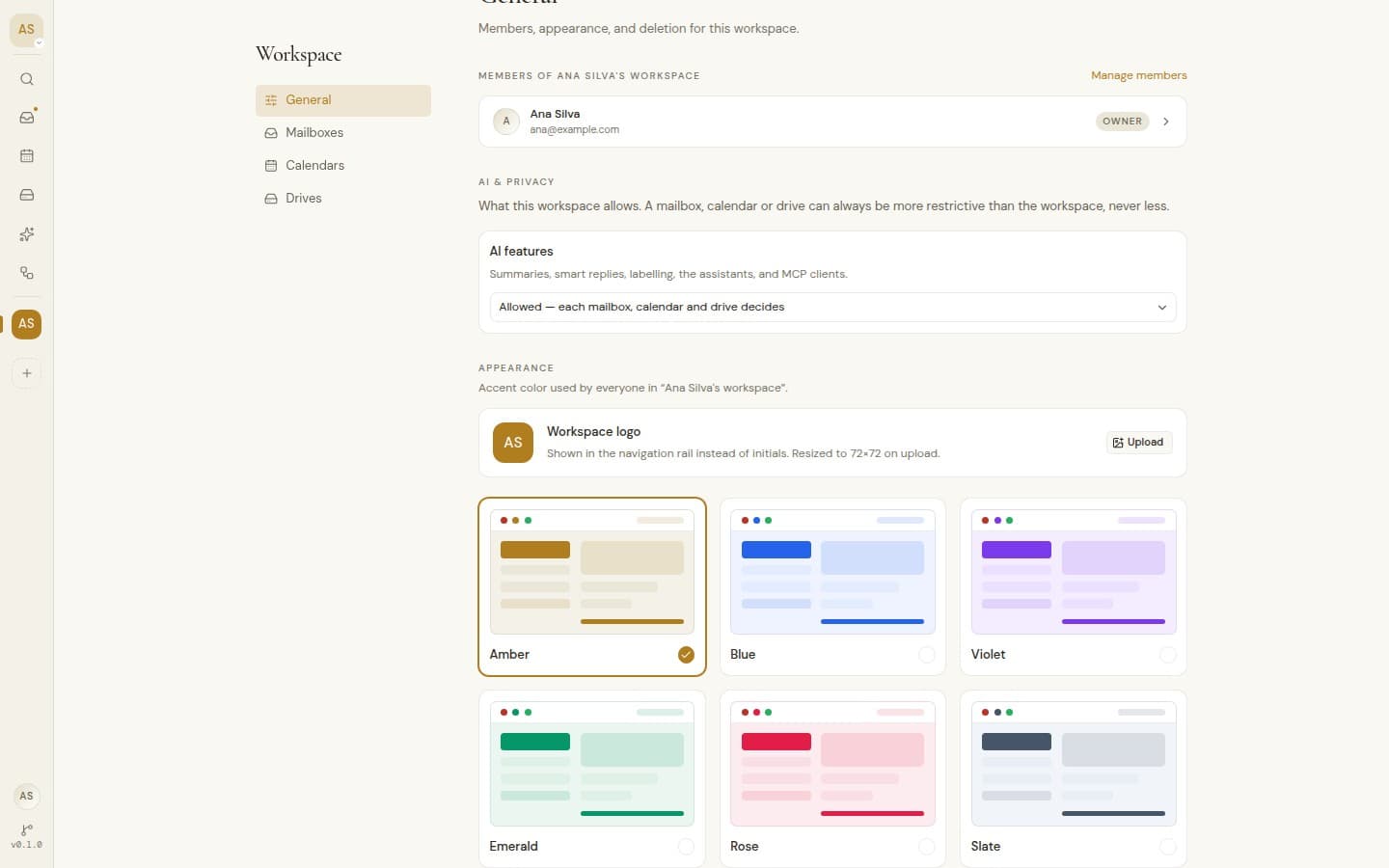
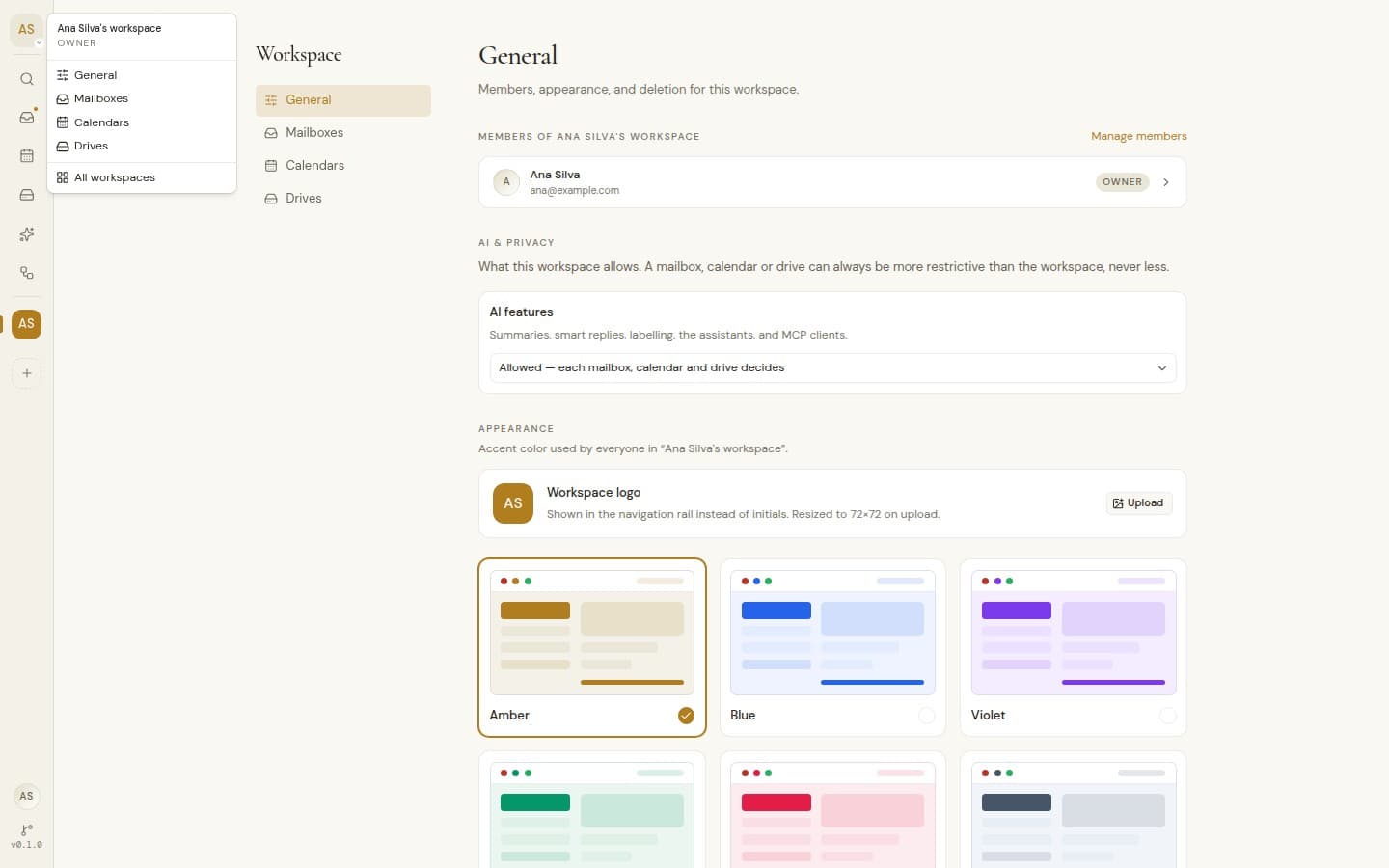
Personal and team workspaces
Personal and team workspaces
A personal workspace for everyone, and as many team workspaces as you need.
Shared or private
Share each mailbox, calendar or drive with the workspace, or keep it to yourself.
Owner, admin and member
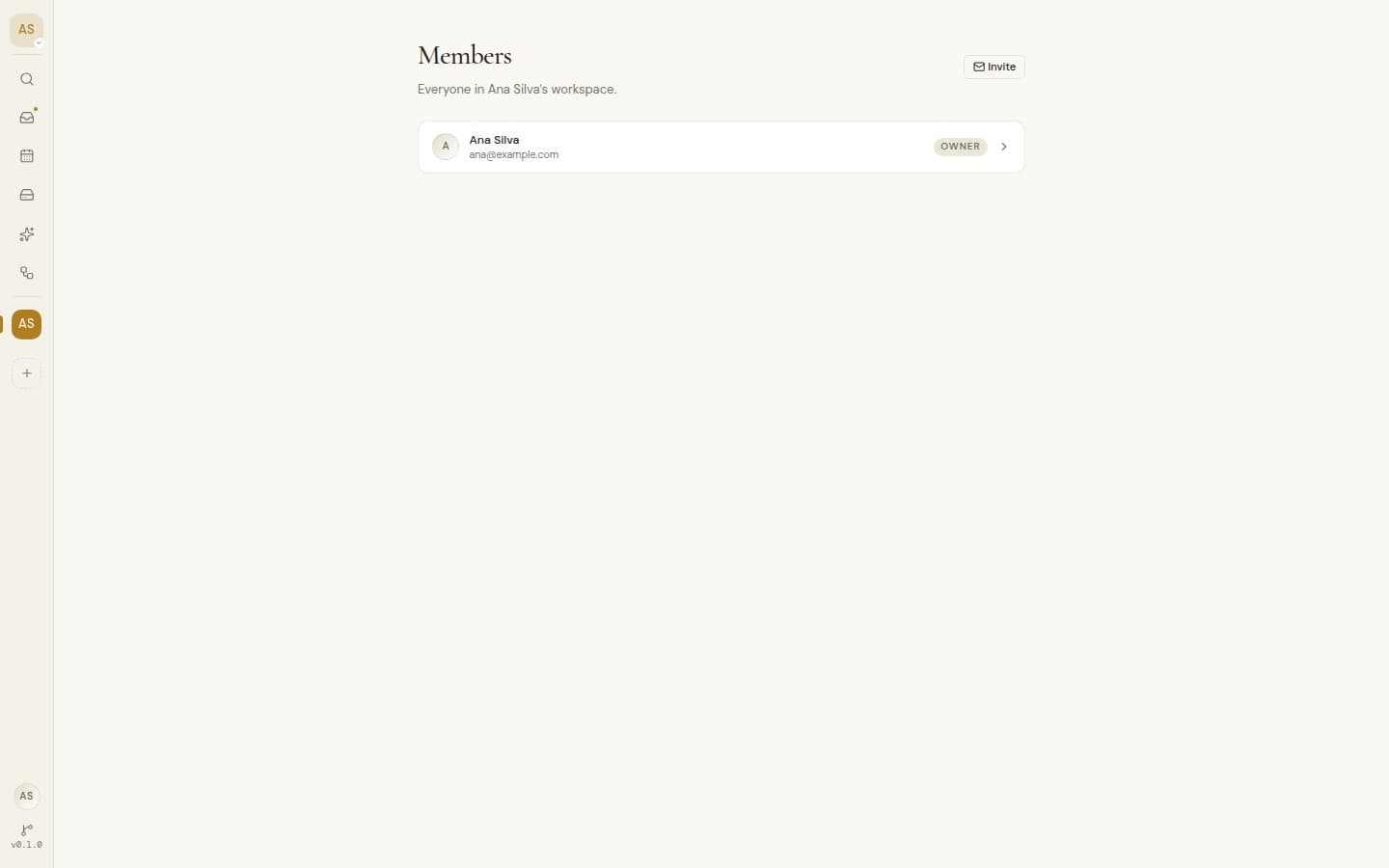
Make someone an admin, transfer ownership, or remove a member.
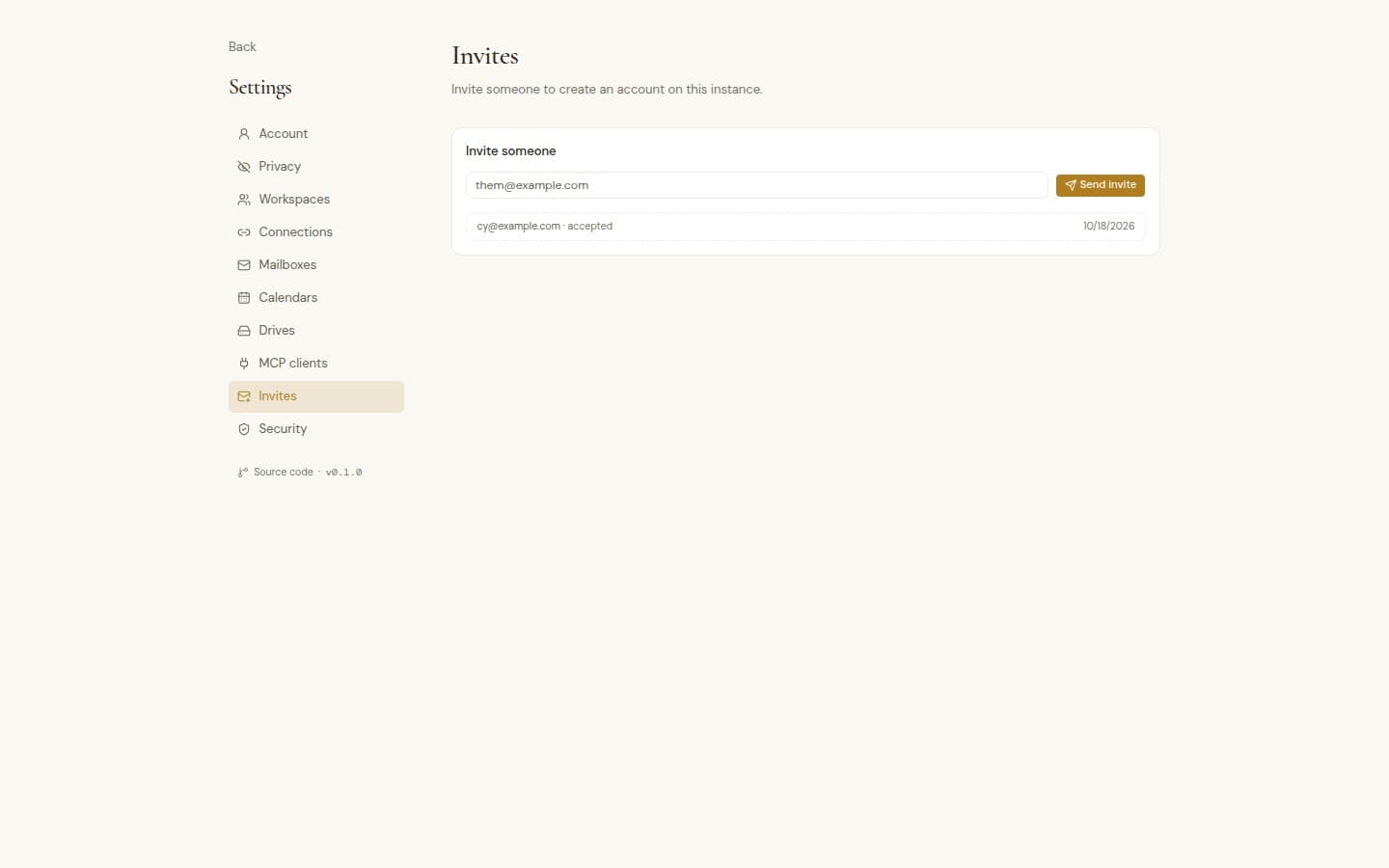
Invites by email
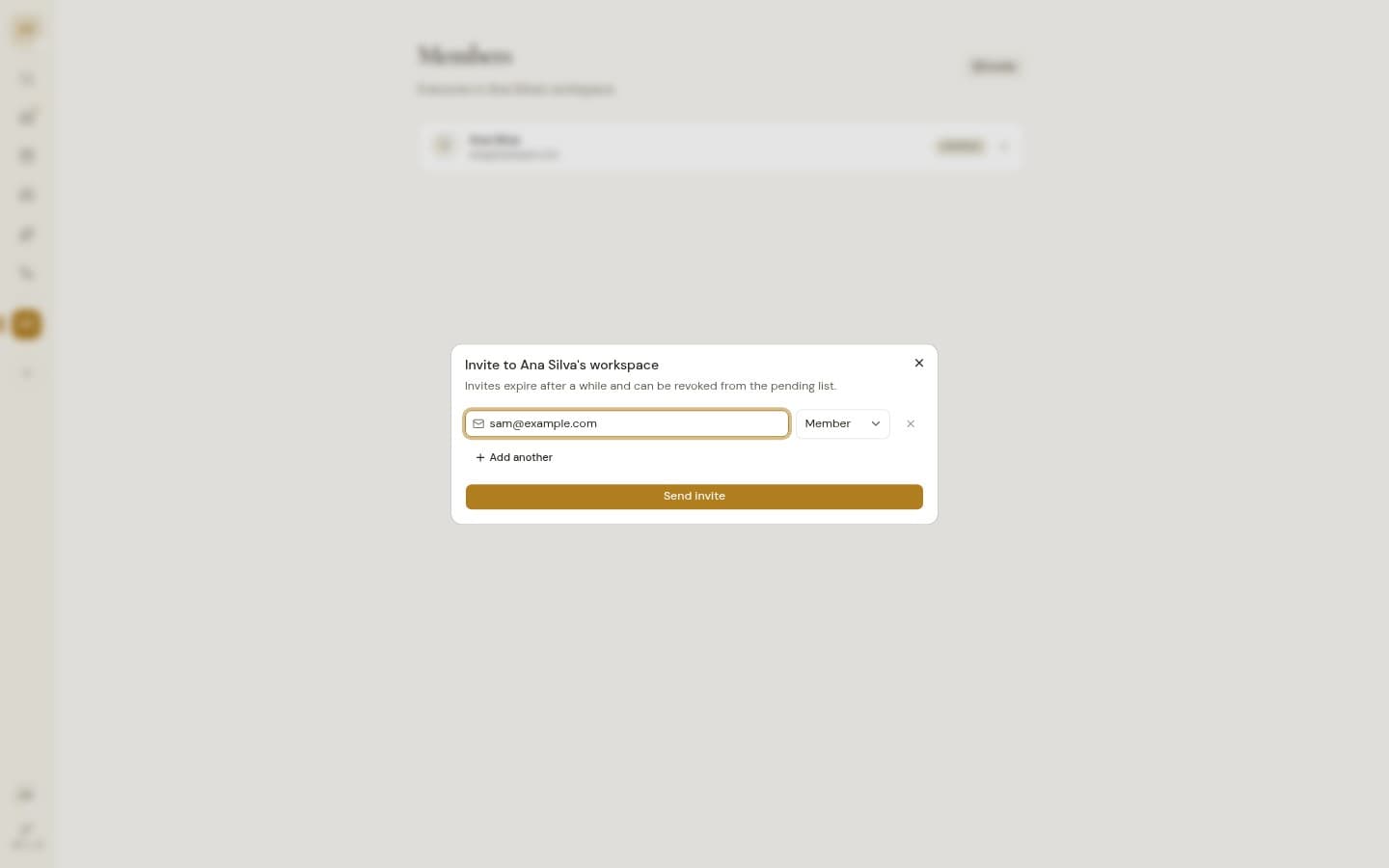
Admins invite people to a workspace with a role. Anyone can share a sign-up link that lasts seven days.
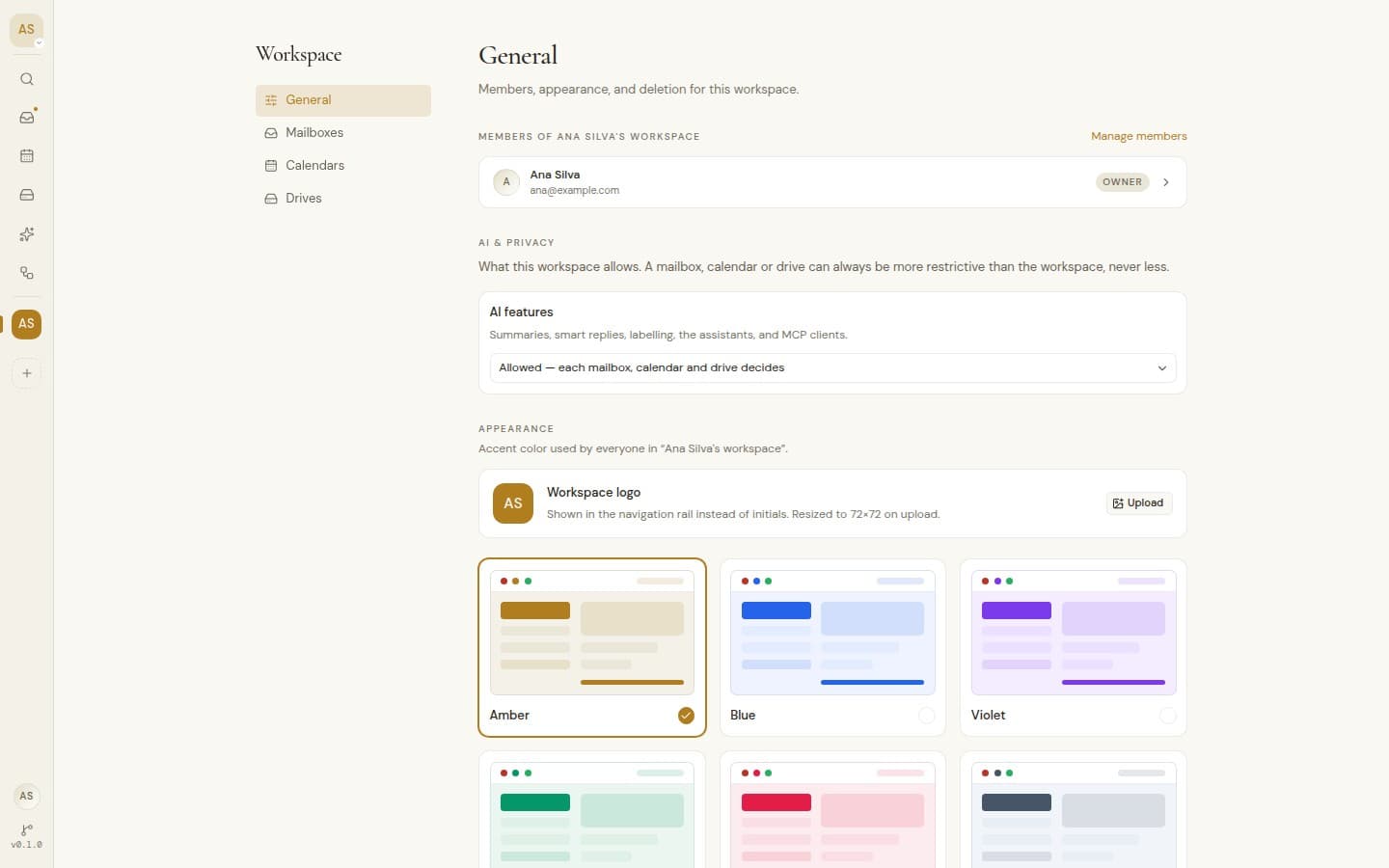
Workspace branding
Six accent colors and your own logo, applied for everyone. Each person picks light or dark.
Jump between workspaces
Alt or Option with 1 to 9 switches workspace instantly.