One contacts app for Google Contacts, Outlook, Zoho Contacts and CardDAV address books
People, next to the mail.
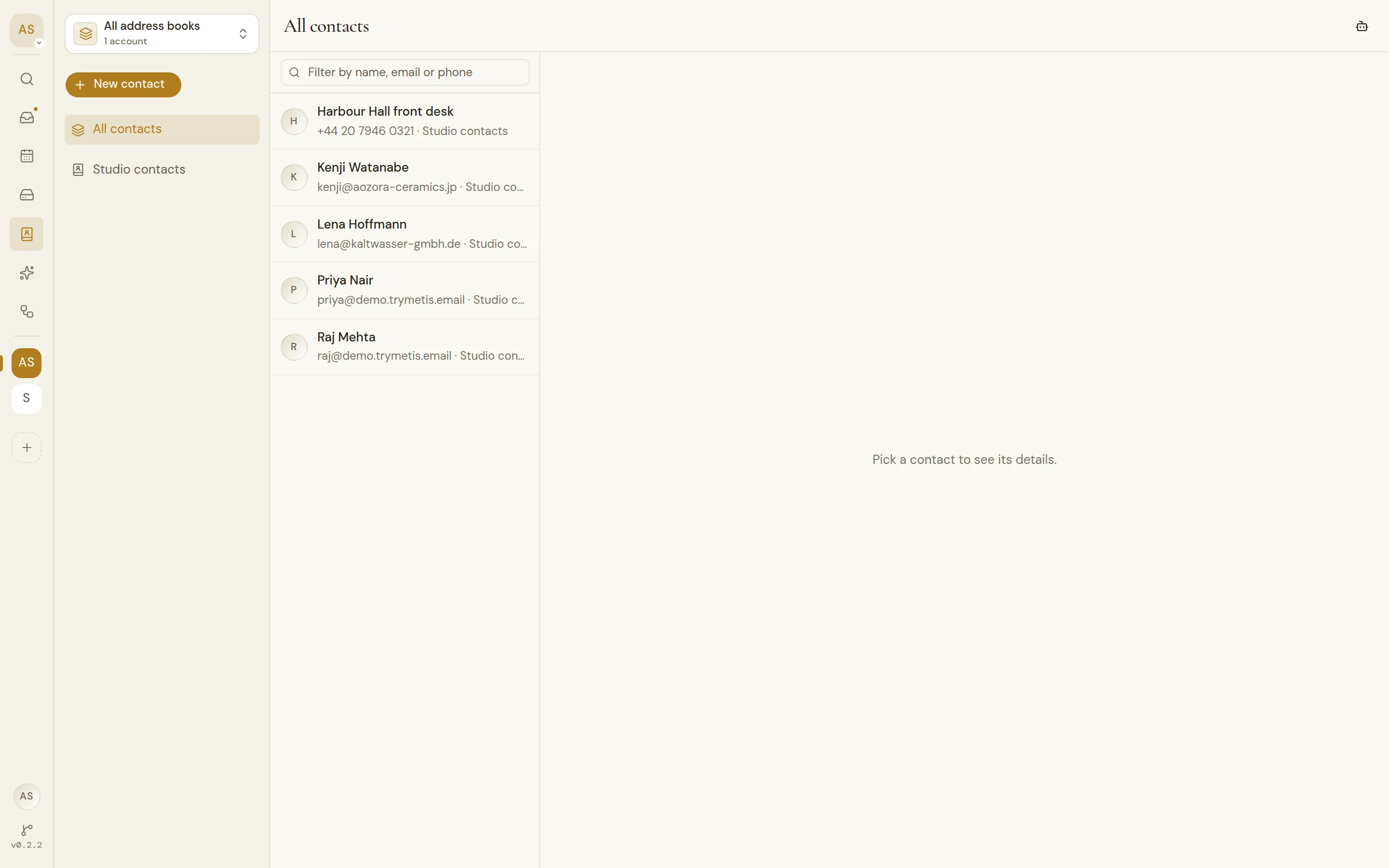
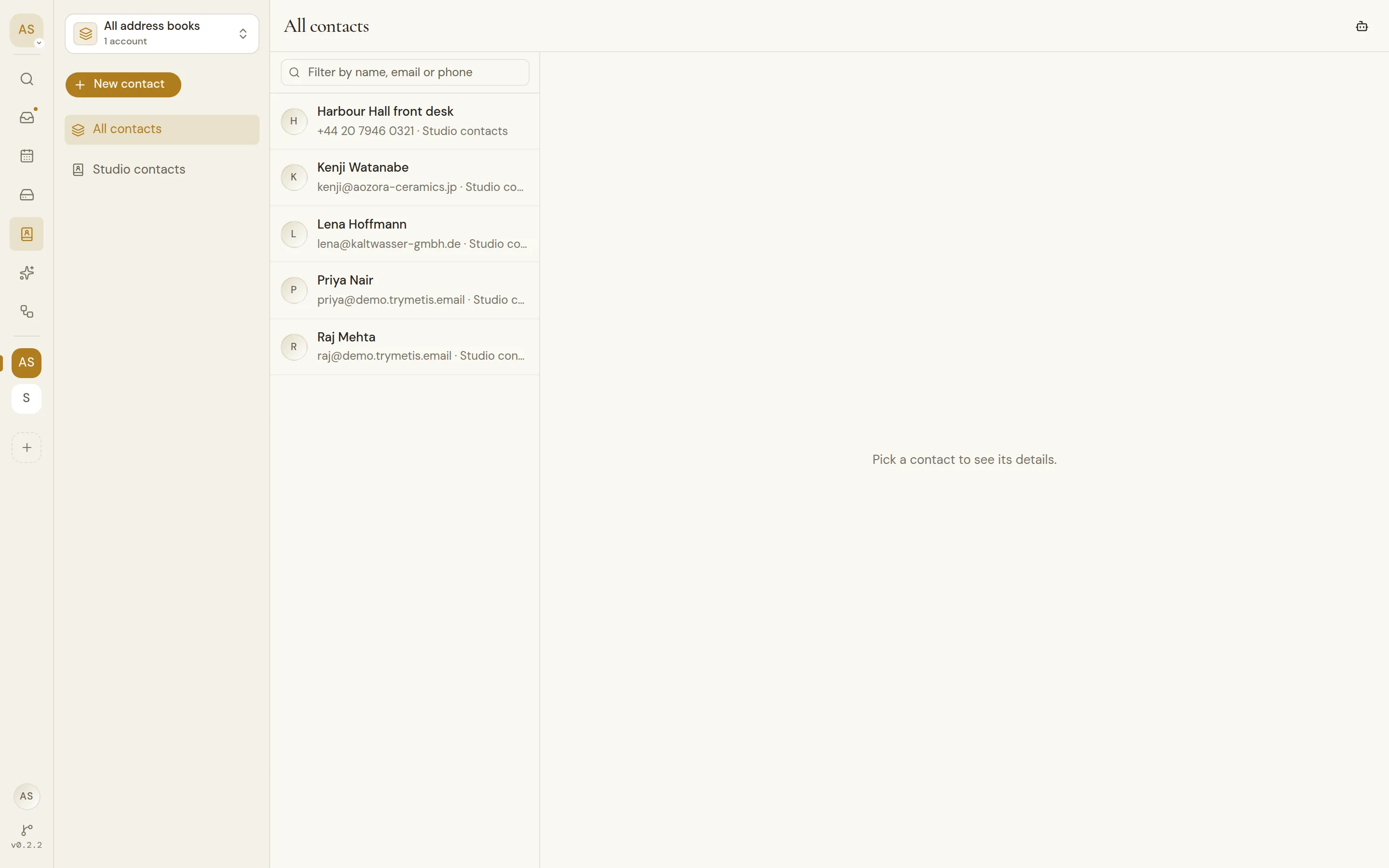
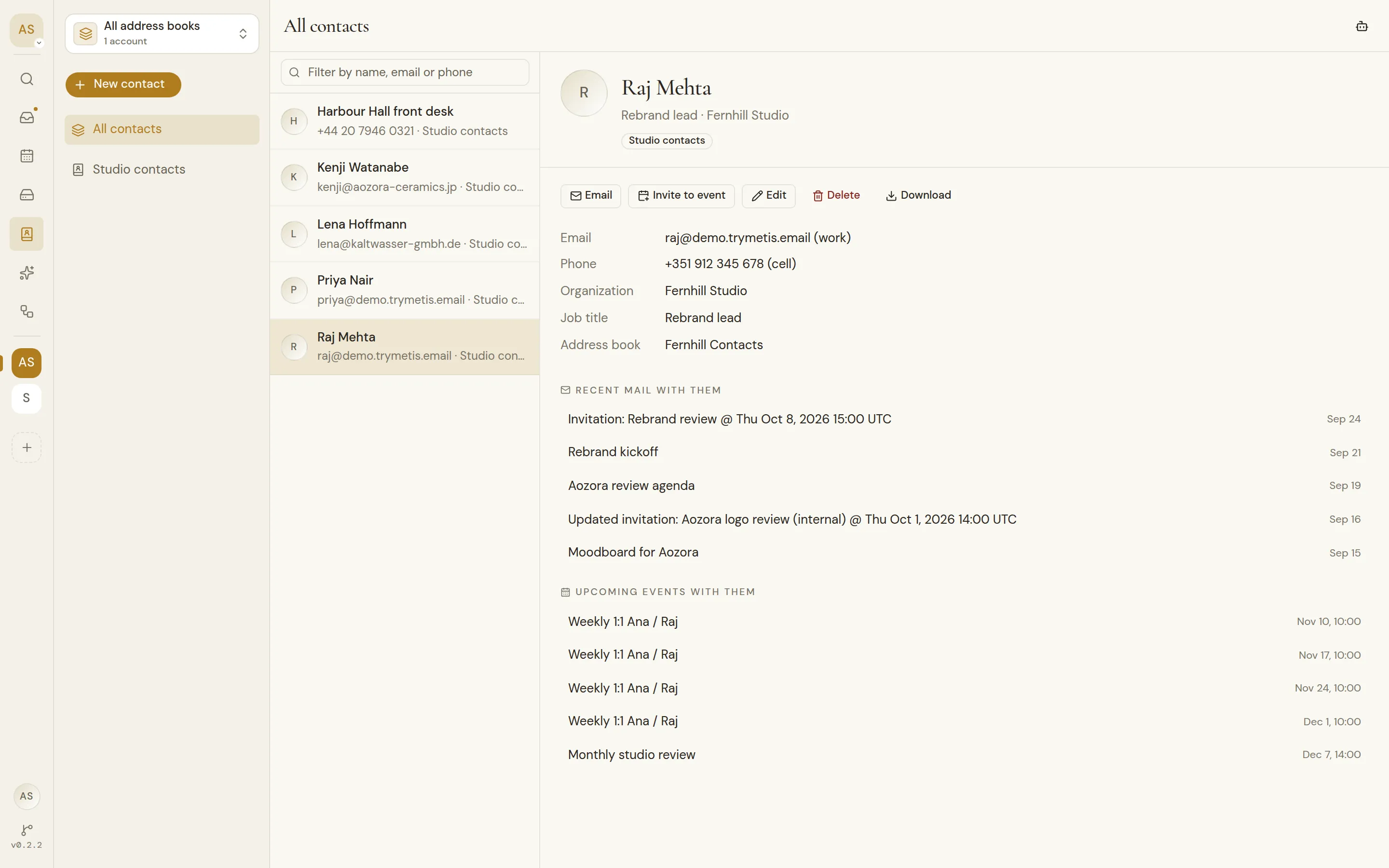
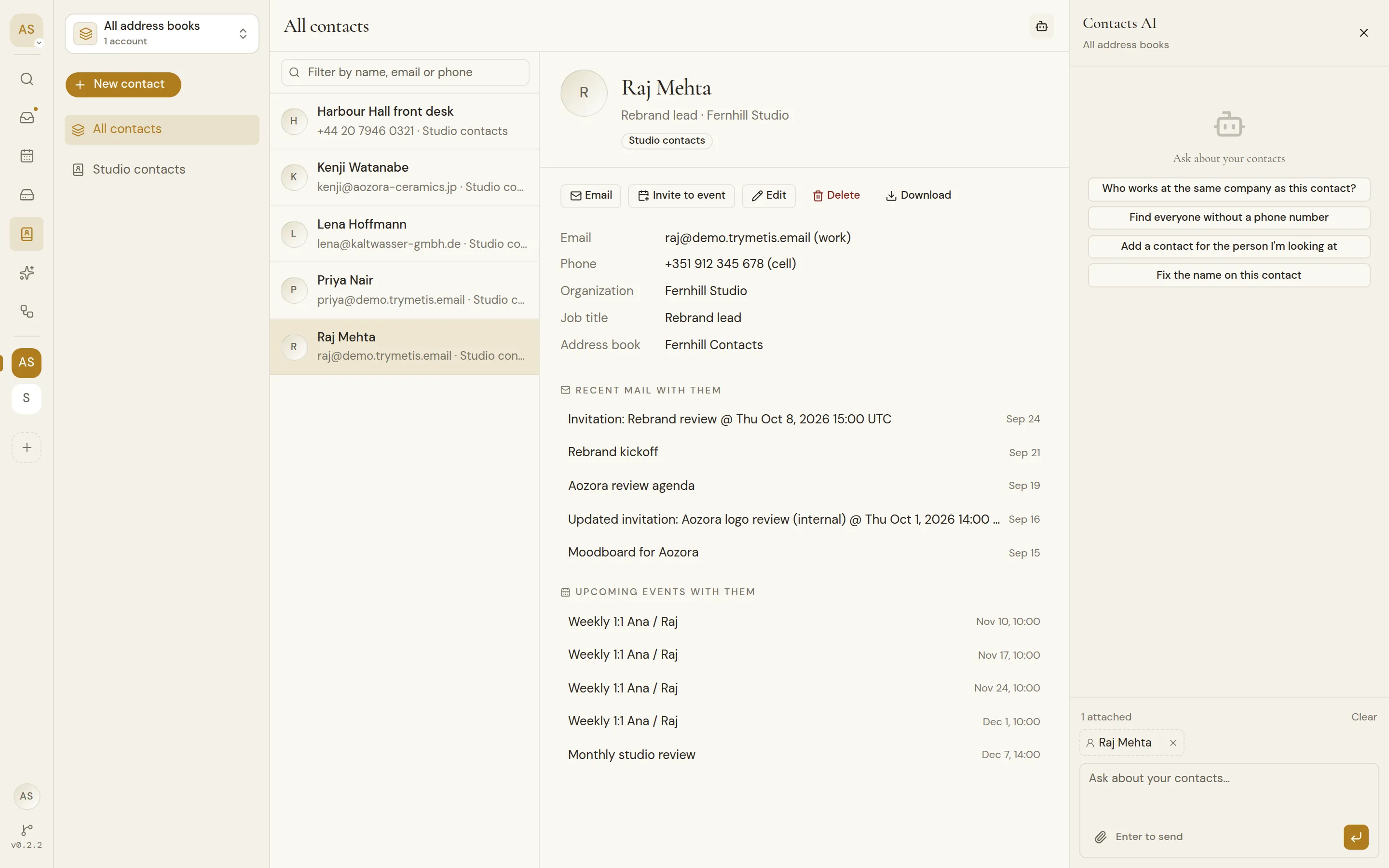
Every address book in the workspace in one list, beside the mail, calendars and files you share with the people in it.
Every address book, one list.
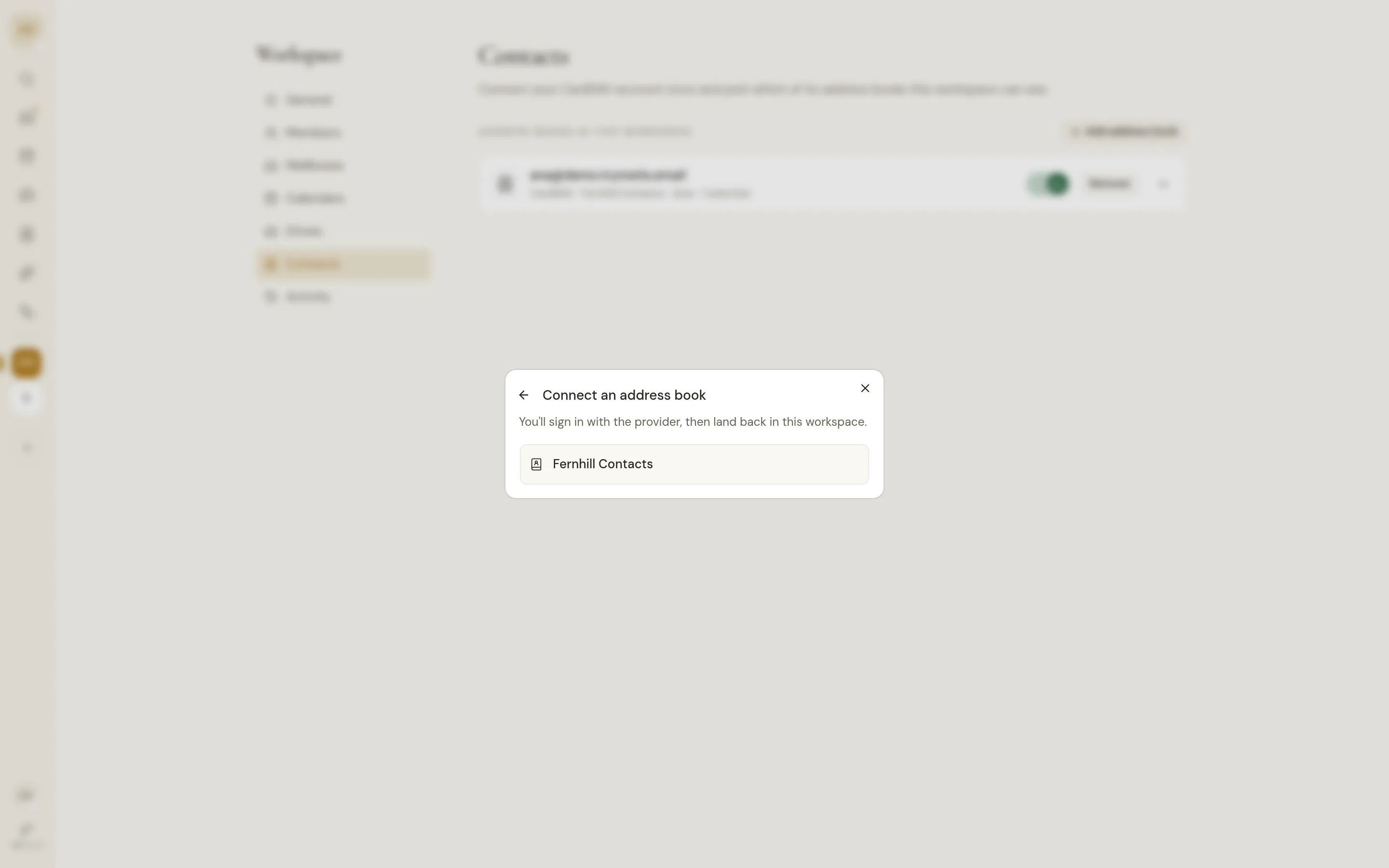
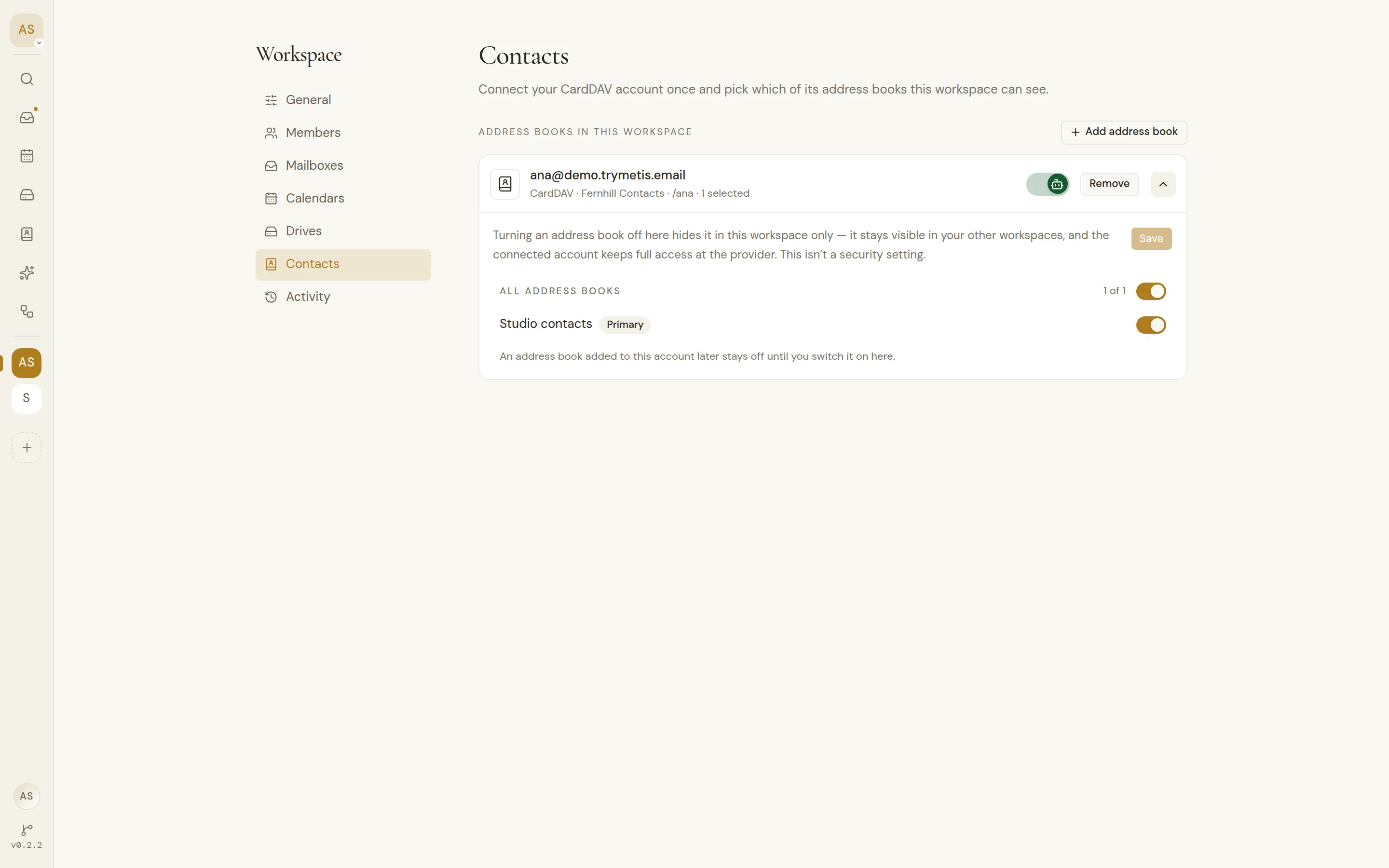
Google, Outlook and Zoho contacts come with the account you connect. CardDAV address books come from servers the instance owner adds.
Google Contacts, Outlook, Zoho Contacts, CardDAV
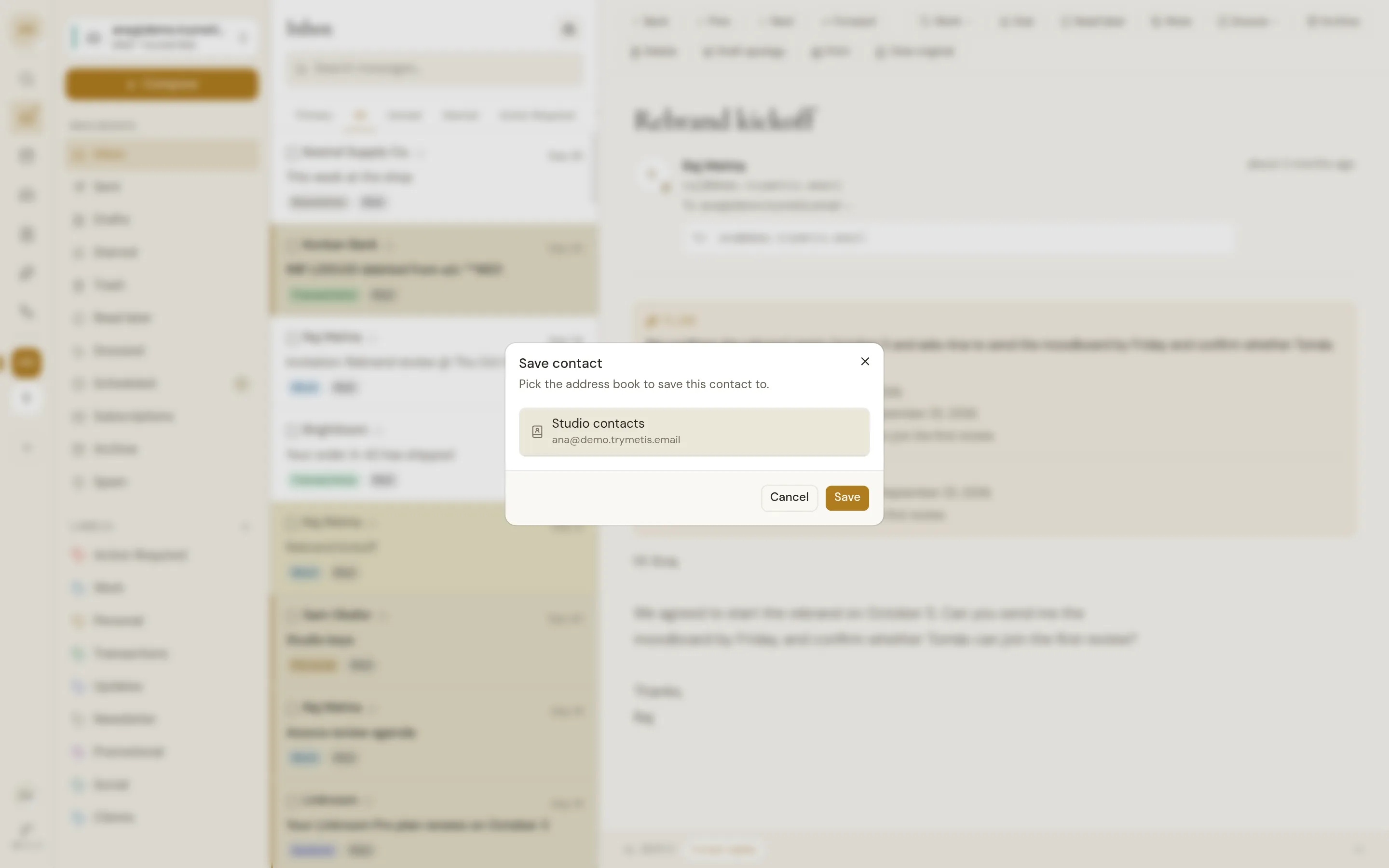
Save them where you meet them.
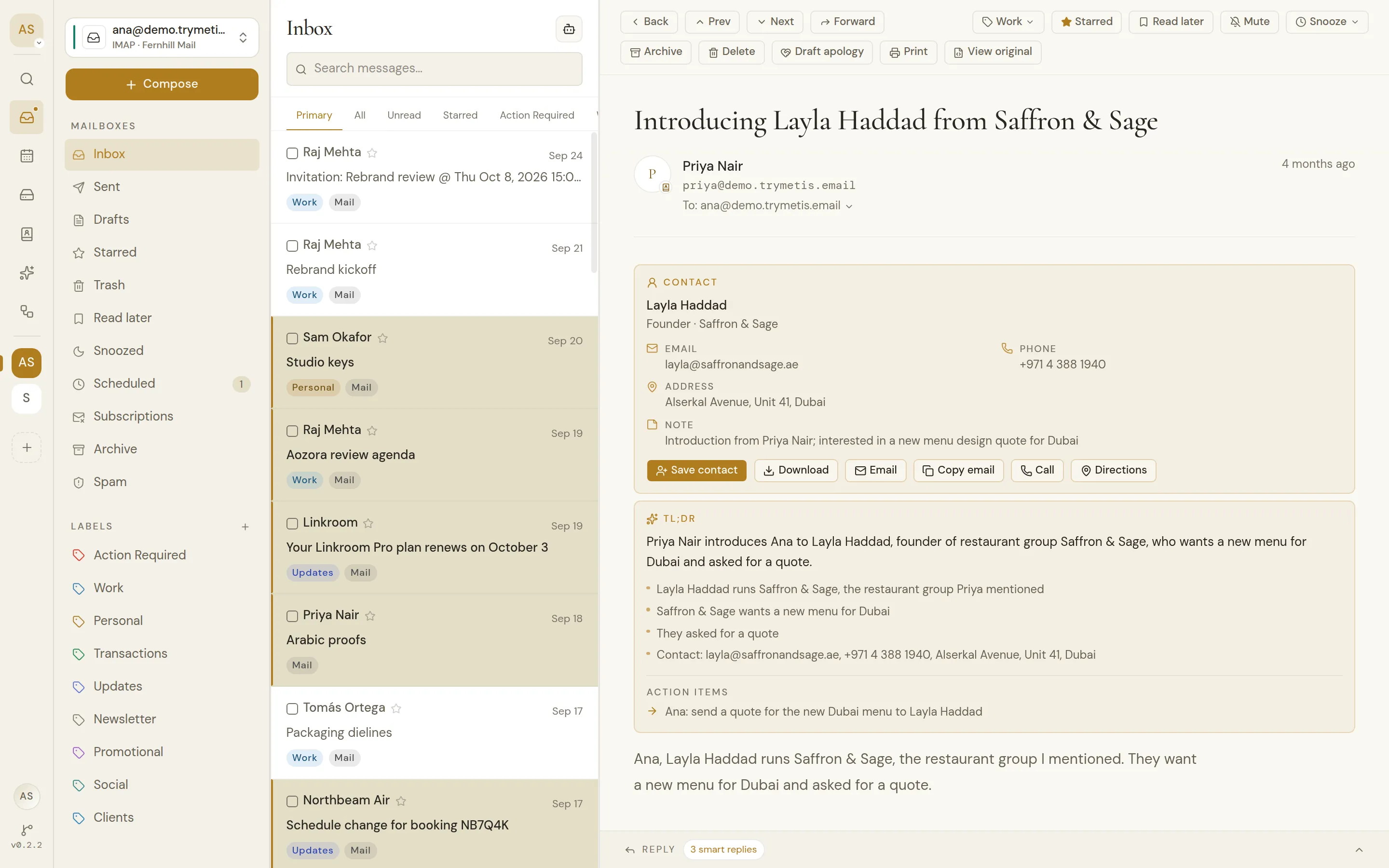
Add anyone on an email to the address book you pick, or save the person a summary found, with their details filled in.
Tidy up, with your approval.
Ask the contacts agent who works where, or have it add and fix contacts. Every change waits for you to approve it.
Every address book, one list.
Google, Outlook, Zoho and CardDAV contacts next to your mail, saved from any email in one click.
Google, Outlook, Zoho and CardDAV
Google, Outlook, Zoho and CardDAV
Google, Outlook and Zoho contacts come with the account you connect. CardDAV servers are added by the instance owner.
All contacts in one list
Every address book in the workspace merged and sorted by name, or one book at a time.
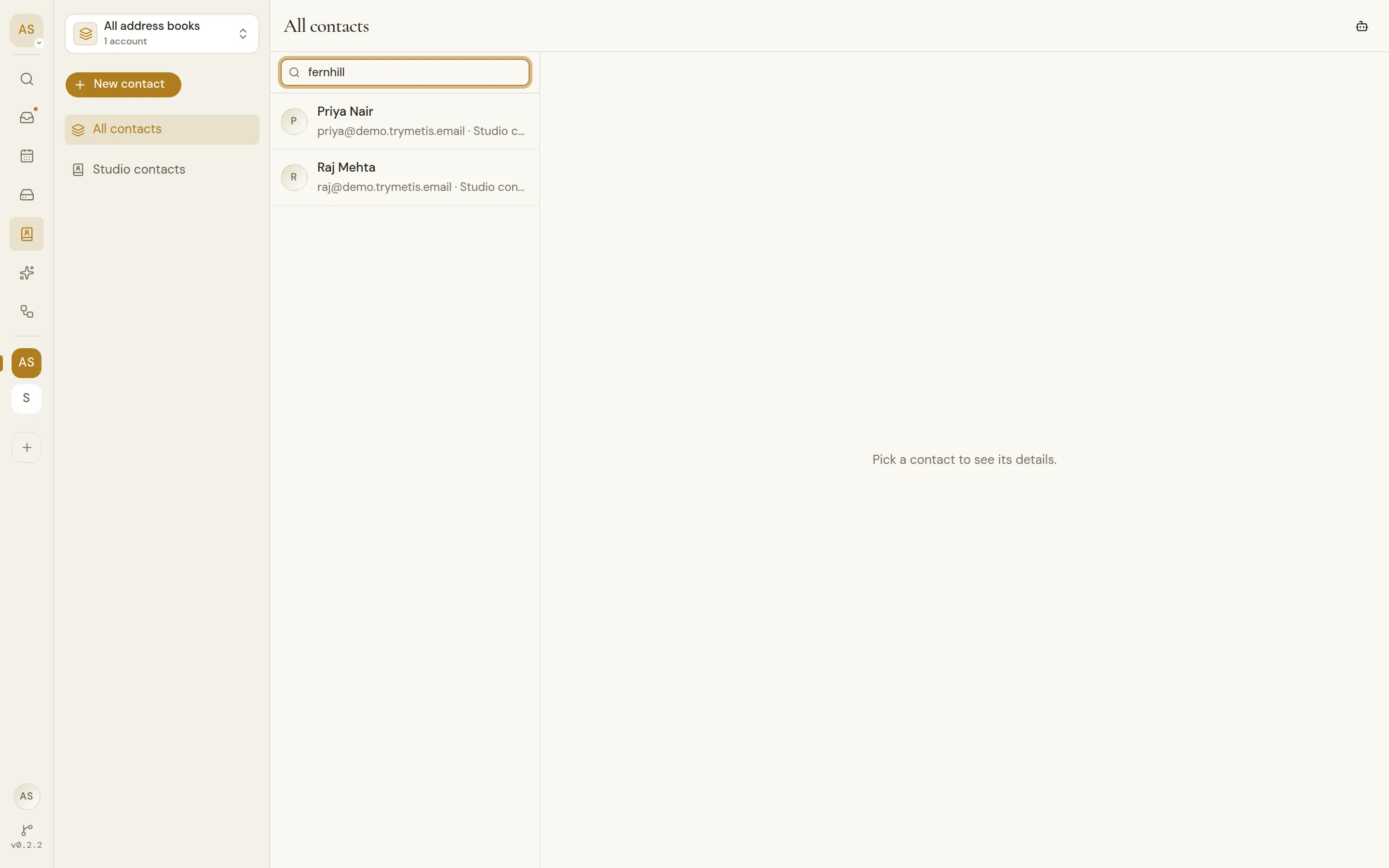
Filter as you type
Narrow the list by name, email, phone, organization or job title.
Books and groups
Outlook folders and CardDAV address books show as books; Google groups and Zoho categories filter the list.
The whole contact
Emails, phones, addresses, organization, birthday, website and notes, with recent mail and upcoming events with them.
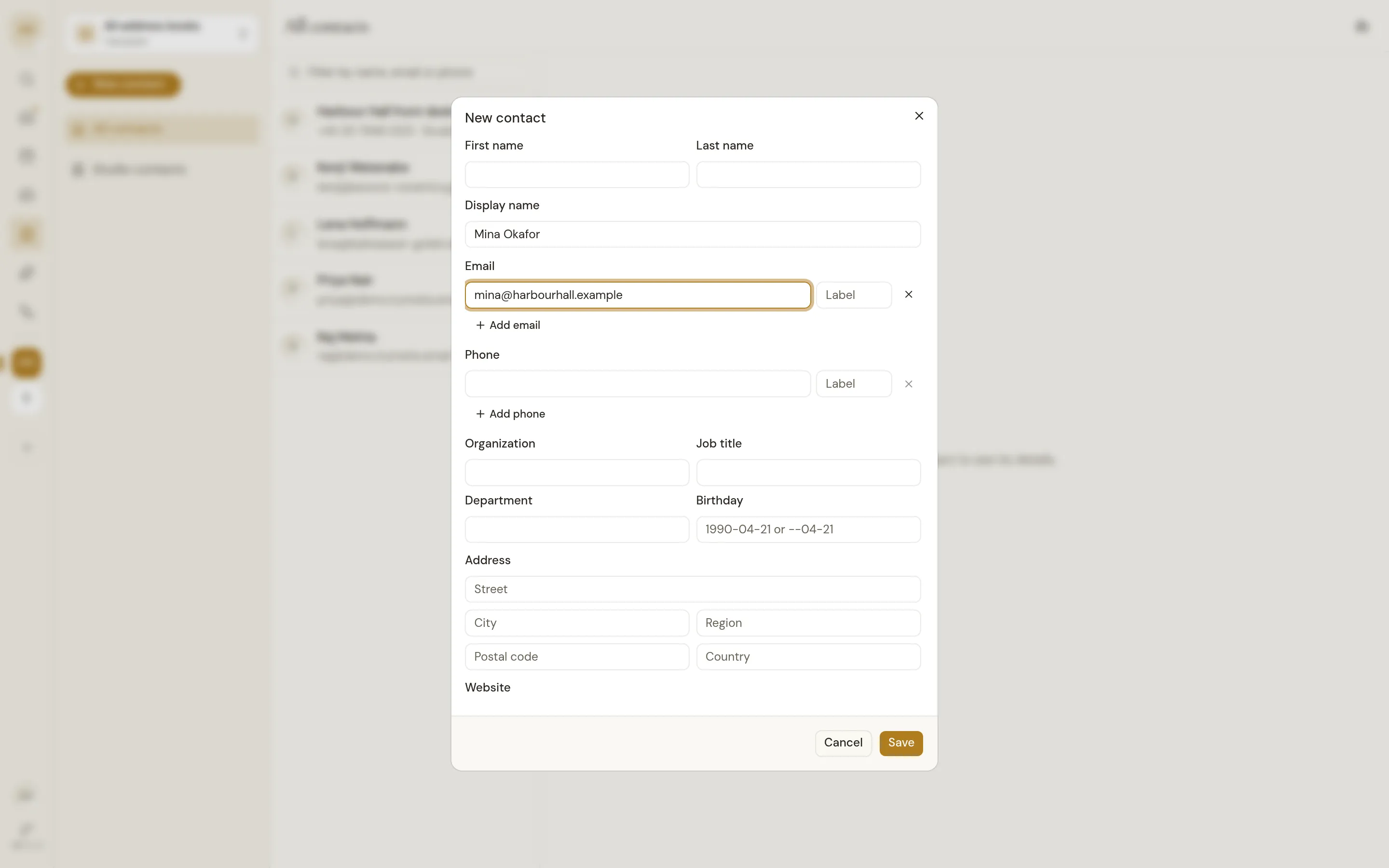
Create, edit and delete
Changes are saved at the provider, so every app on that address book sees them.
Save from any email
Add a sender or recipient to the address book you pick, or open them if they are already saved.
Save from a summary
AI, opt inA summary's contact card saves the person with their name, company, phone and address filled in.
Suggestions that know them
Saved contacts come first when you address mail or search for a person.
Choose what each workspace sees
Pick which address books show in each workspace. A new one stays hidden until you switch it on.
Read-only books respected
A CardDAV address book your login can only read is marked, and nothing tries to write to it.
In workflows and MCP
Workflow steps and MCP clients list, search and save contacts too.
Contacts agent
AI, opt inAsk about your contacts, and add, fix or delete them once you approve.